
VoiceMyNote is made and published by ILLOM. AppBrain is an independent app data site and isn't affiliated with ILLOM. The app name, icon, screenshots and description belong to ILLOM and are shown as published on the App Store.
AppBrain's verdict
Established- Rating on App Store
- 4.92
- 39 ratings
- Last updated
- November 1, 2021
It doesn't have enough ratings yet to judge what users think.
Rankings
App Store top chartsApp Store Rankings for VoiceMyNote
Competitors
Similar apps and more from ILLOMAlternatives to VoiceMyNote








More from ILLOM


Releases
Updates seen on the App Store- Version
- 1.2.6
- Launched
- December 2013
No changelog data
User feedback
Ratings and reviews on the App StoreComments on VoiceMyNote for iOS
We don't have enough comments to show example comments. Please check back later.
Technology
Found in the app by AppBrain- Price
- $2.99
- App size
- 86.4 MB
- Content rating
- Everyone
Technologies used by VoiceMyNote
About the app and developer
About VoiceMyNote
VoiceMyNote is a music app developed by ILLOM.
User Ratings
VoiceMyNote is rated 4.92 out of 5 stars. The rating is based on 39 ratings.
App Information
VoiceMyNote costs $2.99. The app size is 86.44 MB. The latest version available is 1.2.6. The last update was on November 1, 2021.
Technical Requirements
The app has a content rating of Everyone. The app has been available on the App Store since December 2013.
Developer information for ILLOM
Address:
Store listing
By ILLOM, from the App Store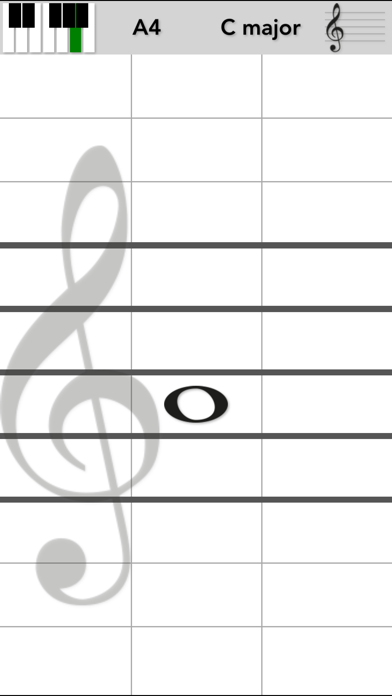
Description by ILLOM Written by the developer, not by AppBrain. Click to read.
Would you like to hear how a song sounds?
Want to map notes to keys on the piano?
Want to learn how to read notes?
Can you read notes but have problems with the key signatures?
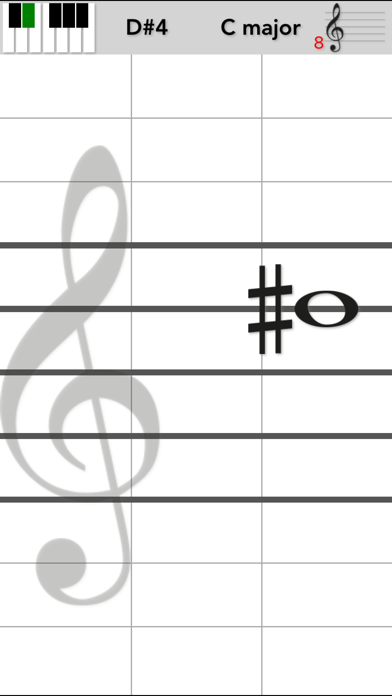
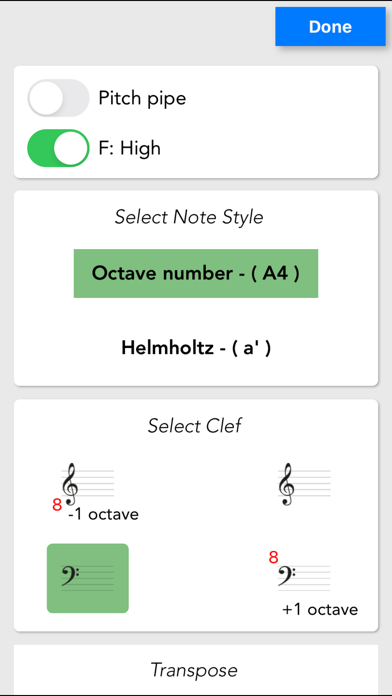
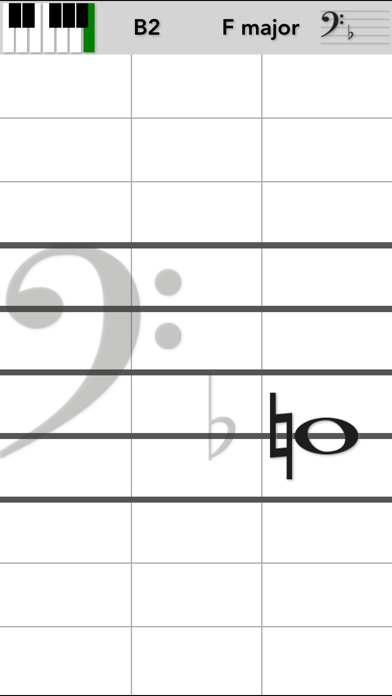
Use VoiceMyNote to play notes by tapping on the note sheet on your device. VoiceMyNote will play the note so you can sing it. You will also see where on the Piano that note can be played.
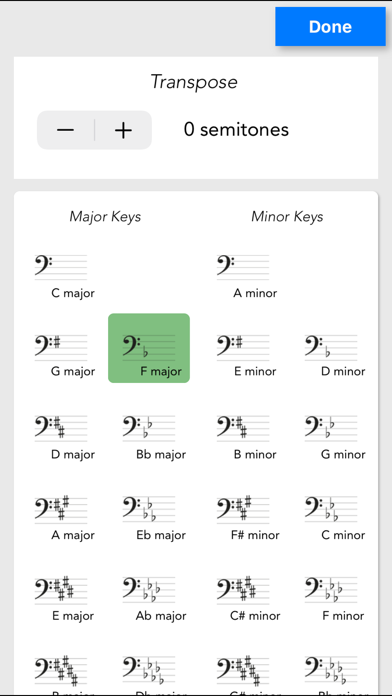
Select the Clef and Key you want to play and VoiceMyNote will automatically adjust tapped notes based on key and clef. Tap left to lower the note, tap right to raise it.
Choose any of the eight instruments by tapping the piano keyboard in the top left corner.
Activate the pitch pipe by tapping the key name. The pitch pipe is also activated when selecting key in settings.
It's as simple as that to be able to play sheet music on your iPhone, iPad or iPod touch...