

Web Inspector
Web Inspector is made and published by And a Dinosaur. AppBrain is an independent app data site and isn't affiliated with And a Dinosaur. The app name, icon, screenshots and description belong to And a Dinosaur and are shown as published on the App Store.
AppBrain's verdict
Established- Rating on App Store
- 3.86
- 160 ratings
- Last updated
- August 29, 2026
Users are divided: 3.9 stars from 160 ratings.
Rankings
App Store top chartsApp Store Rankings for Web Inspector
Competitors
Similar apps and more from And a DinosaurAlternatives to Web Inspector





More from And a Dinosaur


Releases
Updates seen on the App Store- Version
- 2.0.1
- Launched
- September 2021
No changelog data
User feedback
Ratings and reviews on the App StoreComments on Web Inspector for iOS
We don't have enough comments to show example comments. Please check back later.
Technology
Found in the app by AppBrain- Price
- Free
- App size
- 2.45 MB
- Content rating
- Everyone
Technologies used by Web Inspector
About the app and developer
About Web Inspector
Web Inspector is an overall app developed by And a Dinosaur.
What is the rating of Web Inspector?
Web Inspector is rated 3.86 out of 5 stars, based on 160 ratings.
Is Web Inspector free?
Web Inspector is free. The app size is 2.45 MB. The latest version available is 2.0.1. The last update was on August 29, 2026.
What are the requirements for Web Inspector?
The app has a content rating of Everyone. The app has been available on the App Store since September 2021.
Developer information for And a Dinosaur
Address:
Store listing
By And a Dinosaur, from the App Store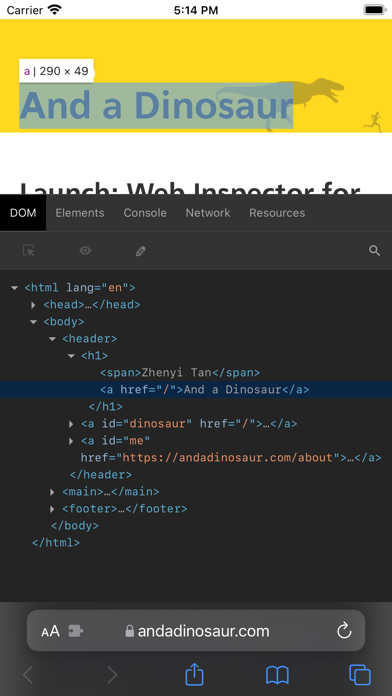


Description by And a Dinosaur Written by the developer, not by AppBrain. Click to read.
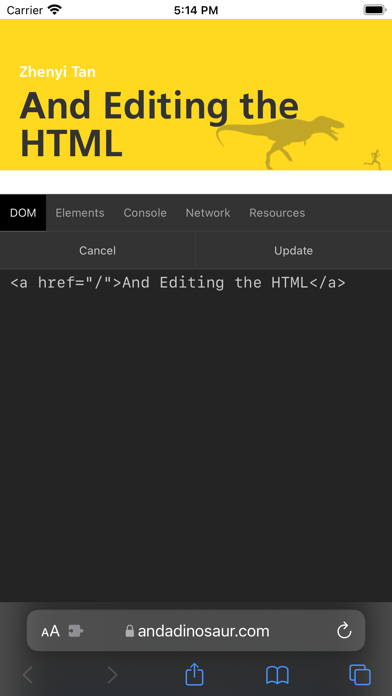
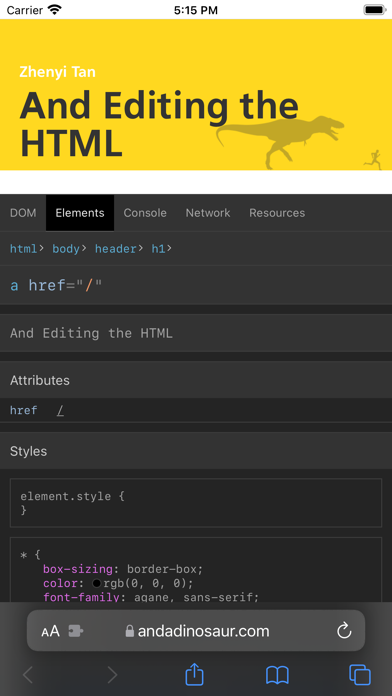
Elements: Browse the DOM tree and tap elements on the page to inspect them. View node details, styles, and computed values. Search the DOM, edit an element's HTML, and copy or delete nodes.
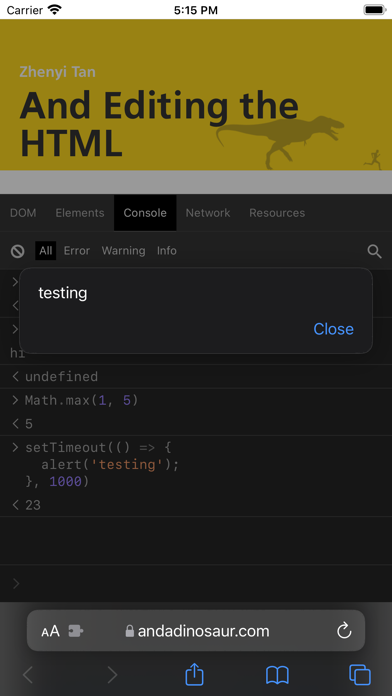
Console: Type JavaScript commands to debug, modify, and get information about your webpage.
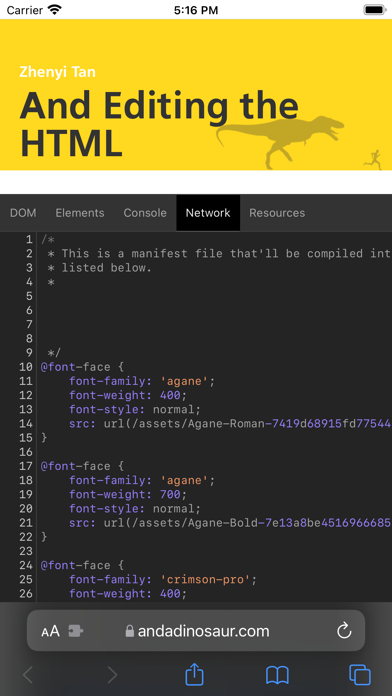
Sources: Read the webpage's source with syntax highlighting.
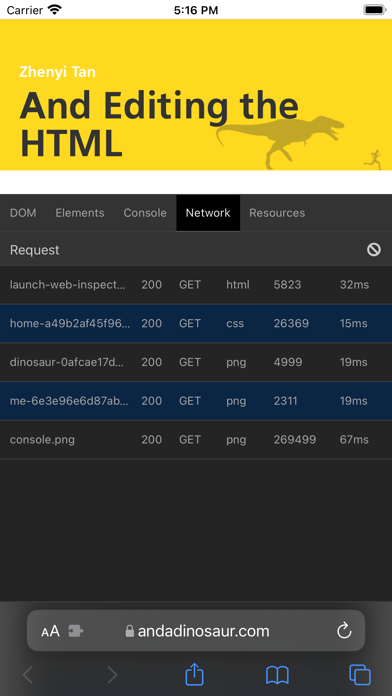
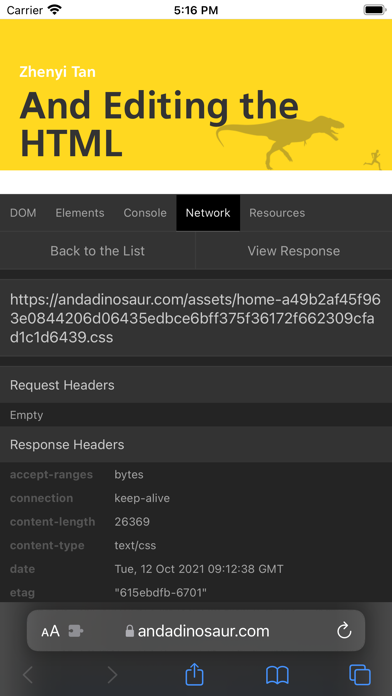
Network: See a list of network requests made by the webpage, with headers and responses. Filter requests, or copy one as a cURL command.
Resources: Find details about the data stored by a webpage, such as cookies, local storage, and session storage.
Tip: If you tap the Web Inspector button and nothing happens, reload the page once..