

WebToZebraPrint
WebToZebraPrint is made and published by Natuurnetwerk BV. AppBrain is an independent app data site and isn't affiliated with Natuurnetwerk BV. The app name, icon, screenshots and description belong to Natuurnetwerk BV and are shown as published on the App Store.
AppBrain's verdict
Established- Best rank
- #87
- Top Paid, Turkey
- Rating on App Store
- 1.00
- 1 ratings
- Last updated
- February 9, 2022
It doesn't have enough ratings yet to judge what users think. Its best ranking is #87 in Top Paid, Business in Turkey.
Rankings
App Store top charts- Highest rank
- #87
- Chart
- Top Paid
- Business
- Country
- Turkey
App Store Rankings for WebToZebraPrint
Top rankings
| Rank | Country | Category | List |
|---|---|---|---|
| 87 | Turkey | Business | Top Paid |
Ranking history in Turkey
Competitors
Similar apps and more from Natuurnetwerk BVAlternatives to WebToZebraPrint





Releases
Updates seen on the App Store- Version
- 1.0.7
- Launched
- March 2016
No changelog data
User feedback
Ratings and reviews on the App StoreComments on WebToZebraPrint for iOS
We don't have enough comments to show example comments. Please check back later.
Technology
Found in the app by AppBrain- Price
- $9.99
- App size
- 43.9 MB
- Content rating
- Everyone
Technologies used by WebToZebraPrint
About the app and developer
About WebToZebraPrint
WebToZebraPrint is a business app developed by Natuurnetwerk BV.
User Ratings
WebToZebraPrint is rated 1.00 out of 5 stars. The rating is based on one rating ratings.
App Information
WebToZebraPrint costs $9.99. The app size is 43.92 MB. The latest version available is 1.0.7. The last update was on February 9, 2022.
Technical Requirements
The app has a content rating of Everyone. The app has been available on the App Store since March 2016.
Developer information for Natuurnetwerk BV
Address:
Store listing
By Natuurnetwerk BV, from the App Store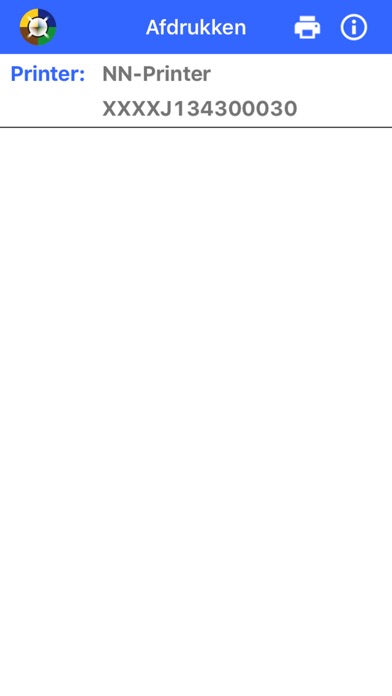

Description by Natuurnetwerk BV Written by the developer, not by AppBrain. Click to read.
WebToZebraPrint enables you to execute print jobs from your web application to a mobile Zebra printer with Bluetooth.
How does it work:
An URL-scheme allows you to open the WebToZebraPrint app triggered by your web application. The URL includes several query string parameters like a base64encoded string which contains your own generated ZPL - or CPCL code. Once the URL is executed by your web application, the WebToZebraPrint app opens up, execute the print job and return to the calling web application.