It doesn't have enough ratings yet to judge what users think.
WeldConnect is made and published by
Fronius International GmbH.
AppBrain is an independent app data site and isn't affiliated with Fronius International GmbH.
The app name, icon, screenshots and description belong to Fronius International GmbH and are shown as
published on the App Store.
About WeldConnect
WeldConnect is an utilities app developed by Fronius International GmbH.
What is the rating of WeldConnect?
WeldConnect is rated 4.18 out of 5 stars, based on 17 ratings.
Is WeldConnect free?
WeldConnect is free. The app size is 144.55 MB. The latest version available is 2.4.10. The last update was on September 28, 2023.
What are the requirements for WeldConnect?
The app has a content rating of Everyone. The app has been available on the App Store since September 2017.
Description by Fronius International GmbH(from the App Store)
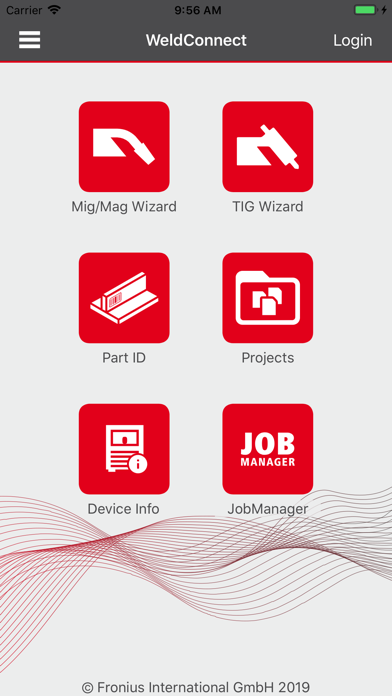
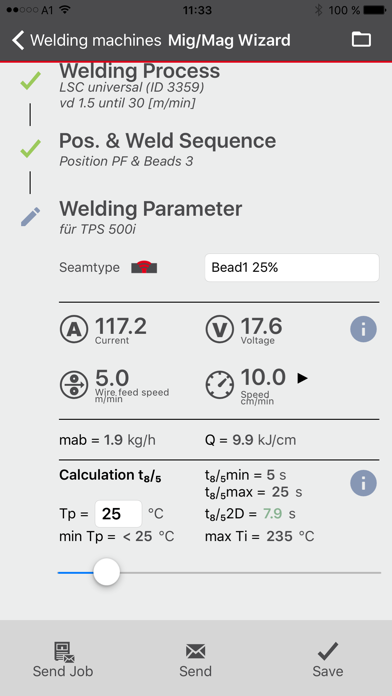
WeldConnect, the new welding app from Fronius, provides you with a whole host of options for functional use and wireless interaction with the current generation of Fronius systems in many different languages.
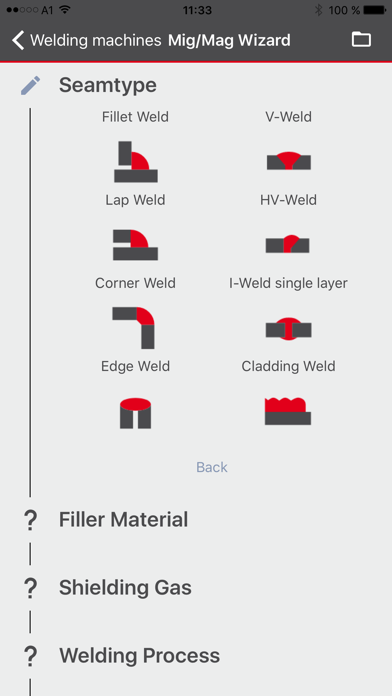
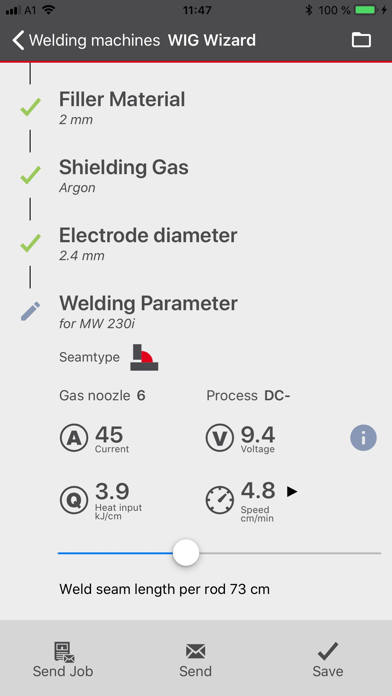
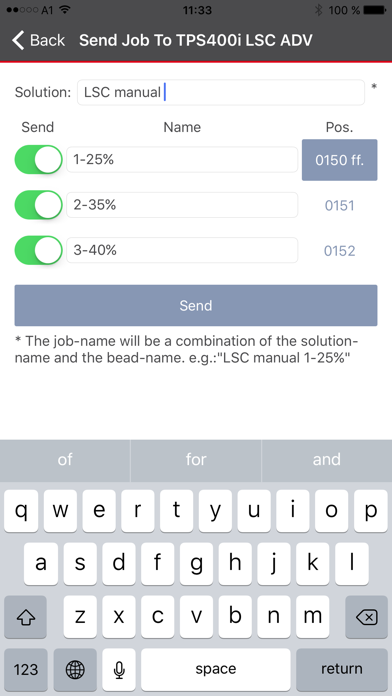
Intelligent wizards for MIG/MAG and TIG guide you quickly and easily to the right output parameters for your welding solution. In combination with the JobManager, you can conveniently create, manage, and transfer welding set values in no time using a mobile device. With the keyless function, welding systems can be unlocked and locked without a key (i.e. without an NFC card). You can view information about welding systems connected to the app with ease. In combination with WeldCube Premium, this enables tracing actual data that has been documented at component level—even when welding manually.
WeldConnect—a recap of your benefits at a glance: / Always keep your welding solutions close to hand, on all your mobile devices / Find a solution quickly and easily with the wizard / Wireless interaction with the welding system—also via Bluetooth / Straightforward capture of component information for welding data documentation / Save, send, and edit jobs / Unlock welding systems without a key (i.e. without an NFC card) / Easy configuration of the WeldCube Connector
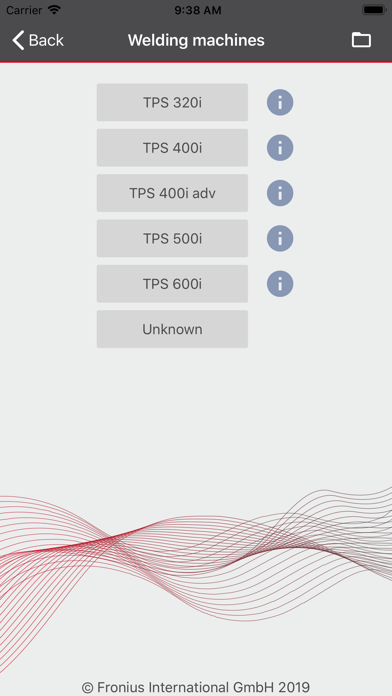
All WeldConnect features in detail. / How does the wizard work? The Wizard supports the selection of the correct welding parameters. This set of welding parameters can be transmitted wirelessly to the welding device. This saves time when setting all welding parameters. The Wizard is available for MIG/MAG and TIG. The parameters can be saved online and retrieved at any time.
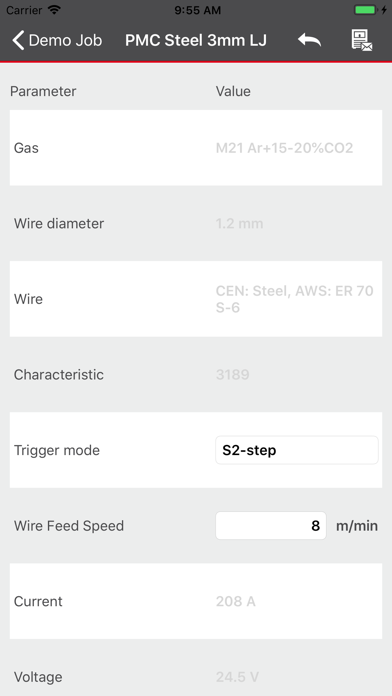
/ What does the JobManager do? Save and edit all jobs (sets of target parameter sets) of the connected welding device directly in the app. The saved jobs can thus be transferred wirelessly to another welding device.
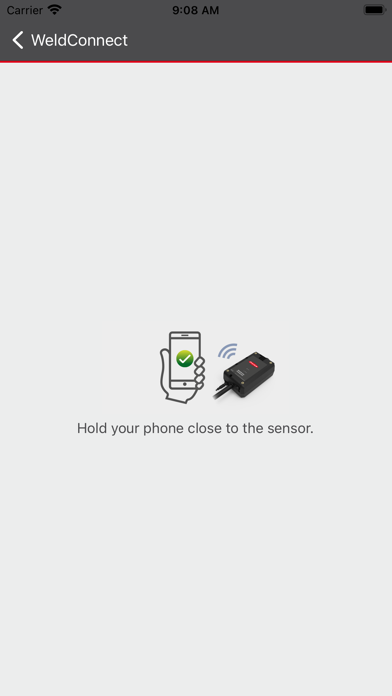
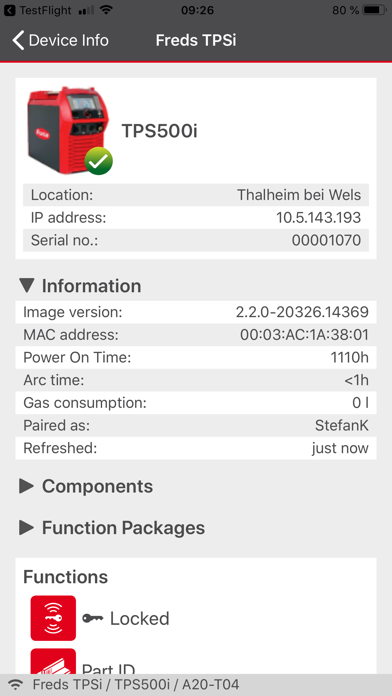
/ Device Information The Device Information area provides a comprehensive overview of all of the main configuration data, components, and available function packages. From there, you can also access the SmartManager (system website) for the connected welding system quickly and easily. The keyless function allows authorized users to log in to and out of the system without an NFC card.
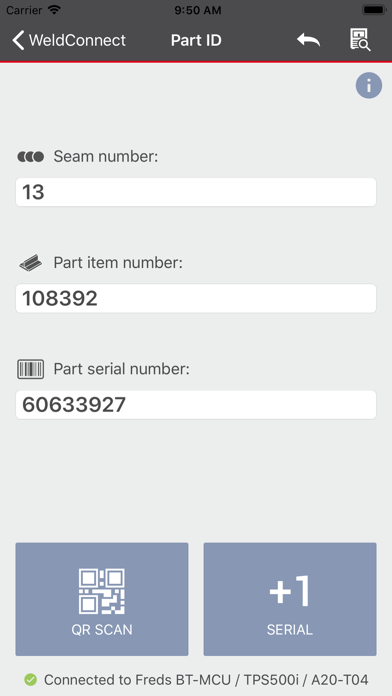
/ Component-related documentation Consistent component documentation through simple and fast recording (manual input or scan function) of component information: Component part number, component serial number and seam number. With this feature you can guarantee that the welding data recorded is consistently assigned to the same component. Combined with WeldCube Premium, this provides a wide range of options in terms of visualization, statistics, and analysis.
/ WeldCube Connector With WeldConnect, the WeldCube Connector can be configured quickly and easily.
Each subscription will automatically renew 3 days before the expiration date for
the same time period. Subscriptions can be cancelled at any time before the renewal.