It doesn't have enough ratings yet to judge what users think.
What Would You Do at Home If ... Fun Deck is made and published by
Super Duper Publications.
AppBrain is an independent app data site and isn't affiliated with Super Duper Publications.
The app name, icon, screenshots and description belong to Super Duper Publications and are shown as
published on the App Store.
About What Would You Do at Home If ... Fun Deck
What Would You Do at Home If ... Fun Deck is an education app developed by Super Duper Publications.
User Ratings
What Would You Do at Home If ... Fun Deck is rated 1.00 out of 5 stars. The rating is based on one rating ratings.
App Information
What Would You Do at Home If ... Fun Deck costs $3.99. The app size is 64.70 MB. The latest version available is 3.8. The last update was on October 7, 2015.
Technical Requirements
The app has a content rating of Everyone. The app has been available on the App Store since September 2011.
Description by Super Duper Publications(from the App Store)
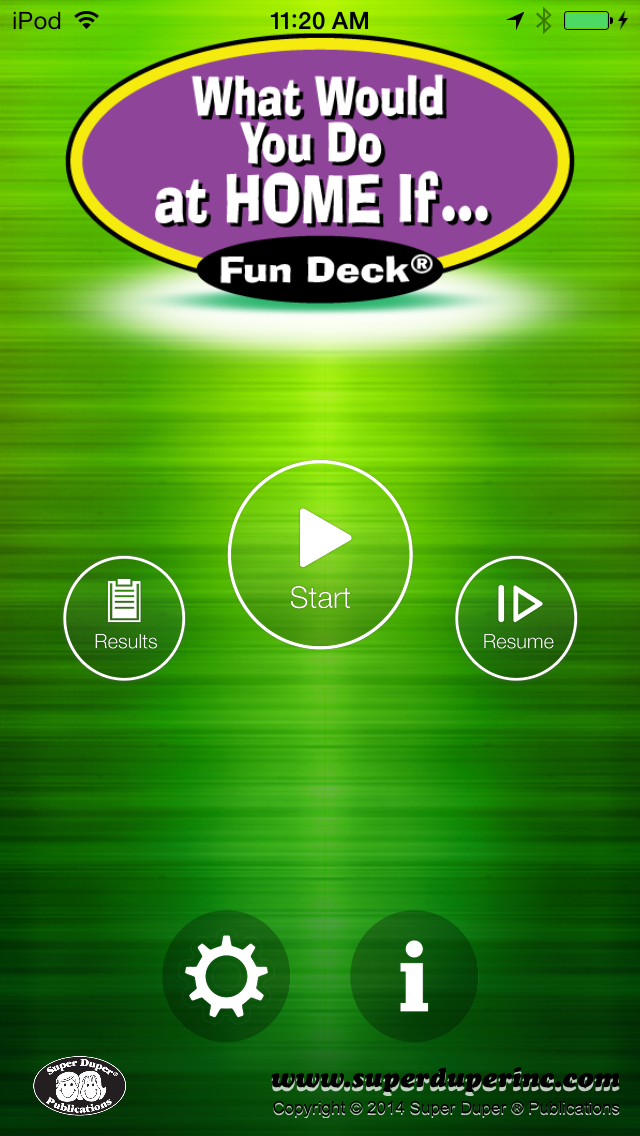
This colorful, educational social skills App for the iPhone®, iPad®, and iPod touch® has all 56 illustrated picture flash cards (plus audio of each card text) from the What Would You Do at Home If … Fun Deck® by Super Duper® Publications. Select the cards you want students to see, and have them work on solving problems and practicing good social skills as they discuss situations in and around home. The prompts include questions like, “What would you do if … you accidentally knocked over your chocolate milk?” and, “What would you do if … you were doing homework in the family room, and your sister turned on the TV?”
This App is simple to use — each student looks at an illustration, and either reads the prompt or touches the screen to listen to the prompt. The student then gives a verbal response. After each answer, tap the green (correct) or red (incorrect) button to score the student’s verbal response. Move to the next card by sliding the card currently on the display screen to the side. To move to the next player, tap the bar at the top of the screen and select a name. You can also advance cards and players automatically by selecting the Auto-Advance option in the Game Options menu. You can leave a game temporarily and return to it later by selecting Pause Game from the menu. To return to the game, select Continue Game from the main menu. When you finish, view the results in a graph, and print or email your data.
What Would You Do at Home If … Fun Deck® App lets you: • Use the app in portrait or landscape orientation. • Select all 56 cards or just the ones you want students to see. • Track correct and incorrect responses for an unlimited number of players. • Advance players and cards manually or automatically. • Receive feedback for incorrect and/or correct responses • Discontinue game play and continue at any time. • View results in a graph and see which questions a player missed during a session. • Print, E-mail and share your results.
Each subscription will automatically renew 3 days before the expiration date for
the same time period. Subscriptions can be cancelled at any time before the renewal.