

Wireless Printer & PDF Scanner
Wireless Printer & PDF Scanner is made and published by Muzammil Shahid. AppBrain is an independent app data site and isn't affiliated with Muzammil Shahid. The app name, icon, screenshots and description belong to Muzammil Shahid and are shown as published on the App Store.
AppBrain's verdict
- Last updated
- April 27, 2026
- Size
- 999.0 KB
User feedback
Ratings and reviews on the App StoreComments on Wireless Printer & PDF Scanner for iOS
We don't have enough comments to show example comments. Please check back later.
Store listing
By Muzammil Shahid, from the App Store



Description by Muzammil Shahid Written by the developer, not by AppBrain. Click to read.
No drivers. No setup. Just tap and print wirelessly to any AirPrint-enabled printer in seconds.
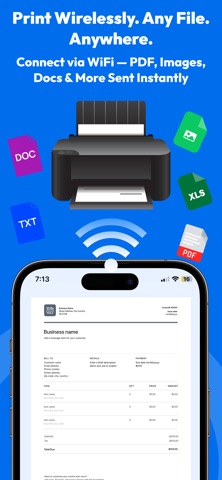
Whether you're at home, the office, or on the go — Printer App connects instantly to your Wi-Fi printer and lets you print documents, photos, and PDFs straight from your iPhone or iPad.
PRINT ANYTHING
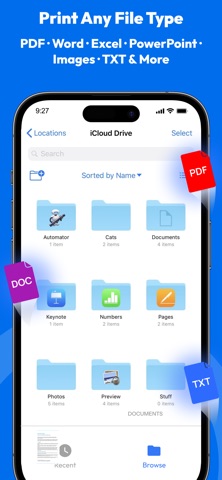
• Print PDFs, photos, Word, Excel & PowerPoint files
• Print emails, web pages, notes & clipboard text
• Select page range, copies, color or B&W, paper size
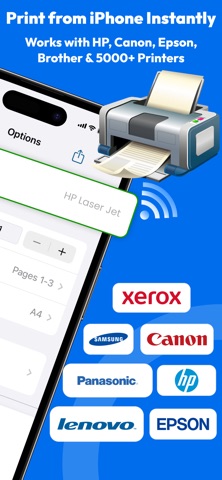
• Supports AirPrint — works with HP, Canon, Epson, Brother & 5000+ printers
SCAN WITH YOUR CAMERA
• Scan documents, receipts, ID cards & multi-page files
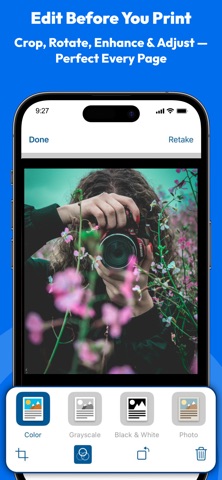
• Auto edge detection for perfectly cropped scans
• Image enhancement for sharp, clear output
• Save scanned files as PDF or image instantly
PDF TOOLS
• View, annotate & organize PDF files
• Merge, crop and manage pages
• Export and share via email, iCloud, Google Drive & Dropbox
PRIVACY FIRST
• No account or sign-up required
• Your documents stay on your device — never uploaded
• Camera used only for scanning
WORKS WITH ALL MAJOR BRANDS
HP, Canon, Epson, Brother, Samsung, Xerox, Dell, Lexmark, RICOH, Kyocera, Toshiba, Panasonic & more.
Perfect for students printing assignments, professionals printing contracts, and families printing memories.
Terms of Use: https://sites.google.com/view/printer-app-print-scan/terms-and-conditions
Privacy Policy: https://sites.google.com/view/printer-app-print-scan/privacy-policy"
Safety and technology
Found in the app by AppBrain- Price
- Free
- App size
- 999.0 KB
- Content rating
- Everyone
Technologies used by Wireless Printer & PDF Scanner
Releases
Updates seen on the App Store- Version
- 1.7
- Launched
- February 2026
No changelog data
Alternatives
Similar apps and more from Muzammil ShahidAlternatives to Wireless Printer & PDF Scanner


More from Muzammil Shahid


Rankings
App Store top chartsApp Store Rankings for Wireless Printer & PDF Scanner
About the app and developer
About Wireless Printer & PDF Scanner
Wireless Printer & PDF Scanner is an utilities app developed by Muzammil Shahid.
What is the rating of Wireless Printer & PDF Scanner?
Wireless Printer & PDF Scanner has no ratings yet.
Is Wireless Printer & PDF Scanner free?
Wireless Printer & PDF Scanner is free. The app size is 999.00 kB. The latest version available is 1.7. The last update was on April 27, 2026.
What are the requirements for Wireless Printer & PDF Scanner?
The app has a content rating of Everyone. The app has been available on the App Store since February 2026.
Developer information for Muzammil Shahid
Address:
Frequently asked questions about Wireless Printer & PDF Scanner
Is Wireless Printer & PDF Scanner free?
Yes. Wireless Printer & PDF Scanner is free on the App Store.
Is Wireless Printer & PDF Scanner still available?
Yes. Wireless Printer & PDF Scanner is on the App Store, and the last update we saw was on April 27, 2026.
How large is Wireless Printer & PDF Scanner?
Wireless Printer & PDF Scanner is 999.00 kB.
Is Wireless Printer & PDF Scanner suitable for children?
App Store rates the content of Wireless Printer & PDF Scanner as suitable for everyone.
Who made Wireless Printer & PDF Scanner?
Wireless Printer & PDF Scanner was developed by Muzammil Shahid. It is listed in the utilities category on the App Store.
What are the best alternatives to Wireless Printer & PDF Scanner?
People looking at Wireless Printer & PDF Scanner also look at these utilities apps: Label Editor, AI Email Writer & Assistants, PrintStream: Printer & Scanner, QiQi Printer, Smart Printer App: Print Scan.