

Workout Speech Timer
Workout Speech Timer is made and published by Masanori Katsuta. AppBrain is an independent app data site and isn't affiliated with Masanori Katsuta. The app name, icon, screenshots and description belong to Masanori Katsuta and are shown as published on the App Store.
AppBrain's verdict
Established- Rating on App Store
- 1.00
- 1 ratings
- Last updated
- March 28, 2024
It doesn't have enough ratings yet to judge what users think.
Rankings
App Store top chartsApp Store Rankings for Workout Speech Timer
Competitors
Similar apps and more from Masanori KatsutaAlternatives to Workout Speech Timer







More from Masanori Katsuta








Releases
Updates seen on the App Store- Version
- 1.0.5
- Launched
- May 2021
No changelog data
User feedback
Ratings and reviews on the App StoreComments on Workout Speech Timer for iOS
We don't have enough comments to show example comments. Please check back later.
Technology
Found in the app by AppBrain- Price
- $0.99
- App size
- 1.93 MB
- Content rating
- Everyone
Technologies used by Workout Speech Timer
About the app and developer
About Workout Speech Timer
Workout Speech Timer is a health & fitness app developed by Masanori Katsuta.
User Ratings
Workout Speech Timer is rated 1.00 out of 5 stars. The rating is based on one rating ratings.
App Information
Workout Speech Timer costs $0.99. The app size is 1.93 MB. The latest version available is 1.0.5. The last update was on March 28, 2024.
Technical Requirements
The app has a content rating of Everyone. The app has been available on the App Store since May 2021.
Developer information for Masanori Katsuta
Address:
Frequently asked questions about Workout Speech Timer
Is Workout Speech Timer free?
No. Workout Speech Timer costs $0.99 on the App Store.
Is Workout Speech Timer still available?
Yes. Workout Speech Timer is on the App Store, and the last update we saw was on March 28, 2024.
How large is Workout Speech Timer?
Workout Speech Timer is 1.93 MB.
Is Workout Speech Timer suitable for children?
App Store rates the content of Workout Speech Timer as suitable for everyone.
How do people rate Workout Speech Timer?
Workout Speech Timer has one rating of 1.00 stars on the App Store.
Who made Workout Speech Timer?
Workout Speech Timer was developed by Masanori Katsuta. It is listed in the health & fitness category on the App Store.
What are the best alternatives to Workout Speech Timer?
People looking at Workout Speech Timer also look at these health & fitness apps: Muscle Building Toning Workout, LeanScreen: Body Fat Analysis, Mindful Drinking, Duane BANG Inc, Jump Rope Training Pro.
Store listing
By Masanori Katsuta, from the App Store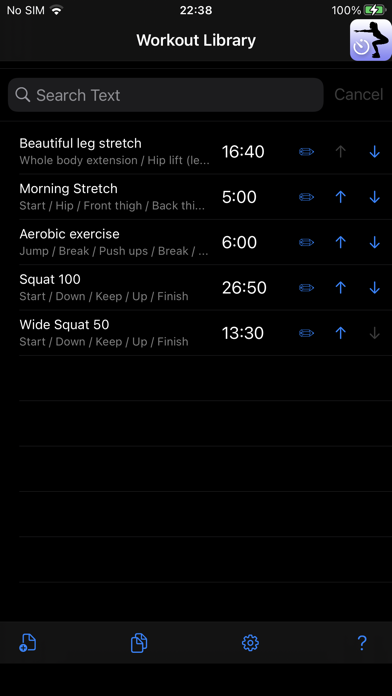




Description by Masanori Katsuta Written by the developer, not by AppBrain. Click to read.
◆ The "speech synthesis engine" installed as standard on iOS reads out the text you enter in English or Japanese.
◆ You can concentrate on your exercise while listening to voice guidance without looking at your smartphone or tablet screen.
You can also group multiple exercise units such as squats, push-ups, and abs and set the number of repeats.
If you play the set workout, the repeat count, second count, and voice guidance will be played automatically.
All you have to do is exercise according to the voice. You don't have to look at the screen at all.
● Workout library
- You can register your own workout according to your purpose.
- The text search function allows you to quickly search for the desired workout.
- You can change the registration order of workouts.
- Workouts can also be duplicated.
- You can delete a workout cell by swiping left.
- The total workout time is displayed.
- The last selected workout moves to the top position.
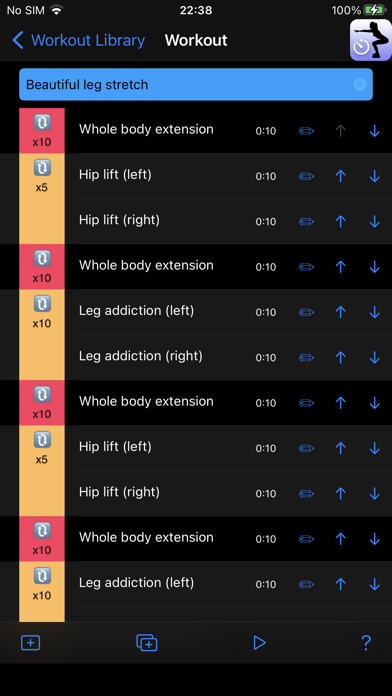
● Workout screen
- You can register multiple exercise units in your workout.
- The movement unit can be duplicated and inserted in any position.
- The order of exercise units can be changed freely after registration.
- You can delete the cell of the exercise unit by swiping left.
- When you play a workout, the screen switches to the play screen and playback starts.
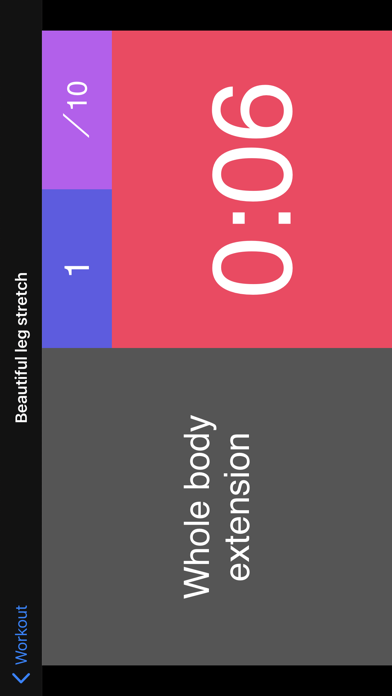
● Play screen
- Audio is played in order from the selected exercise unit.
- Voice text, repeat count, and time are displayed on the screen.
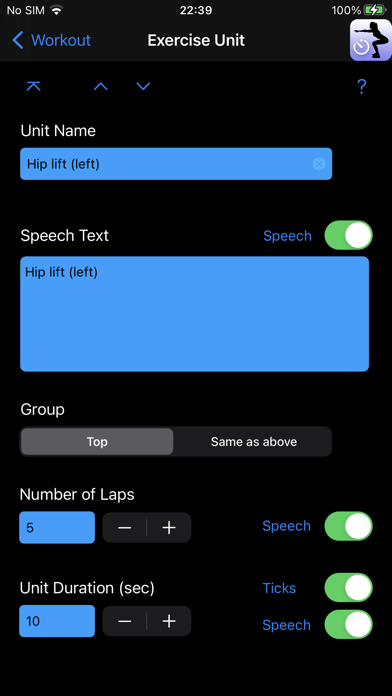
● Unit screen
- Set the contents of each unit.
- Set the Speech text, the number of repeats, the unit time, each voice, etc.
- If the Speech text is blank, the unit name will be automatically assigned.
- Set whether the unit is the group top or the same group as immediately before.
《Repeat playback》
- Plays in the same group unit in order from the top unit, repeating the number of repeats.
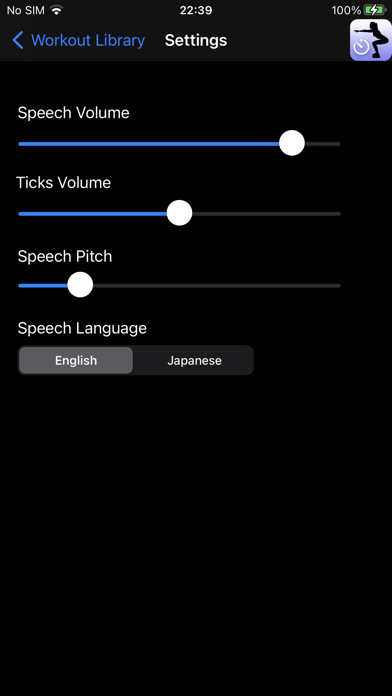
● Setting screen
- You can adjust the volume of voice guidance and second count sound.
- You can select the voice language. (English, Japanese)
- You can adjust the pitch of the voice (from masculine to feminine).