

Xerox DocuShare
Xerox DocuShare is made and published by Xerox Corporation. AppBrain is an independent app data site and isn't affiliated with Xerox Corporation. The app name, icon, screenshots and description belong to Xerox Corporation and are shown as published on the App Store.
AppBrain's verdict
Established- Rating on App Store
- 5.00
- 1 ratings
- Last updated
- May 26, 2026
It doesn't have enough ratings yet to judge what users think.
Rankings
App Store top chartsApp Store Rankings for Xerox DocuShare
Competitors
Similar apps and more from Xerox CorporationAlternatives to Xerox DocuShare







More from Xerox Corporation



Releases
Updates seen on the App Store- Version
- 2.4.2
- Launched
- May 2013
No changelog data
User feedback
Ratings and reviews on the App StoreComments on Xerox DocuShare for iOS
We don't have enough comments to show example comments. Please check back later.
Technology
Found in the app by AppBrain- Price
- Free
- App size
- 40.4 MB
- Content rating
- Everyone
Technologies used by Xerox DocuShare
About the app and developer
About Xerox DocuShare
Xerox DocuShare is a productivity app developed by Xerox Corporation.
User Ratings
Xerox DocuShare is rated 5.00 out of 5 stars. The rating is based on one rating ratings.
App Information
Xerox DocuShare is freely available from the App Store. The app size is 40.40 MB. The latest version available is 2.4.2. The last update was on May 26, 2026.
Technical Requirements
The app has a content rating of Everyone. The app has been available on the App Store since May 2013.
Developer information for Xerox Corporation
Address:
Store listing
By Xerox Corporation, from the App Store
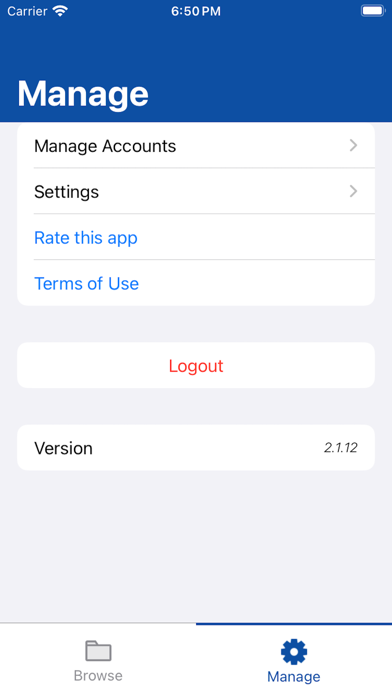


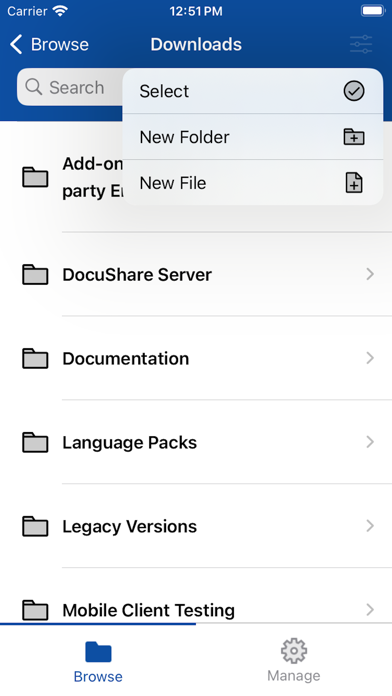

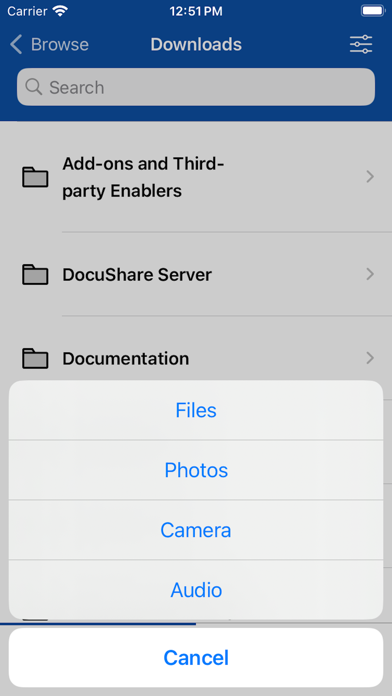
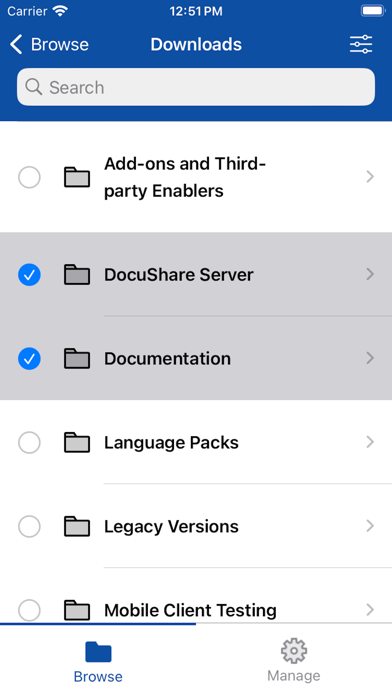
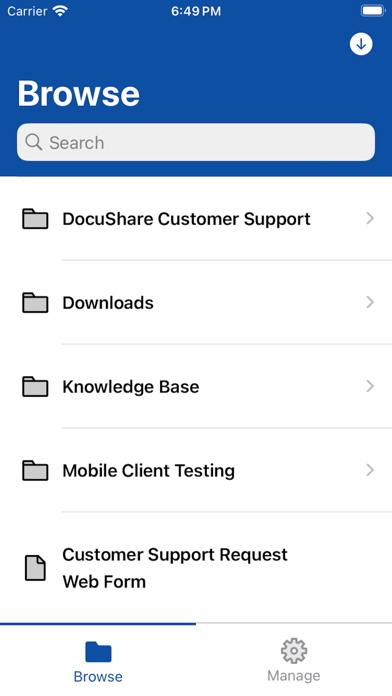

Description by Xerox Corporation Written by the developer, not by AppBrain. Click to read.
The Xerox Mobile Client for DocuShare also works with Xerox® Mobile Print® and Cloud Print®, letting you quickly find and print many important files at once from a location anywhere, so you’re as efficient on the road as in the office.
Features:
• Find, access and view documents in multiple formats (PDFs, images and Microsoft Office formats)
• Search for content across the entire DocuShare site, multiple sites, or by folder
• Perform full text search over millions of documents, including PDFs (not just searching by title)
• Instantly capture and upload photos, meeting notes, mobile-scanned documents, audio and video files, and other business content
• Email one or many documents directly from DocuShare as attachments or links, saving time and network bandwidth (no need to download to the device, or send them one by one)
• Create folders to organize your content
• Download documents to on-device storage to view, edit and re-upload, or view when iOS device is offline
• Open documents in other iOS applications
• Upload new versions of documents, and edit properties such as title
• Support A/P, HR, and other processes by downloading and reviewing content, and re-publishing it into a workflow
• Delete documents, folders, and any other content
• Open URLs in DocuShare to websites, or to an eForm (to initiate a business process)
• Print documents using your installed print driver or Apple AirPrint®
• Print documents efficiently with powerful Xerox® Mobile Print® or Xerox® Cloud Print® capabilities:
* Perform mobile printing in locations such as a remote office, service bureau, hotel, airport, or other place of business (no need to install print drivers)
* Select from a DocuShare library of thousands or millions of files, printing on the spot
* Maintain security when printing to an unfamiliar printer
* Print multiple files in a batch, as a shortcut to creating production print jobs
Download this app and immediately access a DocuShare server to view example folders and information. Browse the User Guide included with the app to learn about key features and how to set up accounts on your servers.
Connecting to your business files – You may also contact your DocuShare administrator for specific details on which DocuShare servers the Mobile Client can access within your organization.