It doesn't have enough ratings yet to judge what users think.
YNCU Mobile Banking App is made and published by
Your Neighbourhood Credit Union.
AppBrain is an independent app data site and isn't affiliated with Your Neighbourhood Credit Union.
The app name, icon, screenshots and description belong to Your Neighbourhood Credit Union and are shown as
published on the App Store.
About YNCU Mobile Banking App
YNCU Mobile Banking App is a finance app developed by Your Neighbourhood Credit Union.
What is the rating of YNCU Mobile Banking App?
YNCU Mobile Banking App is rated 4.82 out of 5 stars, based on 22 ratings.
Is YNCU Mobile Banking App free?
YNCU Mobile Banking App is free. The app size is 73.92 MB. The latest version available is 17.26.4. The last update was on July 30, 2025.
What are the requirements for YNCU Mobile Banking App?
The app has a content rating of Everyone. The app has been available on the App Store since August 2015.
Description by Your Neighbourhood Credit Union(from the App Store)
Get easy, instant, and secure access to your YNCU accounts on the go. With this app, you can:
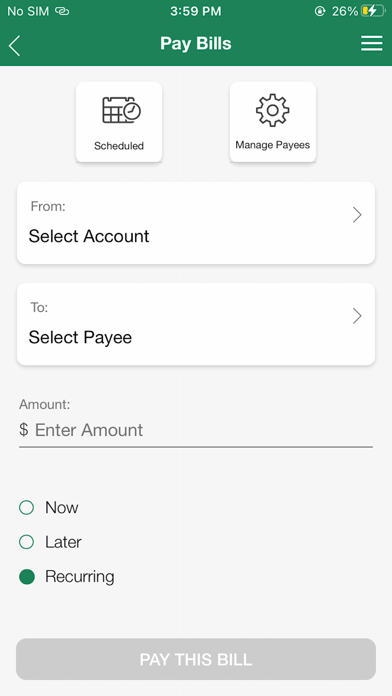
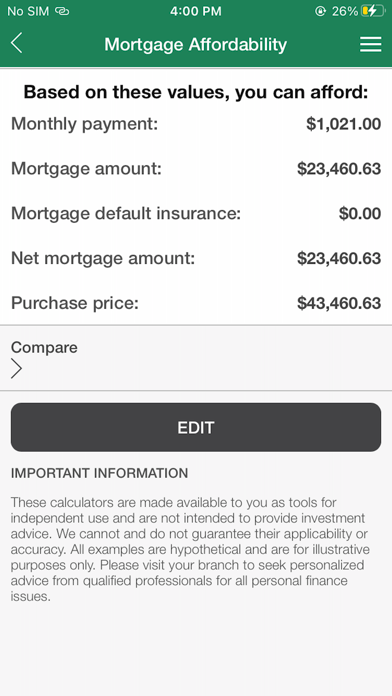
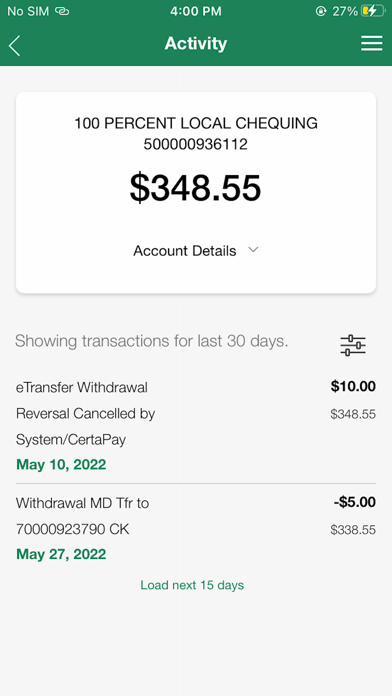
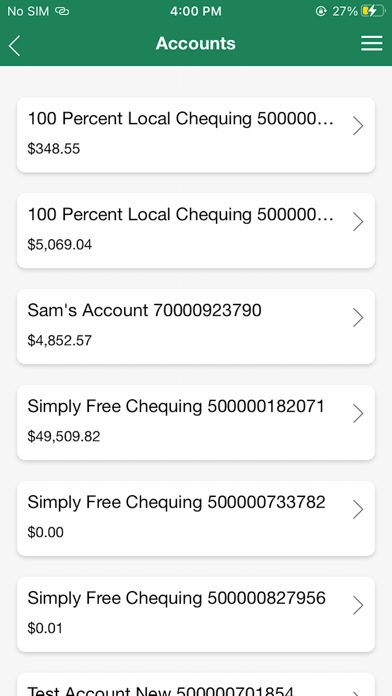
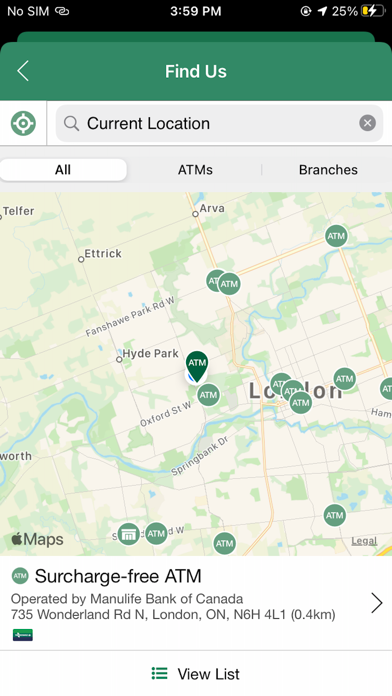
• View your account activity and recent transactions • Choose to display your balances onscreen without having to log in • Transfer money between your accounts • Use Interac® e-Transfer to send money securely to anyone via email or text • Deposit a cheque • Pay bills now or set up one-time or recurring payments for the future • View and edit scheduled bills and transfers • Get messages about your account straight to your phone • Find a Branch or ATM near you using your device’s GPS • Contact us
Our banking app uses the same high-level of security as our online banking. You sign in to the app with the same login that you would use for online banking. If you are not an existing online banking user you can still use the Branch/ATM locator or Contact Us feature.
By downloading the YNCU Connect mobile app, you consent to the installation of the app and any future updates or upgrades. You may withdraw your consent at any time by deleting or uninstalling the app from your device.
When you install the app it will ask for permission to access the following functions of your device: • Location services – allows the app to use your device's GPS to find the nearest branch or ATM • Camera – allows the app to use device camera to take picture of cheques to utilize the cheque deposit feature • Contacts – allows you to create new Interac® e-Transfer recipients by selecting from your device contacts
Each subscription will automatically renew 3 days before the expiration date for
the same time period. Subscriptions can be cancelled at any time before the renewal.