

Zoho FSM is made and published by Zoho Corporation. AppBrain is an independent app data site and isn't affiliated with Zoho Corporation. The app name, icon, screenshots and description belong to Zoho Corporation and are shown as published on the App Store.
AppBrain's verdict
Established- Rating on App Store
- 2.73
- 11 ratings
- Last updated
- October 12, 2026
It doesn't have enough ratings yet to judge what users think.
Rankings
App Store top chartsApp Store Rankings for Zoho FSM
Competitors
Similar apps and more from Zoho Corporation





Releases
Updates seen on the App Store- Version
- 3.12.0
- Launched
- June 2020
No changelog data
User feedback
Ratings and reviews on the App StoreComments on Zoho FSM for iOS
We don't have enough comments to show example comments. Please check back later.
Technology
Found in the app by AppBrain- Price
- Free
- App size
- 147.1 MB
- Content rating
- Everyone
Technologies used by Zoho FSM
About the app and developer
About Zoho FSM
Zoho FSM is a business app developed by Zoho Corporation.
User Ratings
Zoho FSM is rated 2.73 out of 5 stars. The rating is based on 11 ratings.
App Information
Zoho FSM is freely available from the App Store. The app size is 147.06 MB. The latest version available is 3.12.0. The last update was on October 12, 2026.
Technical Requirements
The app has a content rating of Everyone. The app has been available on the App Store since June 2020.
Developer information for Zoho Corporation
Address:
Store listing
By Zoho Corporation, from the App Store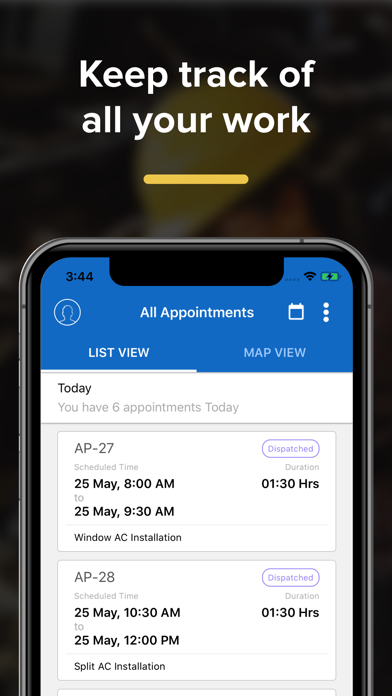

Description by Zoho Corporation Written by the developer, not by AppBrain. Click to read.
Stay updated 24/7
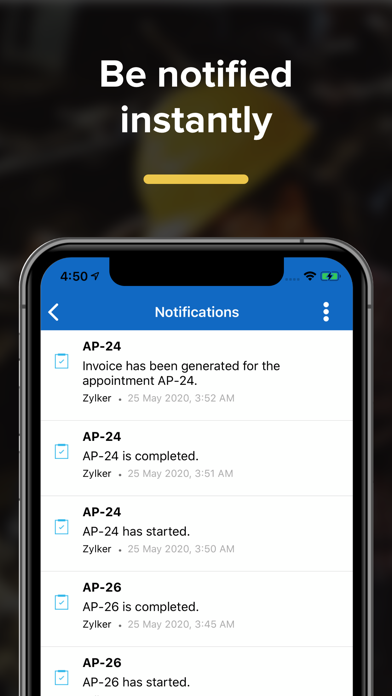
Receive automated notifications and reminders of scheduled appointments.
Use the calendar view to peruse through the appointments in a structured way.
Access and update information with just a tap
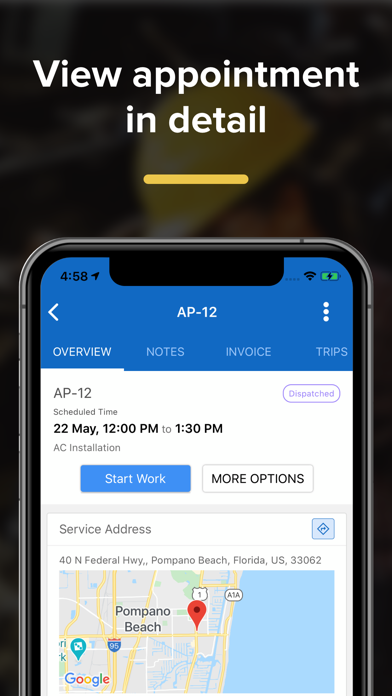
Gain access to work order details, customer history, and service details so you can go prepared.
Take pictures, and send notes and attachments for future reference right from the work station.
Add/edit Service and Parts from the work station to provide the best service and keep the managers in loop.
Find the customer location
Follow directions and navigate to the customer location.
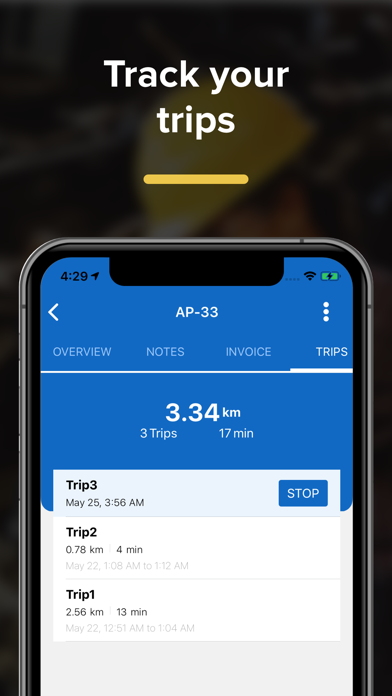
Create trips to record the route taken and keep managers informed about your travel.
Record availability and progress
Check in to the appointment and keep your teams updated on your progress.
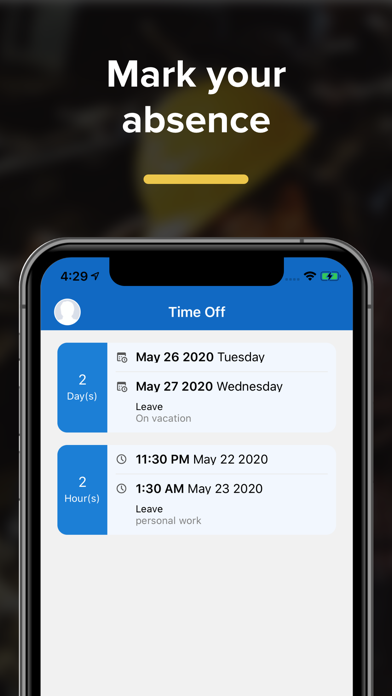
Log work hours, apply for leave, and ensure teams schedule accordingly.
Invoice and Payments
Generate invoices quickly after job completion and share them with the customer.
Allow customers to process payments through secure portals and close deals on the spot.
Service Reports
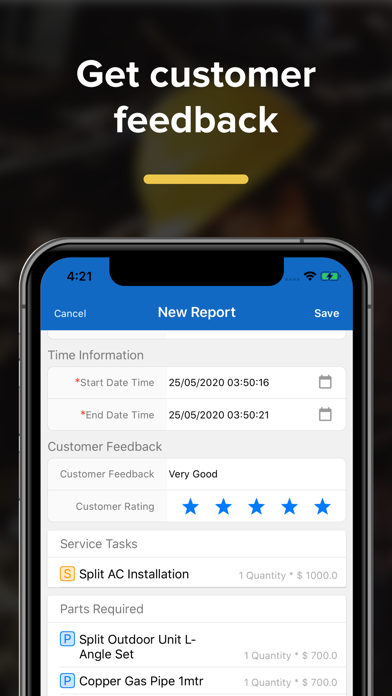
Update service reports and get customer feedback on the spot. Get the customer's signature right on your device and provide a smooth customer experience from beginning to end.
Location tracking can be enabled by the technician in the app and when enabled, the technician's location will be tracked continuously and shared with the FSM administrator. And continuous use of GPS running in the background can decrease battery life drastically.