Zoom Workplace for Intune is made and published by
Zoom Communications, Inc.
AppBrain is an independent app data site and isn't affiliated with Zoom Communications, Inc.
The app name, icon, screenshots and description belong to Zoom Communications, Inc. and are shown as
published on the App Store.
About Zoom Workplace for Intune
Zoom Workplace for Intune is a business app developed by Zoom Communications, Inc.
What is the rating of Zoom Workplace for Intune?
Zoom Workplace for Intune is rated 4.69 out of 5 stars, based on 19 thousand ratings.
Is Zoom Workplace for Intune free?
Zoom Workplace for Intune is free. The app size is 361.31 MB. The latest version available is 7.2.1. The last update was on September 28, 2026.
What are the requirements for Zoom Workplace for Intune?
The app has a content rating of Everyone. The app has been available on the App Store since May 2019.
Description by Zoom Communications, Inc.(from the App Store)
Zoom Workplace for Intune is for admins to organize and help protect BYOD environments with mobile application management (MAM). This app helps admins to protect corporate data while keeping employees connected.
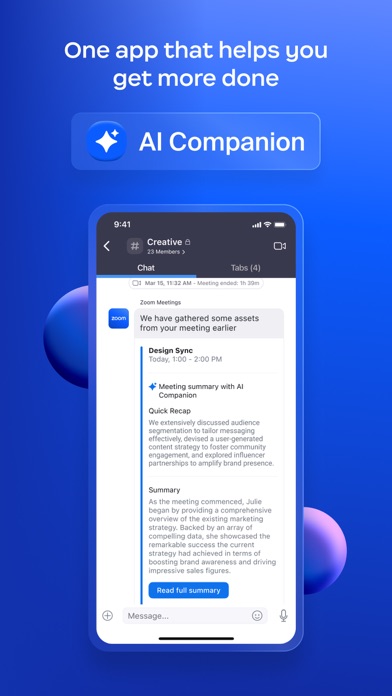
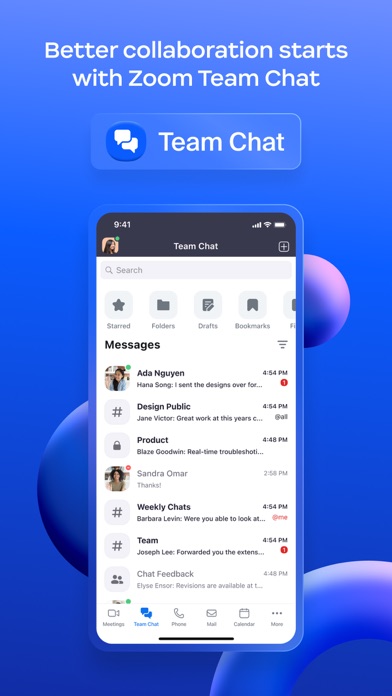
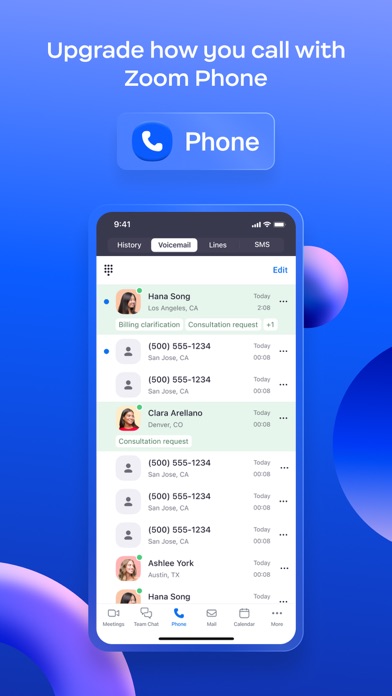
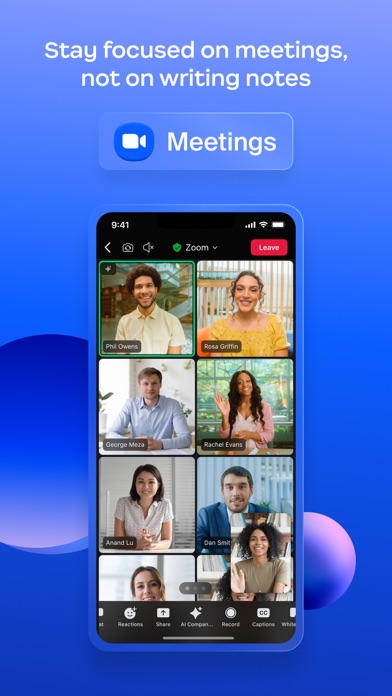
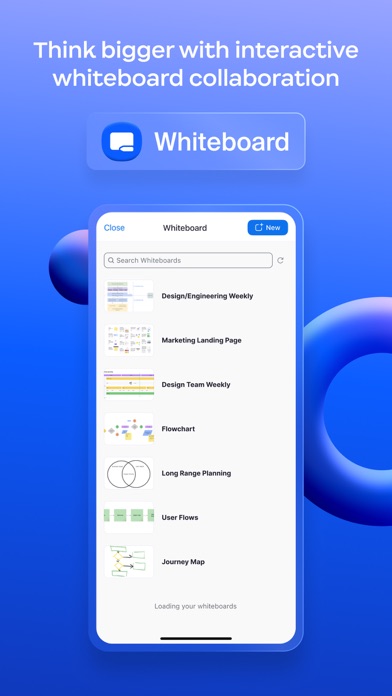
Reimagine how you work with Zoom Workplace, an all-in-one, AI-powered collaboration platform that combines team chat, meetings, phone, whiteboard, calendar, mail, notes, and more.
If you are looking for the end-user version of Zoom Workplace, download it here: https://itunes.apple.com/us/app/zoom-cloud-meetings/id546505307?mt=8
Zoom Workplace for Intune gives enterprise users all the features they expect from Zoom, while providing IT administrators expanded mobile app management capabilities to help prevent leakage of company information. And in the event of a lost or stolen device, IT can remove Zoom Workplace from the iPhone or iPad, along with any sensitive data associated with it.
IMPORTANT: This software requires your company’s work account and a Microsoft managed environment. Some functionality may not be available in all countries. If you have issues with this software or have questions about the use of it (including questions about your company’s privacy policy), please contact your company’s IT Administrator.
Follow us on social media @zoom
Have a question? Contact us at http://support.zoom.us.
Each subscription will automatically renew 3 days before the expiration date for
the same time period. Subscriptions can be cancelled at any time before the renewal.