

1001 Record: Screen Recorder
1001 Record: Screen Recorder is made and published by Nero AG. AppBrain is an independent app data site and isn't affiliated with Nero AG. The app name, icon, screenshots and description belong to Nero AG and are shown as published on the App Store.
AppBrain's verdict
- Last updated
- June 24, 2026
Rankings
App Store top chartsApp Store Rankings for 1001 Record: Screen Recorder
Competitors
Similar apps and more from Nero AGMore from Nero AG


Releases
Updates seen on the App Store- Version
- 3.0.7
- Launched
- July 2023
No changelog data
User feedback
Ratings and reviews on the App StoreComments on 1001 Record: Screen Recorder for iOS
We don't have enough comments to show example comments. Please check back later.
Technology
Found in the app by AppBrain- Price
- Free
- App size
- 53.0 MB
- Content rating
- Everyone
Technologies used by 1001 Record: Screen Recorder
About the app and developer
About 1001 Record: Screen Recorder
1001 Record: Screen Recorder is a productivity app developed by Nero AG.
What is the rating of 1001 Record: Screen Recorder?
1001 Record: Screen Recorder has no ratings yet.
Is 1001 Record: Screen Recorder free?
1001 Record: Screen Recorder is free. The app size is 52.95 MB. The latest version available is 3.0.7. The last update was on June 24, 2026.
What are the requirements for 1001 Record: Screen Recorder?
The app has a content rating of Everyone. The app has been available on the App Store since July 2023.
Developer information for Nero AG
Address:
Frequently asked questions about 1001 Record: Screen Recorder
Is 1001 Record: Screen Recorder free?
Yes. 1001 Record: Screen Recorder is free on the App Store.
Is 1001 Record: Screen Recorder still available?
Yes. 1001 Record: Screen Recorder is on the App Store, and the last update we saw was on June 24, 2026.
How large is 1001 Record: Screen Recorder?
1001 Record: Screen Recorder is 52.95 MB.
Is 1001 Record: Screen Recorder suitable for children?
App Store rates the content of 1001 Record: Screen Recorder as suitable for everyone.
Who made 1001 Record: Screen Recorder?
1001 Record: Screen Recorder was developed by Nero AG. It is listed in the productivity category on the App Store.
Store listing
By Nero AG, from the App Store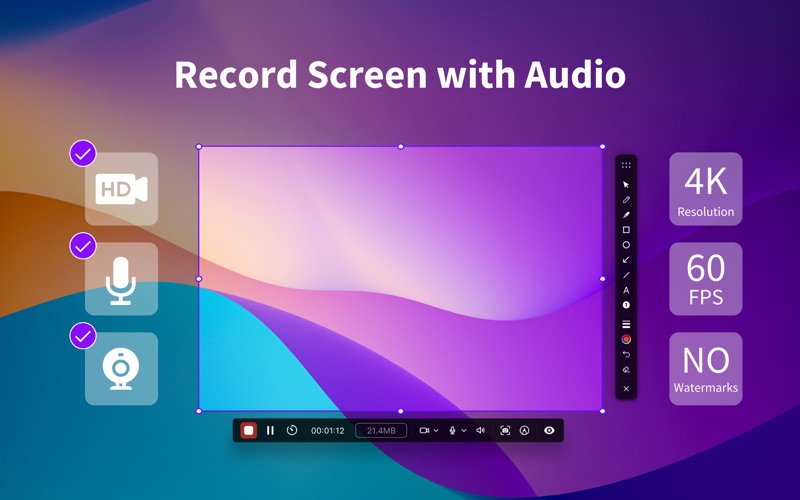


Description by Nero AG Written by the developer, not by AppBrain. Click to read.
No login required. Your recordings stay private and stored locally on your Mac.
With 1001 Record, you can:
- Record important business meetings.
- Capture webinars and online calls.
- Record game commentary videos.
- Create video tutorials for school or college.
- Extract audio files from podcast recordings.
#What's New
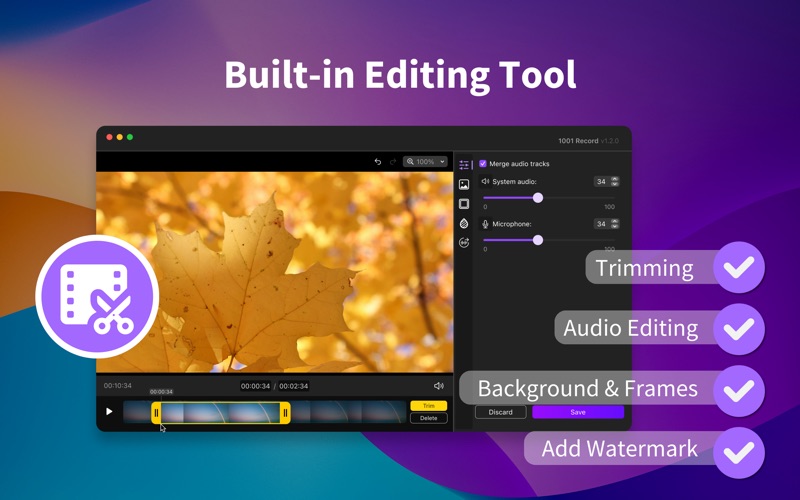
Advanced Video Editing – Customize your recordings with backgrounds, frames, and shadows.
#Key Features
- Screen recording in high-quality (720P, 1080P, 2k, and 4k).
- Different FPS options (10, 15, 24, 30, 60).
- Audio capturing from the microphone.
- System sound recording (for macOS 13.0 and above).
- Record full screen or selected areas.
- Window recording (for macOS 12.3 and above).
- Camera recording.
- Record screen and webcam together.
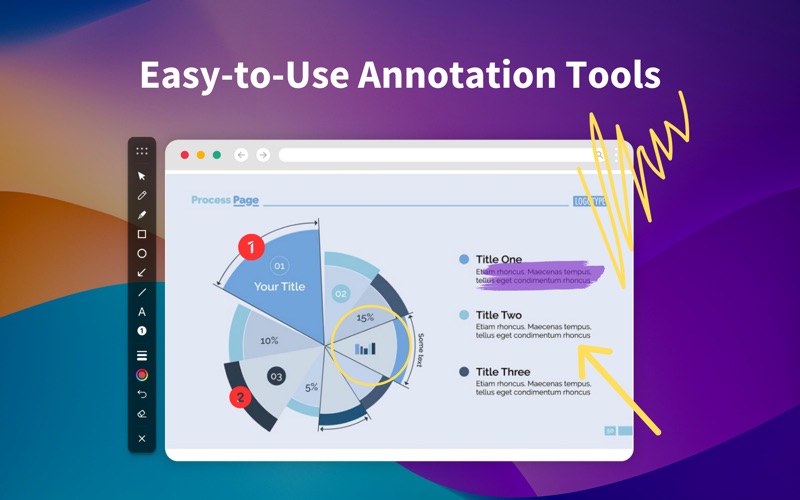
- Easy-to-use annotation tools.
- Customizable shortcut keys.
- No time limits for screen recording.
#There is more
- Video clip trimming.
- Scheduled screen recording.
- Record any chosen extended screen.
- Extract and save audio from recordings.
- Auto save recordings by file size or time intervals.
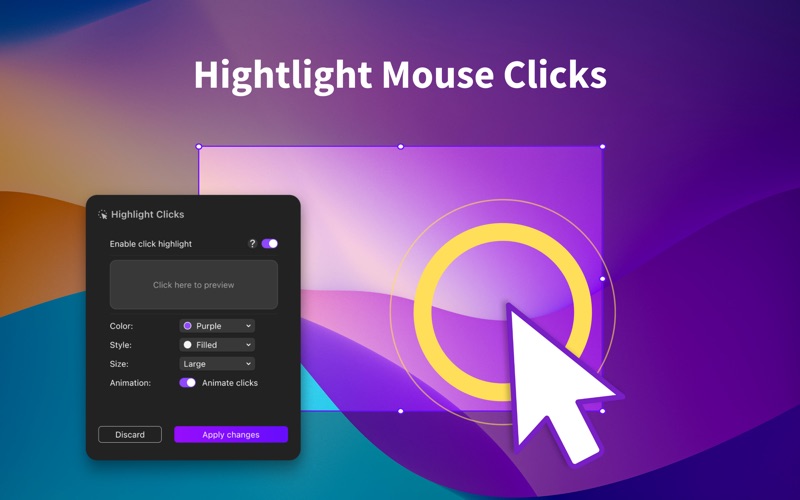
- Mouse click effects for easy tracking.
- Customizable mouse cursor styles.
- Automatic number labeling tool.
- Hotkey to start recording.
- Add and personalize your watermark.
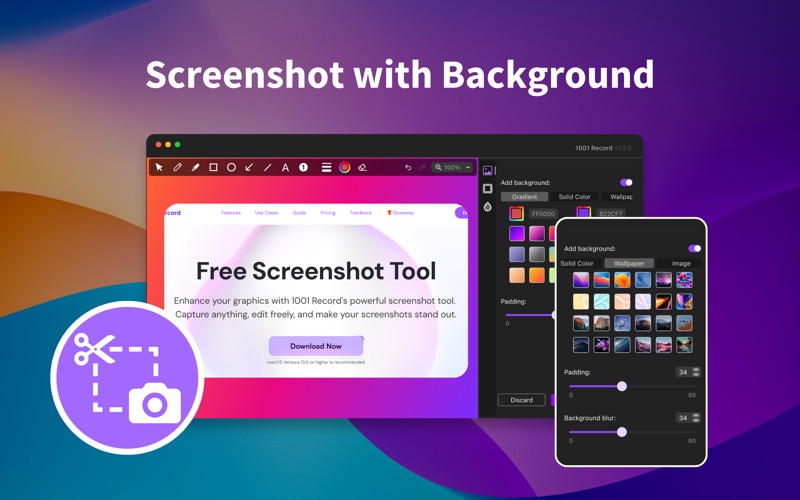
- Screenshot with customize backgrounds and more.
#Why 1001 Record
1. We conducted thousands of hours of screen recording testing. No crashes found.
2. We invited hundreds of users to test and fine-tuned features based on their feedback.
3. If you need a longer free trial period, feel free to contact our customer service (1001tvs@nero.com) for a redemption code. It's first come, first served.
4. If you are not satisfied, contact customer service (1001tvs@nero.com) anytime for assistance with a full refund.
Download 1001 Record now. For comments or suggestions, contact us at 1001tvs@nero.com. We appreciate your feedback.
Privacy Policy: http://1001tvs.com/license/en/privacy.html
Terms of Use: http://1001tvs.com/license/en/terms.html