

Activity Coins and Notes AUD
Activity Coins and Notes AUD is made and published by Blooming Kids Software LLC. AppBrain is an independent app data site and isn't affiliated with Blooming Kids Software LLC. The app name, icon, screenshots and description belong to Blooming Kids Software LLC and are shown as published on the App Store.
AppBrain's verdict
- Last updated
- December 26, 2025
Rankings
App Store top chartsApp Store Rankings for Activity Coins and Notes AUD
Competitors
Similar apps and more from Blooming Kids Software LLCAlternatives to Activity Coins and Notes AUD



More from Blooming Kids Software LLC


Releases
Updates seen on the App Store- Version
- 1.4
- Launched
- May 2013
No changelog data
User feedback
Ratings and reviews on the App StoreComments on Activity Coins and Notes AUD for iOS
We don't have enough comments to show example comments. Please check back later.
Technology
Found in the app by AppBrain- Price
- Free
- App size
- 59.8 MB
- Content rating
- Everyone
Technologies used by Activity Coins and Notes AUD
About the app and developer
About Activity Coins and Notes AUD
Activity Coins and Notes AUD is an education app developed by Blooming Kids Software LLC.
What is the rating of Activity Coins and Notes AUD?
Activity Coins and Notes AUD has no ratings yet.
Is Activity Coins and Notes AUD free?
Activity Coins and Notes AUD is free. The app size is 59.76 MB. The latest version available is 1.4. The last update was on December 26, 2025.
What are the requirements for Activity Coins and Notes AUD?
The app has a content rating of Everyone. The app has been available on the App Store since May 2013.
Developer information for Blooming Kids Software LLC
Address:
Store listing
By Blooming Kids Software LLC, from the App Store


Description by Blooming Kids Software LLC Written by the developer, not by AppBrain. Click to read.
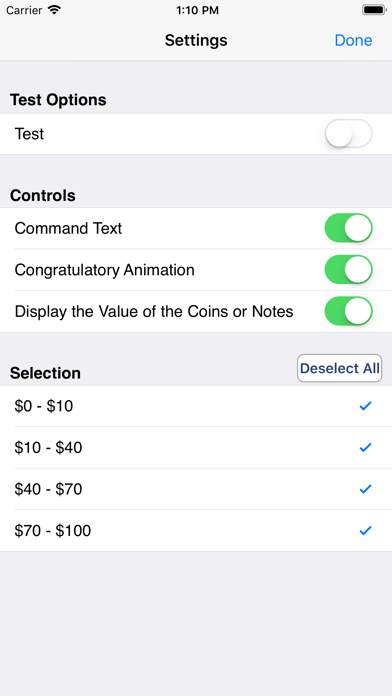
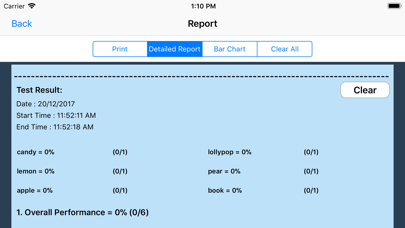
At the top of the screen is an item (say, an apple) for sale. Under the item is the price ($1.50 in this example). Under the price is a counter showing the amount that the student has paid so far. Under the counter is a matrix with coins and notes available to the student. The student clicks on the coins and/or notes to make the counter show the same number as the price shows. When the student thinks the amount is correct, he/she clicks on the “Buy it now" button. If the amount is right, a congratulatory animation appears. If it is wrong, the student must try again.
Under the matrix are left and right arrows. Click the right arrow to move to the next exercise. Click the left arrow to repeat an earlier exercise. Click “Refresh" to restart the current exercise.