It doesn't have enough ratings yet to judge what users think.
AfterFocus - Background Blur is made and published by
Dongwook Cho.
AppBrain is an independent app data site and isn't affiliated with Dongwook Cho.
The app name, icon, screenshots and description belong to Dongwook Cho and are shown as
published on the App Store.
About AfterFocus - Background Blur
AfterFocus - Background Blur is a photo & video app developed by Dongwook Cho.
What is the rating of AfterFocus - Background Blur?
AfterFocus - Background Blur is rated 3.20 out of 5 stars, based on 5 ratings.
Is AfterFocus - Background Blur free?
AfterFocus - Background Blur costs $2.99. The app size is 14.33 MB. The latest version available is 1.4.0. The last update was on November 14, 2023.
What are the requirements for AfterFocus - Background Blur?
The app has a content rating of Everyone. The app has been available on the App Store since March 2018.
Description by Dongwook Cho(from the App Store)
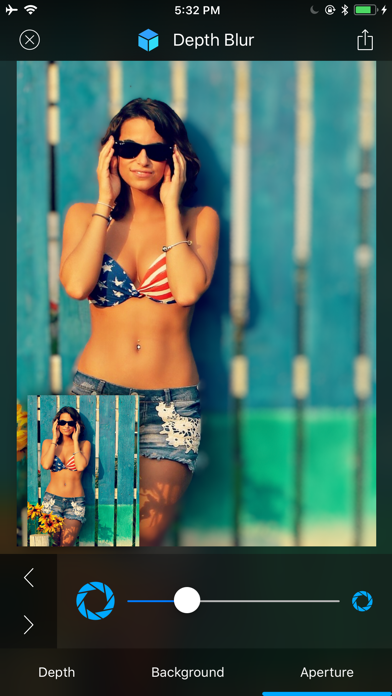
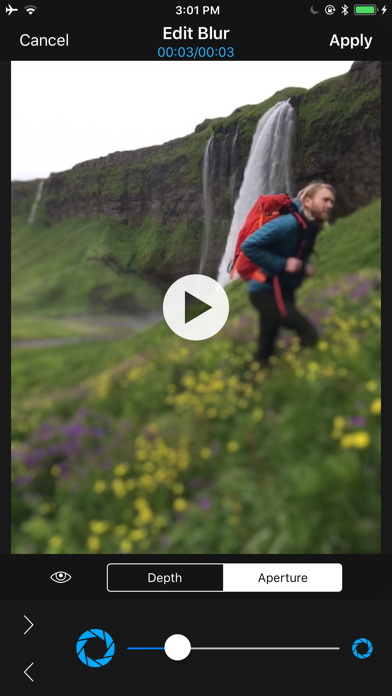
Turn any photo and video into awesome portrait photo and video with depth blur and bokeh effect!
You need no dual lens, no plus model device. You also have no restriction on the distance with objects.
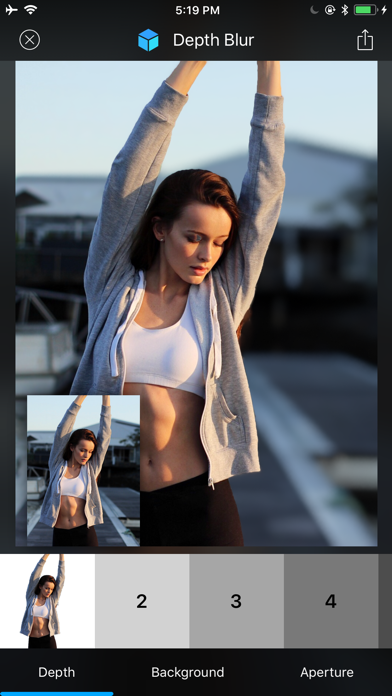
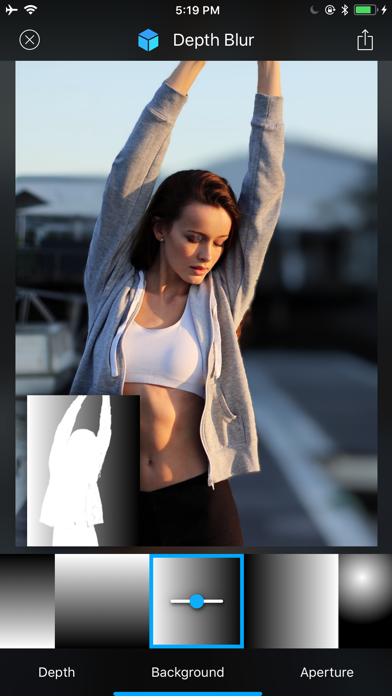
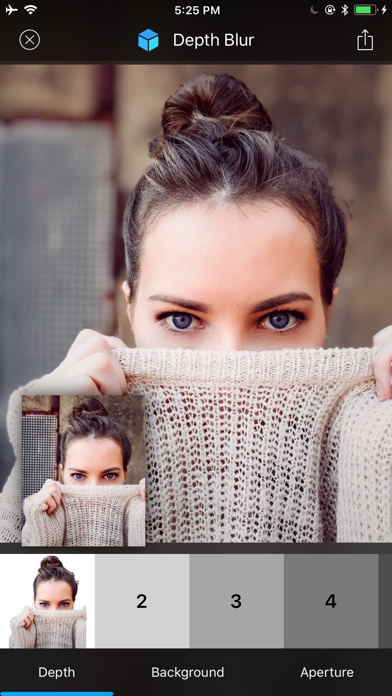
With powerful tools provided by the app, - multiple depth - fine masking creation - background depth - background type (rectangular, radial, diagonal and plain) - background distance - aperture adjustment
You can turn any plain photo and video into awesome portrait photo and viideo with depth blur and bokeh effect.
Unlike other apps which just support simple masking and blur, [AfterFocus] enables you to add multi level depth to your photo and make really natural depth blur effect.
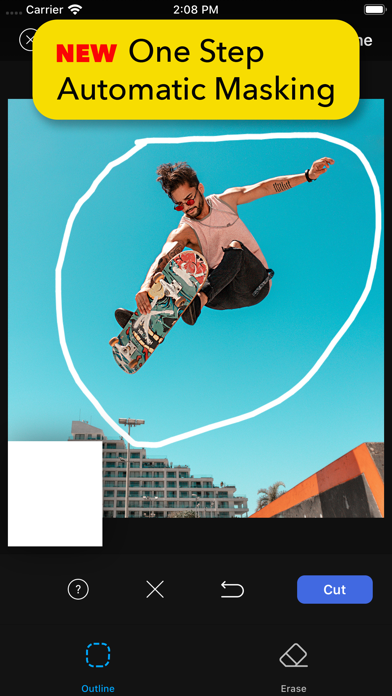
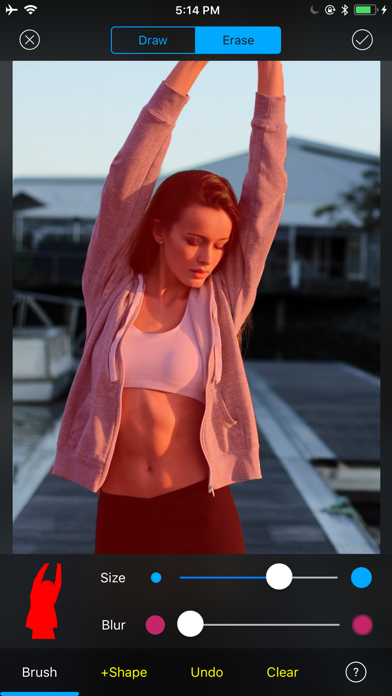
** Depth Blur on Photo • Add depth to your photo with multiple masks. • Create mask with precision. - Change brush and soft edge size - Undoable - Quick selection with single tap • Apply depth to background. - Choose Rectangular, diagnoal radial background - Choose background distance
• Adjust aperture to change blur intensity. • Edit and reuse the project later. • Supports extension from Photos app.
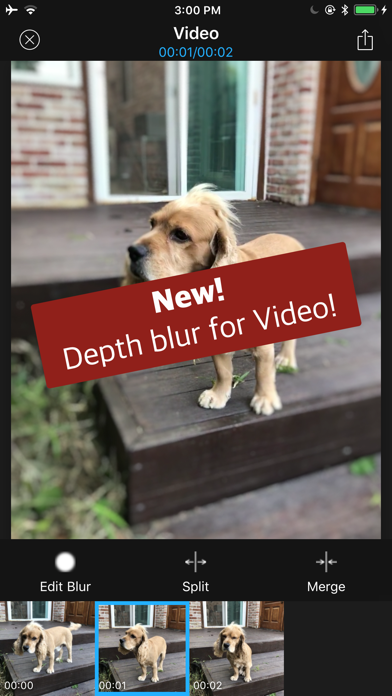
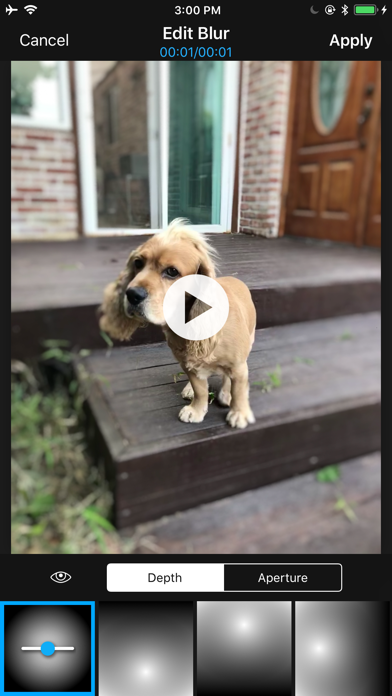
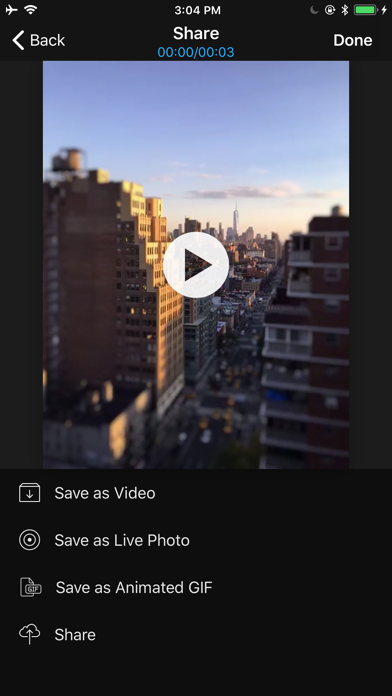
** Depth Blur on Video • Add manual depth effect on video. • Add manual depth effect on live photo. • Tons of predefined depth effects. • Adjust the size of depth. • Adjust aperture and blur intensity. • Split into multiple time ranges and add depth effect to each range. • Save as video. • Save as live photo. • Save as animated gif. • Save to camera roll and share to SNS. • Edit and reuse the project later. • Supports extension from Photos app.
Each subscription will automatically renew 3 days before the expiration date for
the same time period. Subscriptions can be cancelled at any time before the renewal.