

AlarmNet 360
AlarmNet 360 is made and published by Resideo Technologies, Inc. AppBrain is an independent app data site and isn't affiliated with Resideo Technologies, Inc. The app name, icon, screenshots and description belong to Resideo Technologies, Inc. and are shown as published on the App Store.
AppBrain's verdict
EstablishedWell rated- Rating on App Store
- 4.37
- 839 ratings
- Last updated
- November 15, 2024
Users rate it well: 4.4 stars from 839 ratings.
Rankings
App Store top chartsApp Store Rankings for AlarmNet 360
Competitors
Similar apps and more from Resideo Technologies, Inc.Alternatives to AlarmNet 360





More from Resideo Technologies, Inc.


Releases
Updates seen on the App Store- Version
- 1.8.11
- Launched
- November 2016
No changelog data
User feedback
Ratings and reviews on the App StoreComments on AlarmNet 360 for iOS
We don't have enough comments to show example comments. Please check back later.
Technology
Found in the app by AppBrain- Price
- Free
- App size
- 19.1 MB
- Content rating
- Everyone
Technologies used by AlarmNet 360
About the app and developer
About AlarmNet 360
AlarmNet 360 is a productivity app developed by Resideo Technologies, Inc.
User Ratings
AlarmNet 360 is rated 4.37 out of 5 stars. The rating is based on 840 ratings.
App Information
AlarmNet 360 is freely available from the App Store. The app size is 19.14 MB. The latest version available is 1.8.11. The last update was on November 15, 2024.
Technical Requirements
The app has a content rating of Everyone. The app has been available on the App Store since November 2016.
Developer information for Resideo Technologies, Inc.
Address:
Store listing
By Resideo Technologies, Inc., from the App Store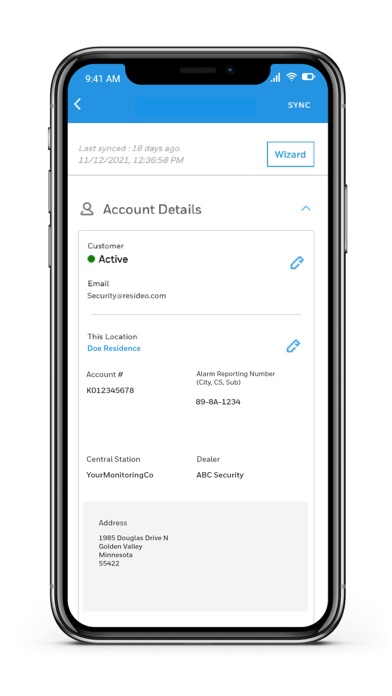
Description by Resideo Technologies, Inc. Written by the developer, not by AppBrain. Click to read.
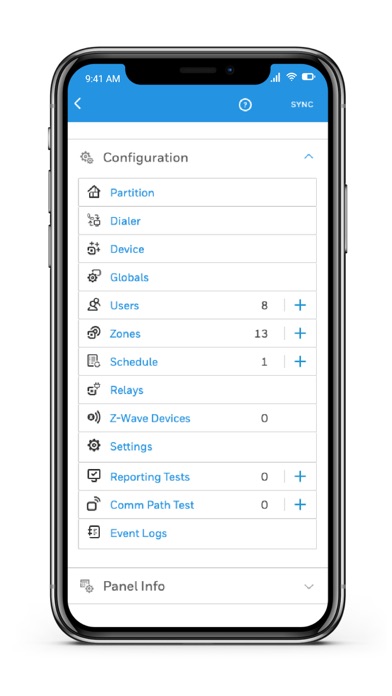
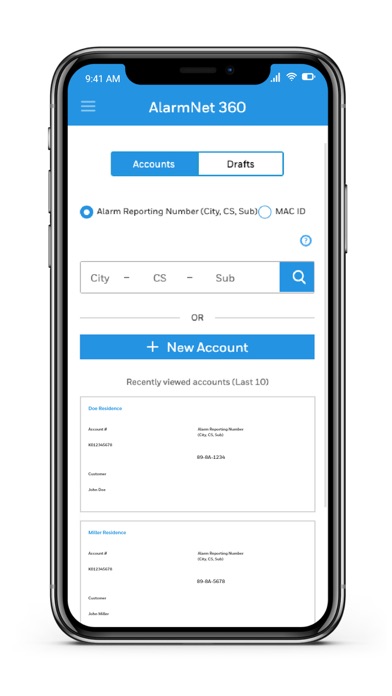
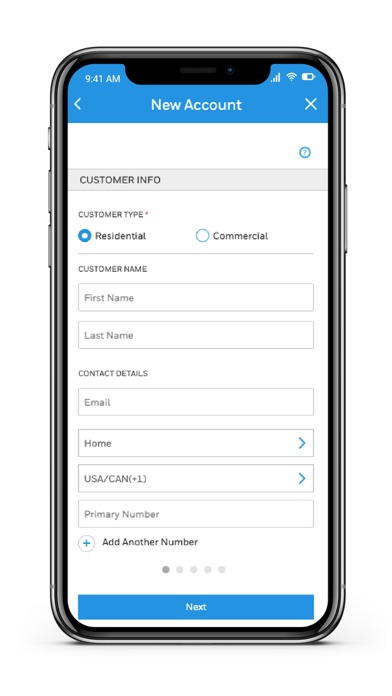
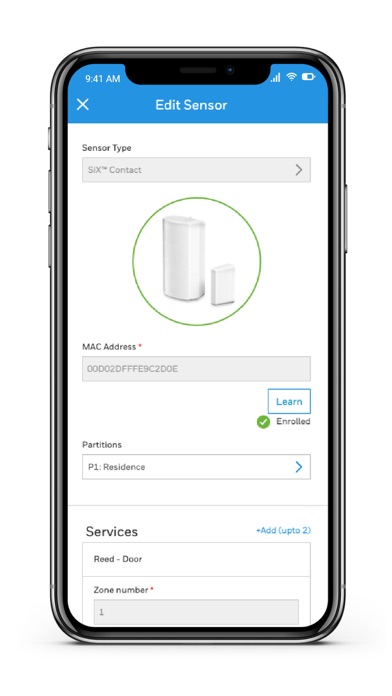
The Resideo AlarmNet360 App will allow you to create accounts, activate communicators, configure security panels, attach sensors, attach keypads, setup Z-Wave Devices and configure TC2 devices like cameras and doorbells.
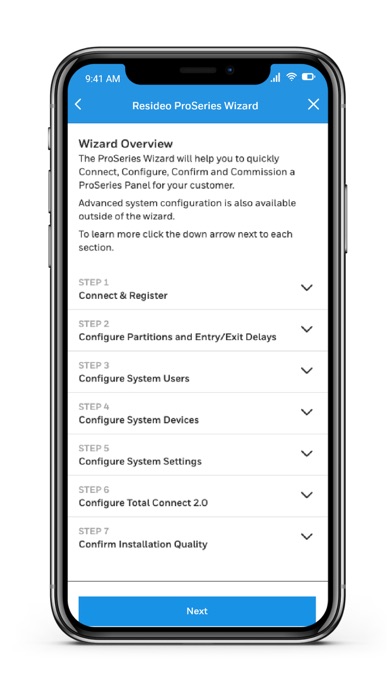
Try the ProSeries Wizard for a quick and easy setup process. The AlarmNet360 Wizard supports Pro A7 Plus and Pro A7 security panels and sensors.
*The following Panels/Communicators may be activated/programmed on the AlarmNet360 Mobile app.
• Resideo ProSeries Panels
o Pro A7 Plus
o Pro A7
• Lyric Panels
o LCP500
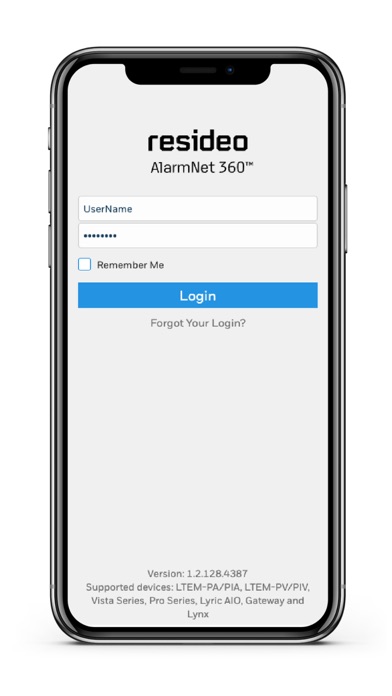
o Gateway (via separate link available on login screen)
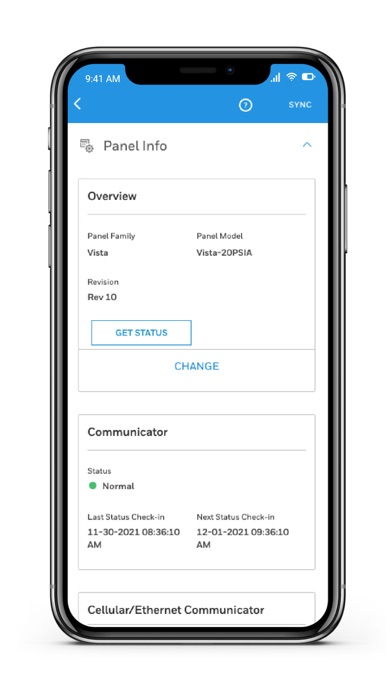
• Vista Panels with a LTEM-PA/PIA and LTEM-PV/PIV Communicator attached
o Vista 21
o Vista 15P/Sia
o Vista 20P/Sia
o Vista 10P/Sia
o Vista 21ip
If your communicator or panel is not listed here, please visit our main website @www.alarmnet360.com to onboard your device.