

AR Trace Projector & Sketch
AR Trace Projector & Sketch is made and published by ZipoApps. AppBrain is an independent app data site and isn't affiliated with ZipoApps. The app name, icon, screenshots and description belong to ZipoApps and are shown as published on the App Store.
AppBrain's verdict
Well rated- Rating on App Store
- 4.20
- 432 ratings
- Last updated
- August 14, 2026
- Size
- 112.8 MB
Users rate it well: 4.2 stars from 432 ratings.
User feedback
Ratings and reviews on the App StoreComments on AR Trace Projector & Sketch for iOS
We don't have enough comments to show example comments. Please check back later.
Store listing
By ZipoApps, from the App Store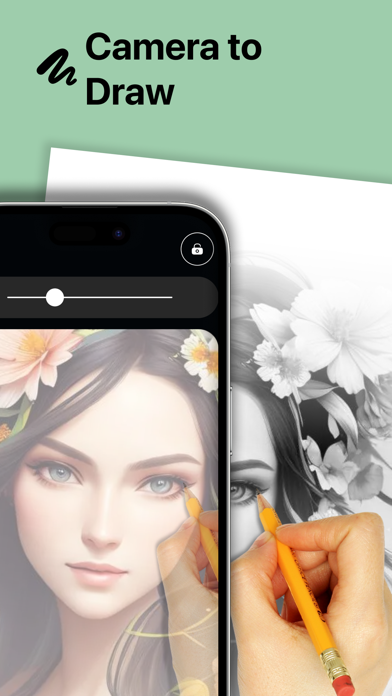
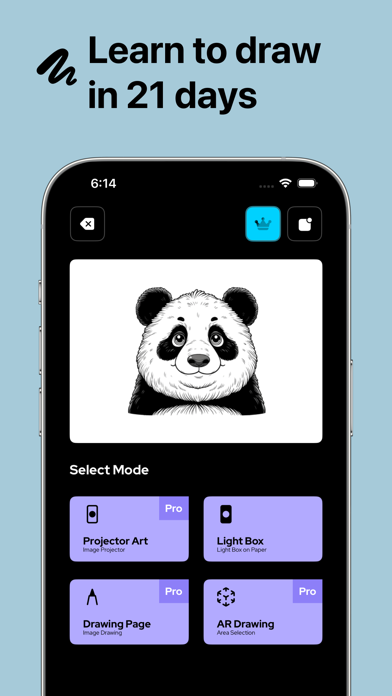
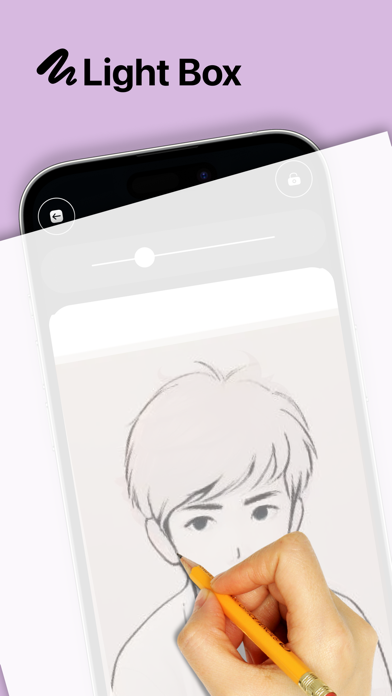
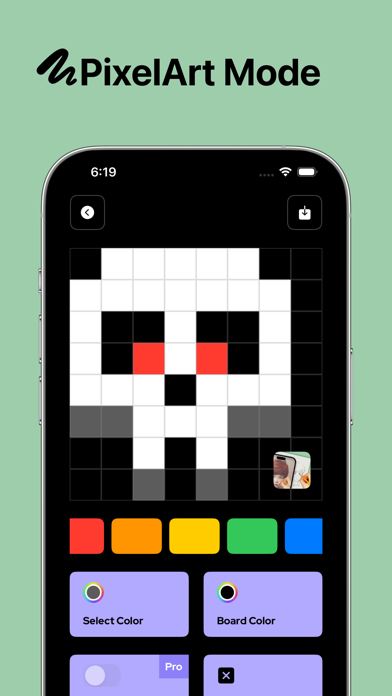
Description by ZipoApps Written by the developer, not by AppBrain. Click to read.
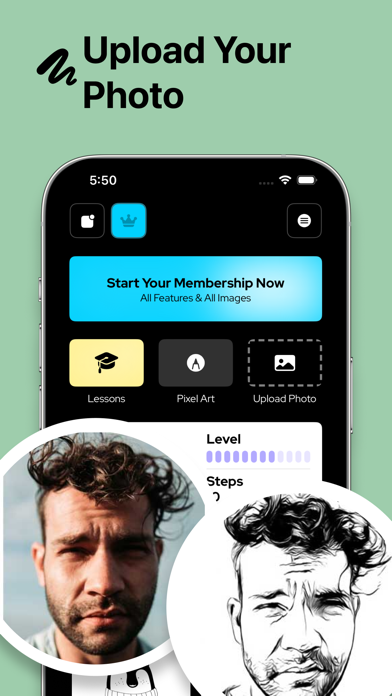
Creating art has never been this easy. Pick any image from your phone, project it onto a surface, and follow the outline to build your sketch step by step.
With our projection-based tracing tools, you can sketch on almost any surface you like — paper, wall, board, or canvas. Want structured practice? Use the grid layout to trace proportions and patterns more accurately.
You can create clean outlines for portraits, designs, tattoos, crafts, or street-style artwork. Just choose an image, grab your pencil, pen, brush, or spray can, and start tracing.
Key Features
Trace on Any Surface
Project your chosen image and follow the guide to trace lines and shapes on paper, walls, boards, and more.
Learn Sketching Faster
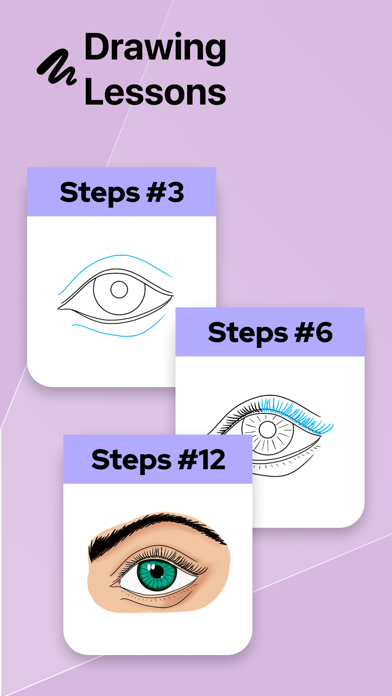
Practice by tracing outlines on-screen, then add shading and color to improve your skills naturally.
Smart Alignment & Better Accuracy
The app helps keep your image positioned so you can focus on tracing and sketching without frustration.
Easy to Use
Choose an image from your gallery, allow camera access, and start projecting. You can also use your flash if you need extra light.
It’s like having a guided tracing projector in your pocket — you simply follow the projected outline and bring your sketch to life. Create artwork anytime, anywhere, with minimal effort.
This tool can also support creative workflows in areas like fashion, crafts, design mockups, and prototypes — helping you trace faster and turn ideas into sketches more quickly.
Once your sketch is complete, enjoy adding color and finishing touches your way. With the right colors and a clean outline, your final piece will look polished and professional.
Create beautiful sketches on paper, board, tablet stands, or walls — and turn simple outlines into masterpieces.
Privacy Policy: https://zipoapps.com/projectorarios/privacy/
Terms of Use: https://zipoapps.com/projectorarios/terms/
Safety and technology
Found in the app by AppBrain- Price
- Free
- App size
- 112.8 MB
- Content rating
- Everyone
Technologies used by AR Trace Projector & Sketch
Releases
Updates seen on the App Store- Version
- 1.9.5
- Launched
- March 2022
No changelog data
Alternatives
Similar apps and more from ZipoAppsAlternatives to AR Trace Projector & Sketch








More from ZipoApps


Rankings
App Store top chartsApp Store Rankings for AR Trace Projector & Sketch
About the app and developer
About AR Trace Projector & Sketch
AR Trace Projector & Sketch is a graphics & design app developed by ZipoApps.
User Ratings
AR Trace Projector & Sketch is rated 4.20 out of 5 stars. The rating is based on 430 ratings.
App Information
AR Trace Projector & Sketch is freely available from the App Store. The app size is 112.76 MB. The latest version available is 1.9.5. The last update was on August 14, 2026.
Technical Requirements
The app has a content rating of Everyone. The app has been available on the App Store since March 2022.
Developer information for ZipoApps
Address:
Frequently asked questions about AR Trace Projector & Sketch
Is AR Trace Projector & Sketch free?
Yes. AR Trace Projector & Sketch is free on the App Store.
Is AR Trace Projector & Sketch still available?
Yes. AR Trace Projector & Sketch is on the App Store, and the last update we saw was on August 14, 2026.
How large is AR Trace Projector & Sketch?
AR Trace Projector & Sketch is 112.76 MB.
Is AR Trace Projector & Sketch suitable for children?
App Store rates the content of AR Trace Projector & Sketch as suitable for everyone.
How do people rate AR Trace Projector & Sketch?
AR Trace Projector & Sketch scores 4.20 out of 5 stars, from 432 ratings on the App Store.
Who made AR Trace Projector & Sketch?
AR Trace Projector & Sketch was developed by ZipoApps. It is listed in the graphics & design category on the App Store.
What are the best alternatives to AR Trace Projector & Sketch?
People looking at AR Trace Projector & Sketch also look at these graphics & design apps: AR Projector Tracing & Drawing, PainterAR: AR Trace Drawing, Tracing projector & Lightbox, Calca app, AR Drawing How to Draw Sketch.