

AR Projector Tracing & Drawing
AR Projector Tracing & Drawing is made and published by Aesthetic Apps & Widgets srl. AppBrain is an independent app data site and isn't affiliated with Aesthetic Apps & Widgets srl. The app name, icon, screenshots and description belong to Aesthetic Apps & Widgets srl and are shown as published on the App Store.
AppBrain's verdict
Well rated- Rating on App Store
- 4.35
- 6,743 ratings
- Last updated
- February 9, 2026
- Size
- 243.5 MB
Users rate it well: 4.4 stars from 6,743 ratings.
User feedback
Ratings and reviews on the App StoreComments on AR Projector Tracing & Drawing for iOS
We don't have enough comments to show example comments. Please check back later.
Store listing
By Aesthetic Apps & Widgets srl, from the App Store


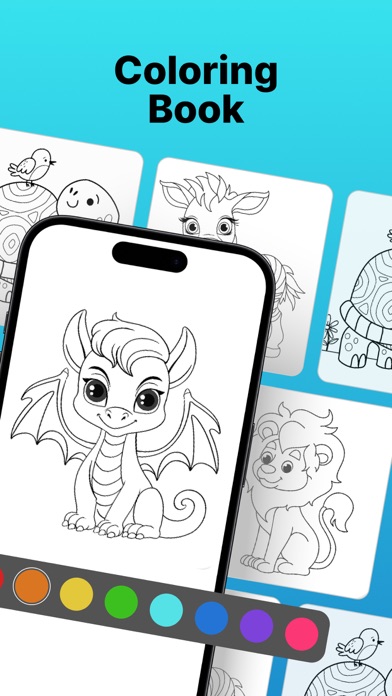
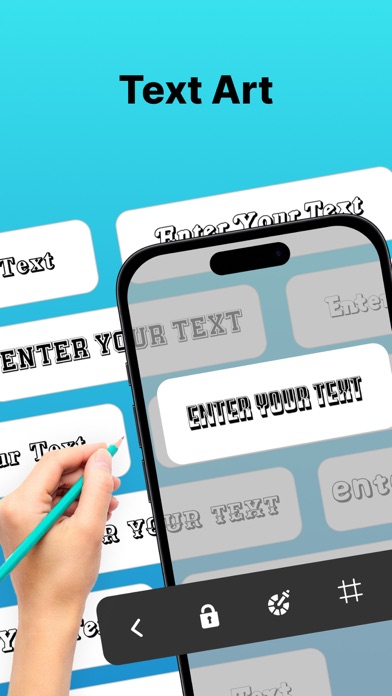
Description by Aesthetic Apps & Widgets srl Written by the developer, not by AppBrain. Click to read.
Whether you're an experienced artist aiming to sharpen your techniques or a beginner hoping to produce better drawings, this app has something for you.
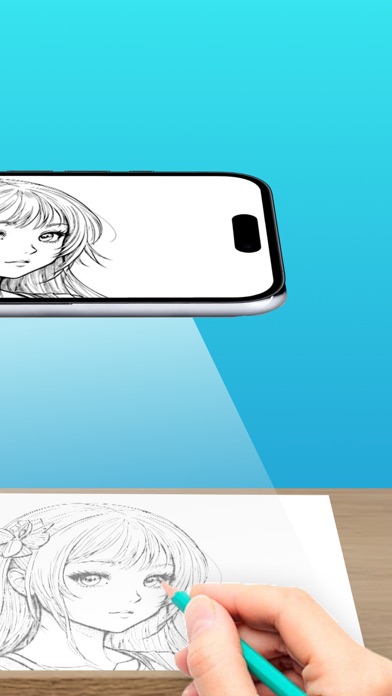
AR Drawing - Sketches preserves the original outlines of your image and overlays them on your drawing surface, guiding your hand and making the tracing process much easier.
You can also access drawing lessons designed to help you grow step by step, track your progress through various milestones, and find inspiration from a curated selection of images and artwork.
Key Features:
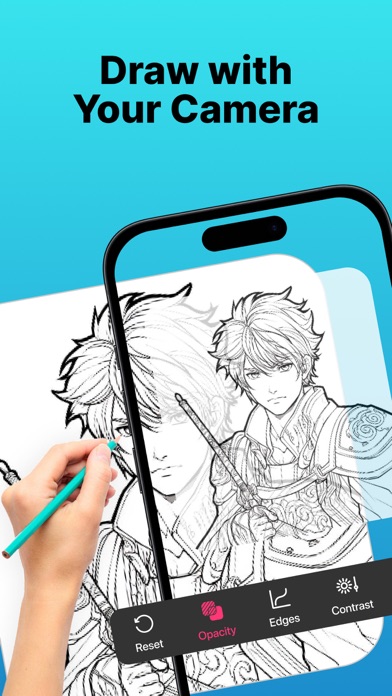
- Image Projector with AR Anchor Tool: Overlay any image onto your drawing surface using your device’s camera and anchor it precisely with AR technology. This ensures image stability and helps guide your hand as you draw.
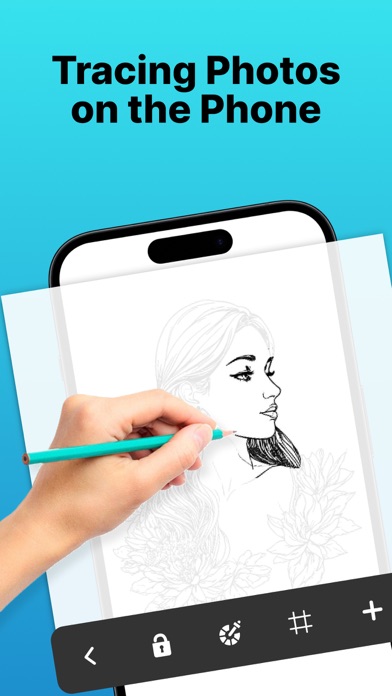
- Light Table: Turn your phone into a virtual light table to trace images directly from the screen—ideal for sketching on paper.
- Digital Drawing: Use intuitive sketch tools to draw directly on your device, perfect for quick concept art or practicing anywhere.
- Drawing Lessons: Learn and improve your drawing skills through lessons suitable for all skill levels.
- Progress Tracking: Set goals and unlock milestones to stay motivated and see how far you've come.
- Inspiration Hub: Explore curated content to spark your creativity and try new styles.
How to Get Started:
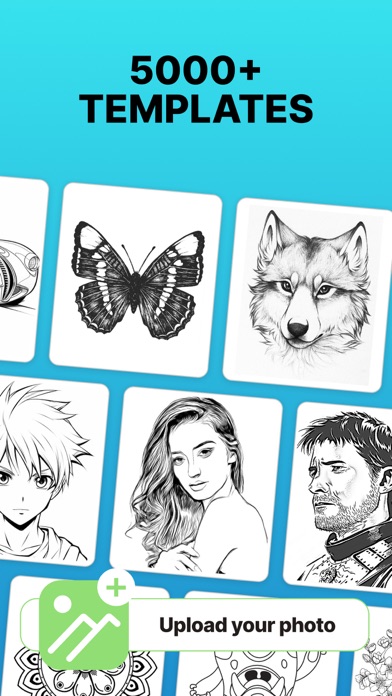
1. Upload a high-quality image or choose one from the gallery.
2. Adjust the image’s transparency and contrast to make it easier to trace.
3. Secure your phone above your paper using a tripod or even a cup.
4. Start drawing and create your own masterpiece.
Subscription Details:
Unlock premium features with a subscription:
- Duration: Weekly or Yearly
- Payment will be charged to your iTunes Account upon confirmation of purchase
- You can manage your subscription and disable auto-renewal in your Account Settings
- Subscriptions renew automatically unless auto-renew is turned off at least 24 hours before the end of the current period
- Renewal charges will be applied within 24 hours prior to the end of the current period
- If you cancel, your subscription remains active until the end of the current period. No refunds will be issued
- Any unused portion of a free trial (if offered) will be forfeited once a subscription is purchased
Terms of Use: https://www.apple.com/legal/internet-services/itunes/dev/stdeula/
Safety and technology
Found in the app by AppBrain- Price
- Free
- App size
- 243.5 MB
- Content rating
- High
Technologies used by AR Projector Tracing & Drawing
Releases
Updates seen on the App Store- Version
- 1.4
- Launched
- July 2023
No changelog data
Alternatives
Similar apps and more from Aesthetic Apps & Widgets srlAlternatives to AR Projector Tracing & Drawing


More from Aesthetic Apps & Widgets srl




Rankings
App Store top chartsApp Store Rankings for AR Projector Tracing & Drawing
About the app and developer
About AR Projector Tracing & Drawing
AR Projector Tracing & Drawing is a graphics & design app developed by Aesthetic Apps & Widgets srl.
User Ratings
AR Projector Tracing & Drawing is rated 4.35 out of 5 stars. The rating is based on 6.7 thousand ratings.
App Information
AR Projector Tracing & Drawing is freely available from the App Store. The app size is 243.46 MB. The latest version available is 1.4. The last update was on February 9, 2026.
Technical Requirements
The app has a content rating of High Maturity. The app has been available on the App Store since July 2023.
Developer information for Aesthetic Apps & Widgets srl
Address:
Frequently asked questions about AR Projector Tracing & Drawing
Is AR Projector Tracing & Drawing free?
Yes. AR Projector Tracing & Drawing is free on the App Store.
Is AR Projector Tracing & Drawing still available?
Yes. AR Projector Tracing & Drawing is on the App Store, and the last update we saw was on February 9, 2026.
How large is AR Projector Tracing & Drawing?
AR Projector Tracing & Drawing is 243.46 MB.
Is AR Projector Tracing & Drawing suitable for children?
App Store gives AR Projector Tracing & Drawing a high maturity rating. It is meant for adults.
How do people rate AR Projector Tracing & Drawing?
AR Projector Tracing & Drawing scores 4.35 out of 5 stars, from 6,743 ratings on the App Store.
Who made AR Projector Tracing & Drawing?
AR Projector Tracing & Drawing was developed by Aesthetic Apps & Widgets srl. It is listed in the graphics & design category on the App Store.
What are the best alternatives to AR Projector Tracing & Drawing?
People looking at AR Projector Tracing & Drawing also look at these graphics & design apps: AR Drawing How to Draw Sketch, AR Drawing: Sketch & Paint, AR Trace Projector & Sketch, AR Drawing Sketch: Trace Draw, Painter Eye: AR Drawing App.