

Archive Utility
Archive Utility is made and published by RootRise Technologies Pvt. Ltd. AppBrain is an independent app data site and isn't affiliated with RootRise Technologies Pvt. Ltd. The app name, icon, screenshots and description belong to RootRise Technologies Pvt. Ltd. and are shown as published on the App Store.
AppBrain's verdict
Established- Rating on App Store
- 3.88
- 8 ratings
- Last updated
- January 10, 2026
It doesn't have enough ratings yet to judge what users think.
Rankings
App Store top chartsApp Store Rankings for Archive Utility
Competitors
Similar apps and more from RootRise Technologies Pvt. Ltd.Alternatives to Archive Utility





More from RootRise Technologies Pvt. Ltd.


Releases
Updates seen on the App Store- Version
- 2.0
- Launched
- August 2018
No changelog data
User feedback
Ratings and reviews on the App StoreComments on Archive Utility for iOS
We don't have enough comments to show example comments. Please check back later.
Technology
Found in the app by AppBrain- Price
- $2.99
- App size
- 3.09 MB
- Content rating
- Everyone
Technologies used by Archive Utility
About the app and developer
About Archive Utility
Archive Utility is an utilities app developed by RootRise Technologies Pvt. Ltd.
What is the rating of Archive Utility?
Archive Utility is rated 3.88 out of 5 stars, based on 8 ratings.
Is Archive Utility free?
Archive Utility costs $2.99. The app size is 3.09 MB. The latest version available is 2.0. The last update was on January 10, 2026.
What are the requirements for Archive Utility?
The app has a content rating of Everyone. The app has been available on the App Store since August 2018.
Developer information for RootRise Technologies Pvt. Ltd.
RootRise Technologies Pvt. Ltd.
Address:
Store listing
By RootRise Technologies Pvt. Ltd., from the App Store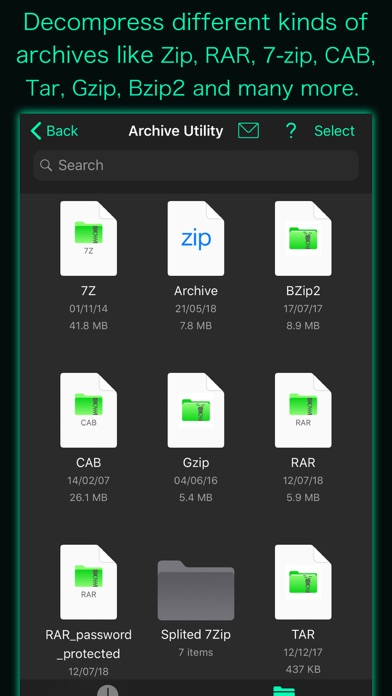
Description by RootRise Technologies Pvt. Ltd. Written by the developer, not by AppBrain. Click to read.
Your long time wait for computer like compress-uncompress tool on iPhone and iPad is over with "Archive Utility". It integrates Archive and Expand features with Document Browser View to make easy-to-use yet powerful Archive Utility.
* How to create a ZIP file?
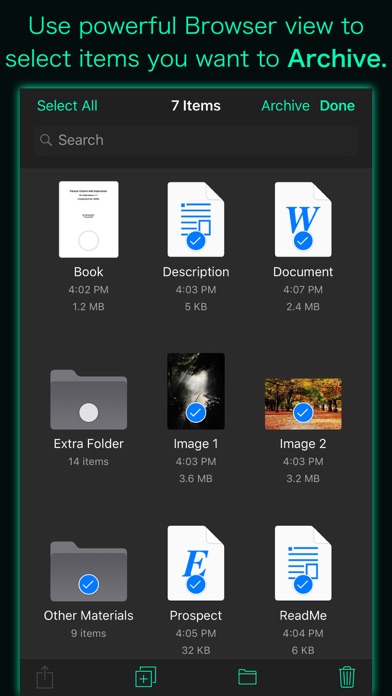
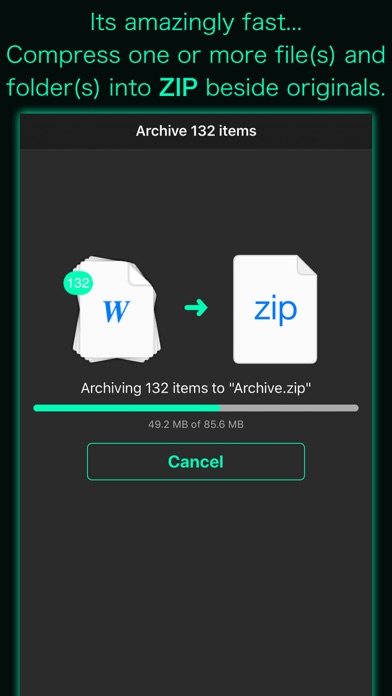
- Use powerful Browser view to select file(s) and folder(s) you want to compress and tap Archive button to create ZIP file beside original items.
* How to expand/unarchive/uncompress/extract an archive file?
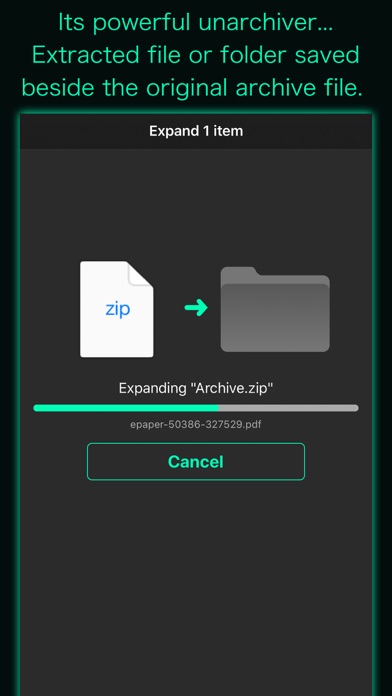
- Navigate to archive file you want to uncompress in Browser view and tap on it to expand. Decompressed file or folder saved in the same folder as the original archive file.
- Use "Copy to Archive Utility" to open archive file received as email attachment, downloaded from the the web or contained in another app. You can even add files in the app's Documents folder from your computer through iTunes file sharing.
- It lets you preview files and archives that iOS can support.
DOCUMENT MANAGEMENT
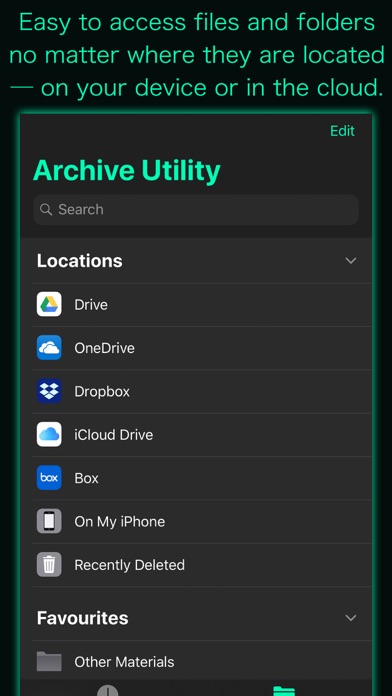
- "Archive Utility" built upon Document Browser view which allows to access files no matter where they’re located — on your device or in the cloud with Archive Utility. Handles access to iCloud Drive and third-party cloud storage services such as Dropbox and Box within the app.
- Browse view to navigate folders, organise your files with tags, move files between folders, search and sort.
- Share files using the Share button or a drag-and-drop action.
- You can move, delete, duplicate and rename a document and folder.
- Drag and drop to select files and organise them into folders.
- Inherit tagged and favourite items from Files app and allow to create and change within the app.
Note: “Archive Utility” is standalone application running natively to archive files and expand archives securely right on your iOS device.
You can refer User Manual for any assistance Or Contact Support.