

ARISTA is made and published by Intermatic LLC. AppBrain is an independent app data site and isn't affiliated with Intermatic LLC. The app name, icon, screenshots and description belong to Intermatic LLC and are shown as published on the App Store.
AppBrain's verdict
Established- Rating on App Store
- 5.00
- 4 ratings
- Last updated
- August 13, 2026
It doesn't have enough ratings yet to judge what users think.
Rankings
App Store top chartsApp Store Rankings for ARISTA
Competitors
Similar apps and more from Intermatic LLC







Releases
Updates seen on the App Store- Version
- 5.0.83
- Launched
- July 2021
No changelog data
User feedback
Ratings and reviews on the App StoreComments on ARISTA for iOS
We don't have enough comments to show example comments. Please check back later.
Technology
Found in the app by AppBrain- Price
- Free
- App size
- 94.9 MB
- Content rating
- Everyone
Technologies used by ARISTA
About the app and developer
About ARISTA
ARISTA is a productivity app developed by Intermatic LLC.
User Ratings
ARISTA is rated 5.00 out of 5 stars. The rating is based on 4 ratings.
App Information
ARISTA is freely available from the App Store. The app size is 94.90 MB. The latest version available is 5.0.83. The last update was on August 13, 2026.
Technical Requirements
The app has a content rating of Everyone. The app has been available on the App Store since July 2021.
Developer information for Intermatic LLC
Address:
Frequently asked questions about ARISTA
Is ARISTA free?
Yes. ARISTA is free on the App Store.
Is ARISTA still available?
Yes. ARISTA is on the App Store, and the last update we saw was on August 13, 2026.
How large is ARISTA?
ARISTA is 94.90 MB.
Is ARISTA suitable for children?
App Store rates the content of ARISTA as suitable for everyone.
How do people rate ARISTA?
ARISTA scores 5.00 out of 5 stars, from 4 ratings on the App Store.
Who made ARISTA?
ARISTA was developed by Intermatic LLC. It is listed in the productivity category on the App Store.
What are the best alternatives to ARISTA?
People looking at ARISTA also look at these productivity apps: Untangle Go, Projects & Tasks, WaveLinx Legacy, EMAT Field Auditor, Hideez Authenticator.
Store listing
By Intermatic LLC, from the App Store
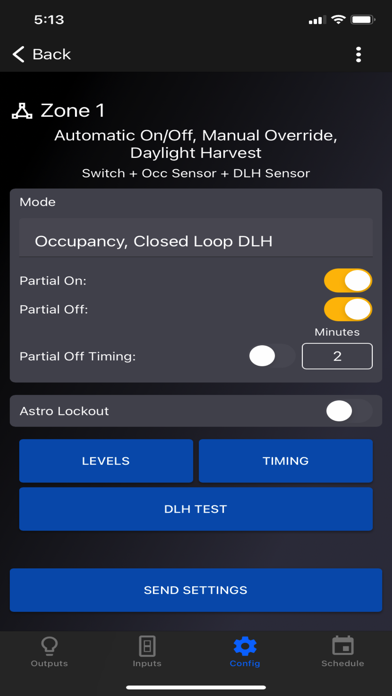
Description by Intermatic LLC Written by the developer, not by AppBrain. Click to read.
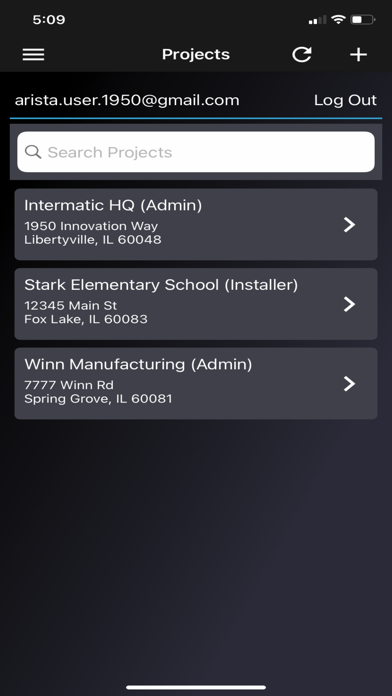
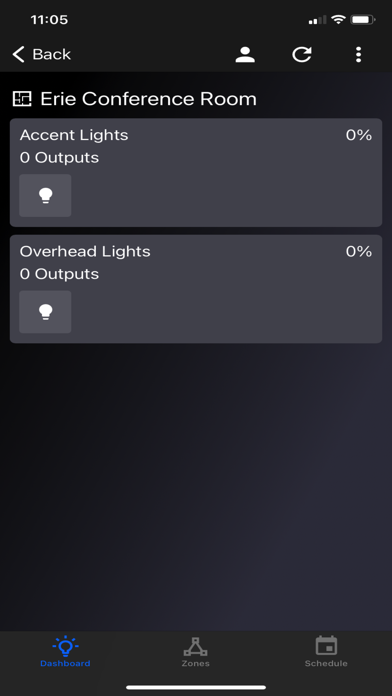
This app will guide you through the installation and configuration of ARISTA devices. Use its simple workflows to set up lighting control boundaries, create ON/OFF schedules, set dimming levels, adjust sensors, add new users and more!
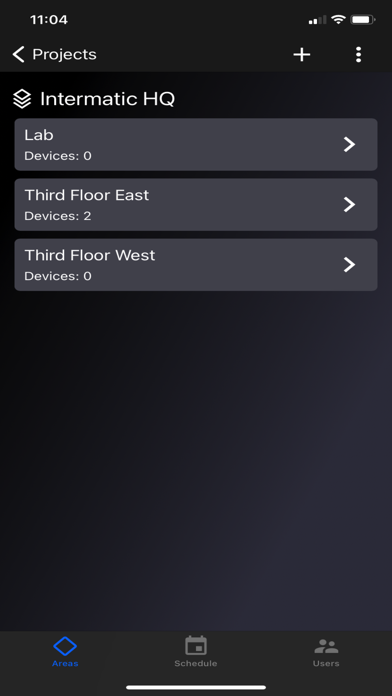
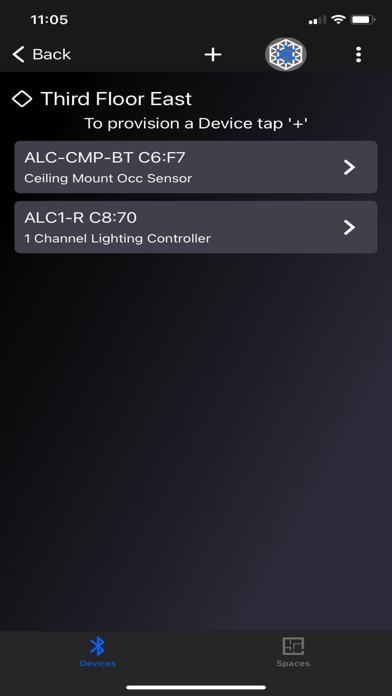
• Simple Installation – Once ARISTA devices (e.g., sensors, controllers) are physically installed and powered on, use the ARISTA app to onboard components to the wireless network and assign them to a Project.
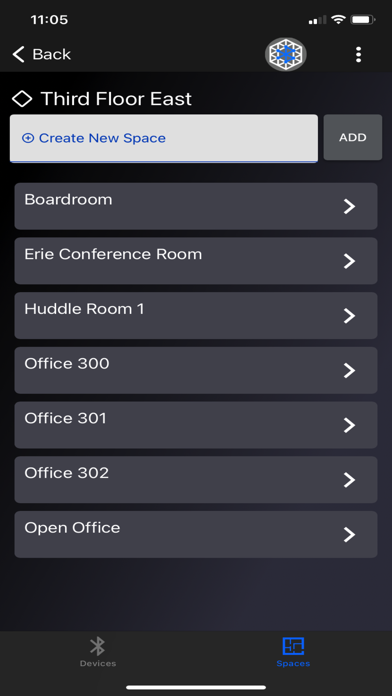
• Define Boundaries – Create dynamic lighting environments by assigning ARISTA devices to a specific Area, Space and Zone within a Project. This allows you to group components based on physical location and function.
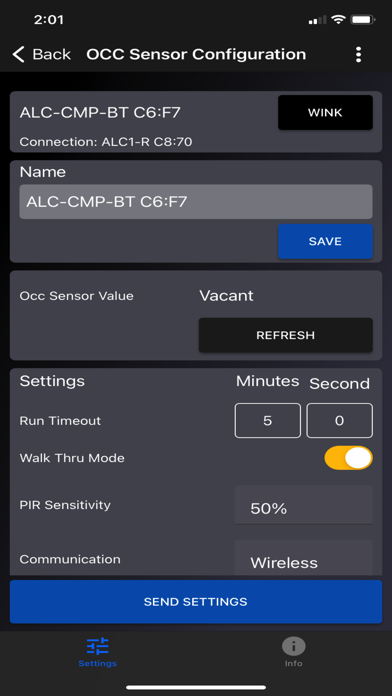
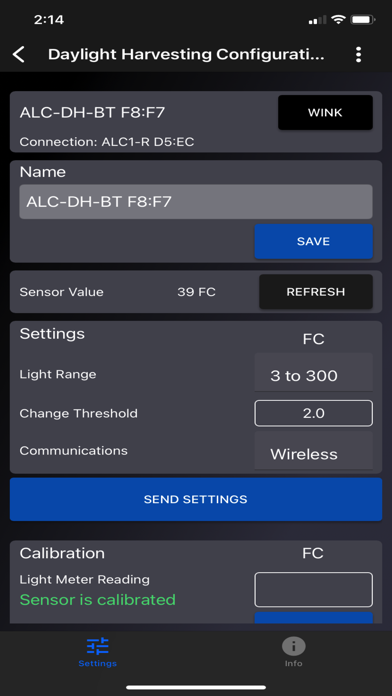
• Real-time Configuration – Use the app to adjust input settings (e.g., run level, fade time) and create time schedules for each ARISTA device. A helpful “blink” feature allows installers to quickly identify devices in the field and begin configuration.
• Grant Access – Add new Installers to a Project to assist with configuration and/or commissioning on the job site. Once initial installation is complete, pass control to stakeholders by granting Occupant access within the app. This allows occupants to make adjustments to ARISTA devices within specific parameters set during installation.
Questions? Visit www.Intermatic.com/ARISTA for a complete programming guide, how-to videos and FAQs.