

AudioCalc is made and published by Nelcea. AppBrain is an independent app data site and isn't affiliated with Nelcea. The app name, icon, screenshots and description belong to Nelcea and are shown as published on the App Store.
AppBrain's verdict
Established- Rating on App Store
- 3.00
- 1 ratings
- Last updated
- September 14, 2016
It doesn't have enough ratings yet to judge what users think.
Rankings
App Store top chartsApp Store Rankings for AudioCalc
Competitors
Similar apps and more from NelceaAlternatives to AudioCalc






More from Nelcea

Releases
Updates seen on the App Store- Version
- 2.0
- Launched
- before 2010
No changelog data
User feedback
Ratings and reviews on the App StoreComments on AudioCalc for iOS
We don't have enough comments to show example comments. Please check back later.
Technology
Found in the app by AppBrain- Price
- $2.99
- App size
- 2.86 MB
- Content rating
- Everyone
Technologies used by AudioCalc
About the app and developer
About AudioCalc
AudioCalc is an utilities app developed by Nelcea.
What is the rating of AudioCalc?
AudioCalc is rated 3.00 out of 5 stars, based on one rating ratings.
Is AudioCalc free?
AudioCalc costs $2.99. The app size is 2.86 MB. The latest version available is 2.0. The last update was on September 14, 2016.
What are the requirements for AudioCalc?
The app has a content rating of Everyone. The app has been available on the App Store since before 2010.
Developer information for Nelcea
Address:
Store listing
By Nelcea, from the App Store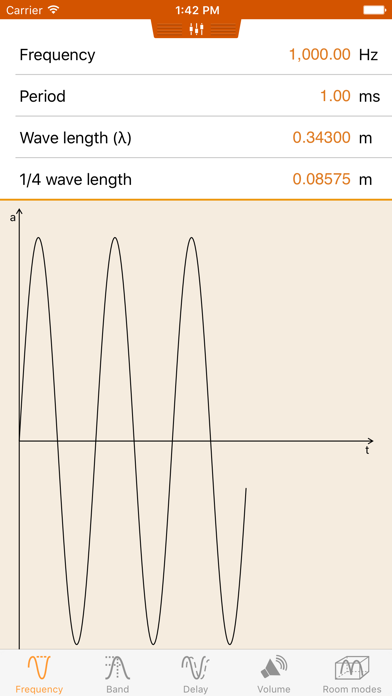
Description by Nelcea Written by the developer, not by AppBrain. Click to read.
The frequency, period and wavelength converter comes in quite handy for positioning loudspeakers.
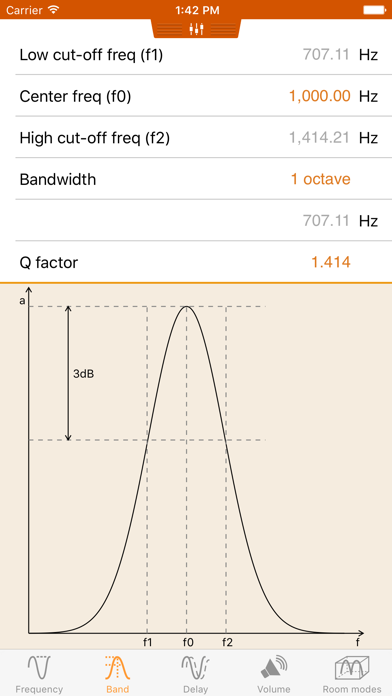
The band tool helps you setup a parametric EQ.
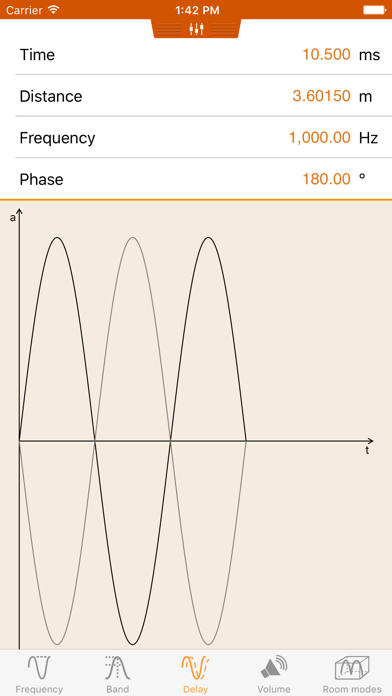
The delay part gives you an insight when setting speaker distances and delays.
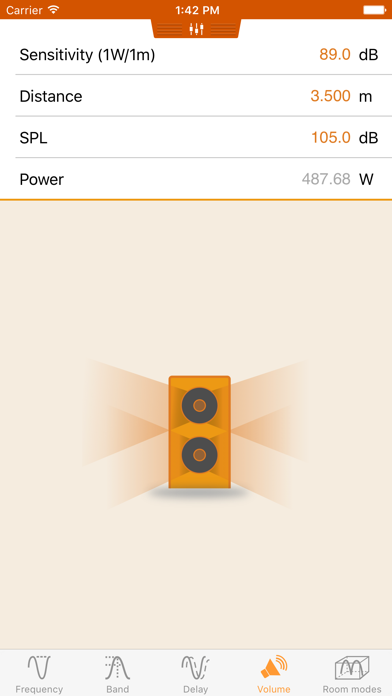
The volume tool helps you determine the amplifier power required for a given set of speakers.
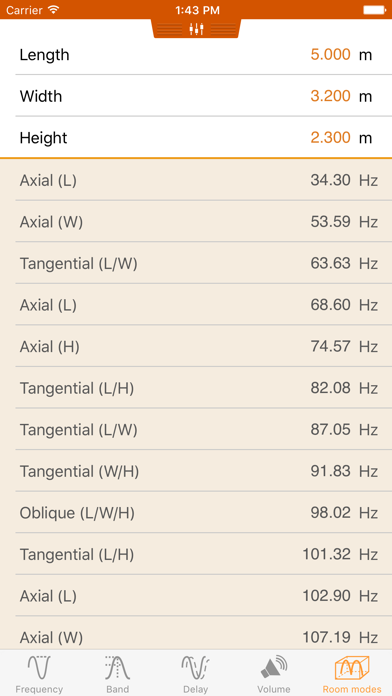
The room modal response tool allows you to compute the room modes present in a room. This is crucial when placing a subwoofer provide correct bass response. It can also be used when designing a room to avoid dimensions that would lead to a poor modal response.
AudioCalc works in both imperial and metric units. Simply swipe down to reveal the unit selection view.
If you liked this tool, be sure to also check VideoCalc, the companion tool that addresses your video needs.