It doesn't have enough ratings yet to judge what users think. Its best ranking is #42 in Top Paid, Productivity in South Korea.
AVStreamer - Remote Desktop is made and published by
EPLAYWORKS.
AppBrain is an independent app data site and isn't affiliated with EPLAYWORKS.
The app name, icon, screenshots and description belong to EPLAYWORKS and are shown as
published on the App Store.
About AVStreamer - Remote Desktop
AVStreamer - Remote Desktop is a productivity app developed by EPLAYWORKS.
What is the rating of AVStreamer - Remote Desktop?
AVStreamer - Remote Desktop is rated 3.38 out of 5 stars, based on 13 ratings.
Is AVStreamer - Remote Desktop free?
AVStreamer - Remote Desktop costs $2.99. The app size is 12.32 MB. The latest version available is 1.14. The last update was on November 2, 2017.
What are the requirements for AVStreamer - Remote Desktop?
The app has a content rating of Everyone. The app has been available on the App Store since May 2012.
Description by EPLAYWORKS(from the App Store)
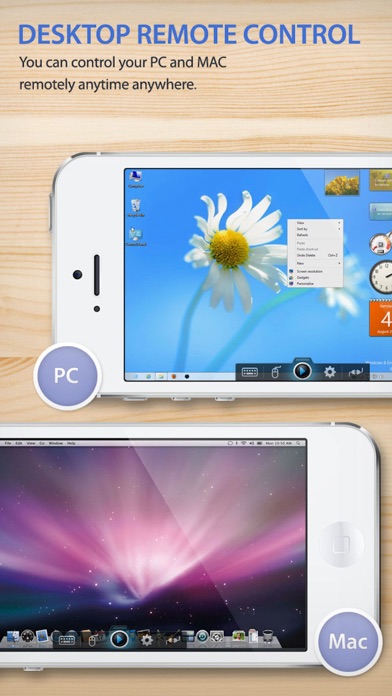
Remotely control your PC or MAC anytime, anywhere.
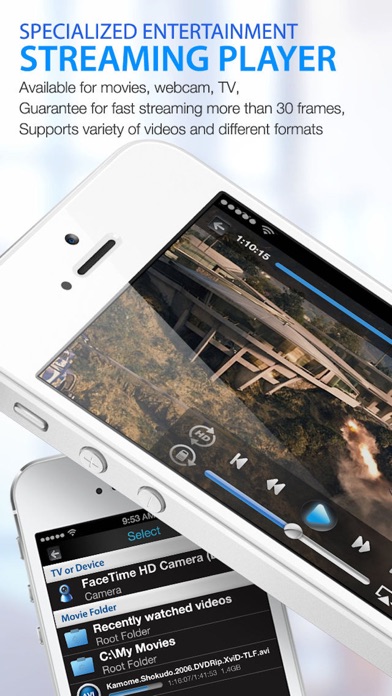
Video streaming up to 30 frame per second with audio, enjoy games, movie and TV shows from your PC or MAC. WebCam is also supported.
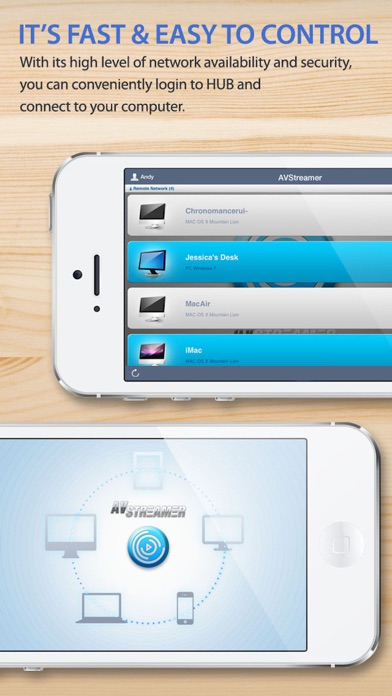
Easily manage your computers with AVStreamer HUB Server on single account that it will automatically search your PC or MAC without configuring network settings.
[ Main Feature ] * Desktop Streaming and Remote Control * Multimedia Streaming with playback speed control * Camera / TV Tuner Streaming ( PC )
[ Additional Feature ]
* Zoom and Scaling Screen * Gesture Customizing * Custom Keyboard Customizing * Track Pad Mode * Video Playback Speed Control / Rate Control * Support Dual Monitor
[ Special Feature : Built-in Multimedia Player ]
* Supports PIP ( Picture in Picture ) mode to display desktop streaming screen and multimedia streaming screen simultaneously. Built-in Multimedia player support Camera, TV Tuner and video files that OS supports. For more detail of supporting media formats and device, please visit our website.
[ Requirements and Restrictions ]
* AVStreamer Server must be downloaded and installed on PC or MAC from our website (http://eplayworks.com) * Windows XP SP2 or above, Vista, Windows 7 32 bit/64bit * Core 2 Duo processor or higher is recommended. * Mac SnowLeopard and Lion, Mountain Lion * Any network firewall may block the connection if you don't allow "AVStreamer Server" manually.
AppBrain offers valuable information about your app and those of your competitors. Join AppBrain for free and claim this app to view more ranking data, view history etc.
Each subscription will automatically renew 3 days before the expiration date for
the same time period. Subscriptions can be cancelled at any time before the renewal.