

BookFolder is made and published by Molly Black. AppBrain is an independent app data site and isn't affiliated with Molly Black. The app name, icon, screenshots and description belong to Molly Black and are shown as published on the App Store.
AppBrain's verdict
Established- Rating on App Store
- 4.70
- 30 ratings
- Last updated
- January 4, 2025
It doesn't have enough ratings yet to judge what users think.
Rankings
App Store top chartsApp Store Rankings for BookFolder
Competitors
Similar apps and more from Molly BlackAlternatives to BookFolder







More from Molly Black
Releases
Updates seen on the App Store- Version
- 1.1.3
- Launched
- May 2021
No changelog data
User feedback
Ratings and reviews on the App StoreComments on BookFolder for iOS
We don't have enough comments to show example comments. Please check back later.
Technology
Found in the app by AppBrain- Price
- Free
- App size
- 2.07 MB
- Content rating
- Everyone
Technologies used by BookFolder
About the app and developer
About BookFolder
BookFolder is a books app developed by Molly Black.
What is the rating of BookFolder?
BookFolder is rated 4.70 out of 5 stars, based on 30 ratings.
Is BookFolder free?
BookFolder is free. The app size is 2.07 MB. The latest version available is 1.1.3. The last update was on January 4, 2025.
What are the requirements for BookFolder?
The app has a content rating of Everyone. The app has been available on the App Store since May 2021.
Developer information for Molly Black
Address:
Store listing
By Molly Black, from the App Store

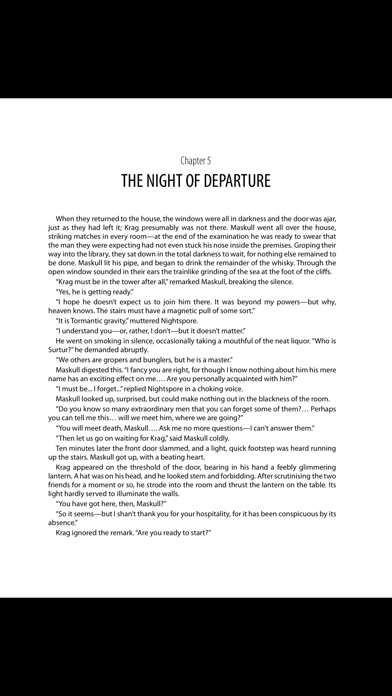
Description by Molly Black Written by the developer, not by AppBrain. Click to read.
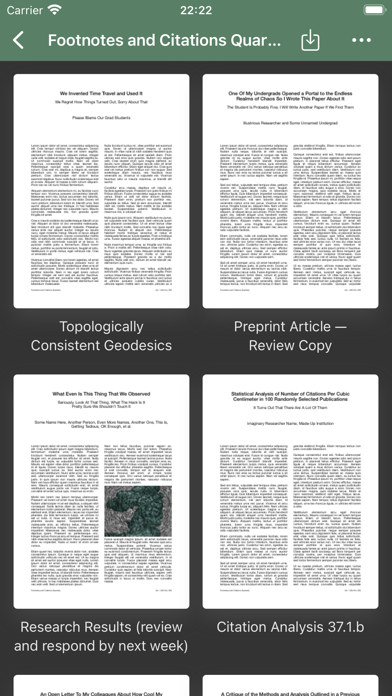
• Create folders and folder groups to keep your PDFs organized however you prefer. Rename and rearrange things as the mood takes you. Name every single book and folder the same thing, if you really want to! (I don’t recommend doing that, but nonetheless, that’s the sort of awesome power that you wield if you use BookFolder.)
• Set custom cover images for every book (or stick with a book’s default cover, of course). Your library will look the way that you want it to! (And the underlying files remain pristine, so if you begin to regret choosing a photo of your cat for every book in your collection, you can always restore the originals and no one will know. Except your cat, who is judging you now.)
• Get wild on an iPad with split-screen multitasking support. Read two books at once (or the same book twice)! If that’s something that you want to do.
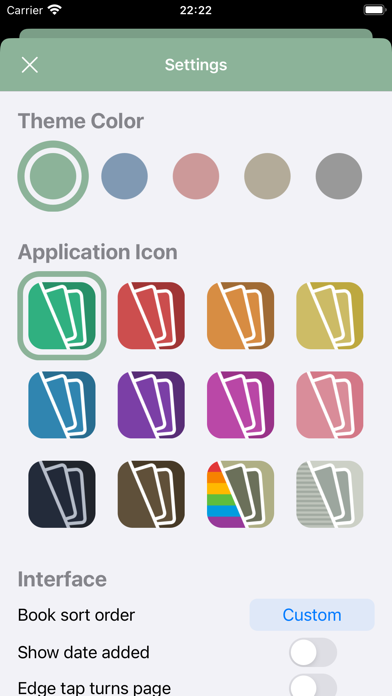
• Swap between five theme colors, for an interface that works best for you. (Dark Mode support, too, of course!)
• Choose from a dozen icons, from solid colors to subdued platinum to a retro rainbow look, to fit your mood and to ensure a harmonious home screen layout with your other apps. (I’m not the only one who arranges my icons by color and design… am I?)
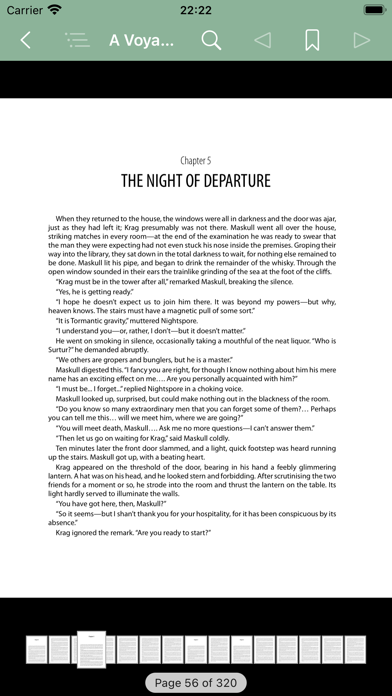
• You can use it to actually read the PDFs, too, of course. Mustn’t forget that part.
• Plus bookmarks, searching, and table-of-contents support, as one would expect.
• Also, it’s free, no in-app purchases, no tracking… just a nice PDF reader and library manager. I hope that you’ll enjoy it!