

Brushes is made and published by Envoza. AppBrain is an independent app data site and isn't affiliated with Envoza. The app name, icon, screenshots and description belong to Envoza and are shown as published on the App Store.
AppBrain's verdict
EstablishedLoved by users- Rating on App Store
- 4.57
- 179 ratings
- Last updated
- May 22, 2025
- Size
- 12.6 MB
Users love it: 4.6 stars from 179 ratings.
User feedback
Ratings and reviews on the App StoreComments on Brushes for iOS
We don't have enough comments to show example comments. Please check back later.
Store listing
By Envoza, from the App Store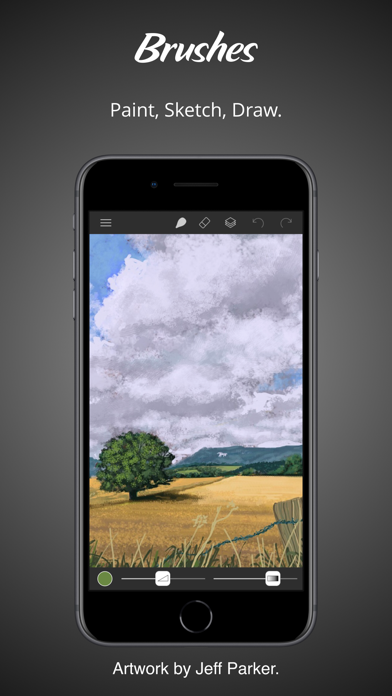
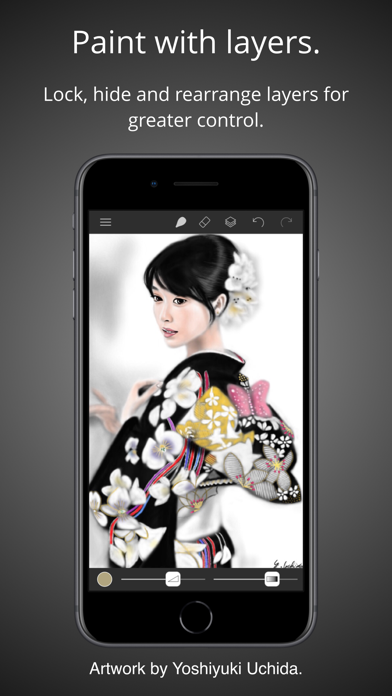
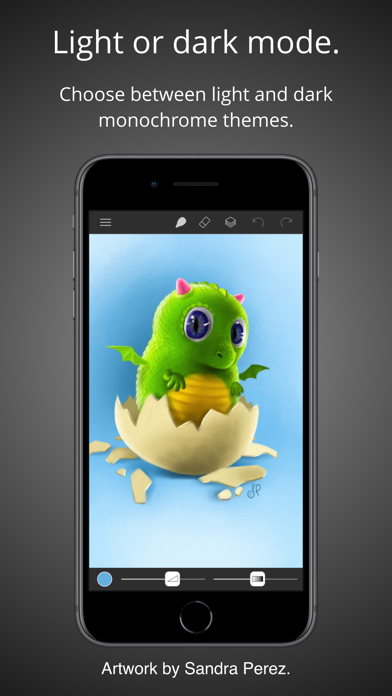
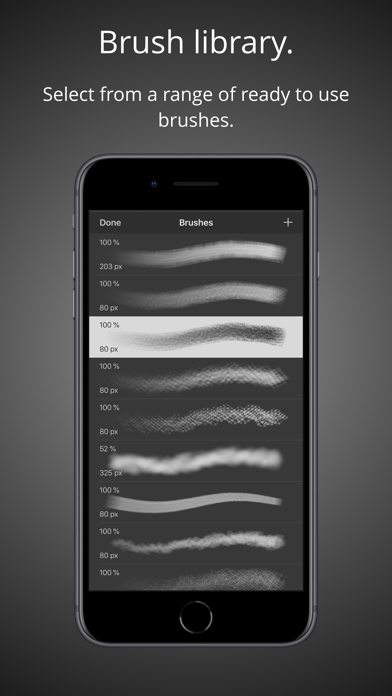

Description by Envoza Written by the developer, not by AppBrain. Click to read.
• Highlights:
- Clean and modern user interface with light and dark modes.
- Files based painting gallery.
- New canvas interface.
- Apple Pencil support with pressure curve.
– Unlimited undo and redo.
- Continuous auto-save.
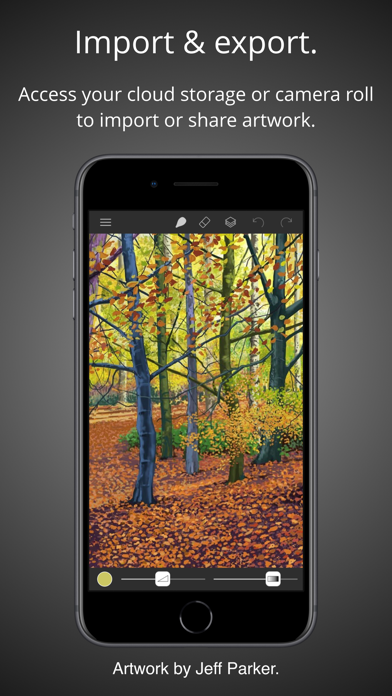
- Cloud Drive import and export.
• Parameterized Brushes:
- Selection of ready to use brushes with customisable settings.
- Create your own custom brushes from millions of permutations.
- Generate random brushes for inspiration.
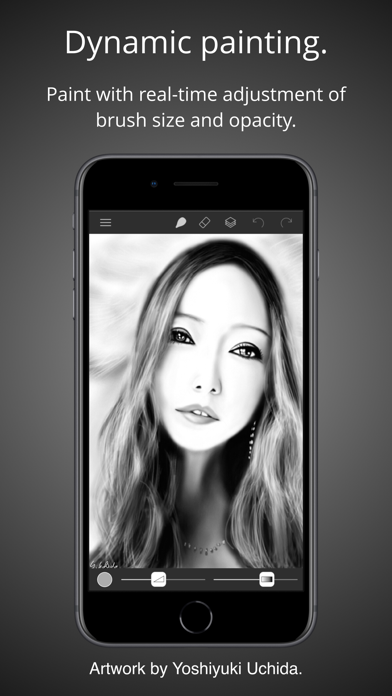
- Dynamic adjustment of brush size and opacity.
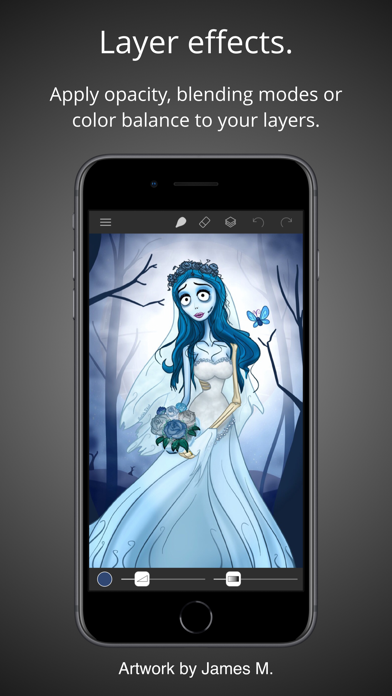
• Layers:
- Layer your artwork for greater control.
– Lock and hide layers.
– Use alpha lock to only paint where pixels already exist.
– Adjust individual layer opacity.
– Duplicate, rearrange and merge layers.
– Apply layer blending modes: normal, multiply, screen, exclude.
- Color fill any layer.
– Invert layer color and desaturate.
– Flip and arbitrarily transform layers.
– Adjust the color balance per layer.
– Adjust layer hue, saturation and brightness.
• Colors:
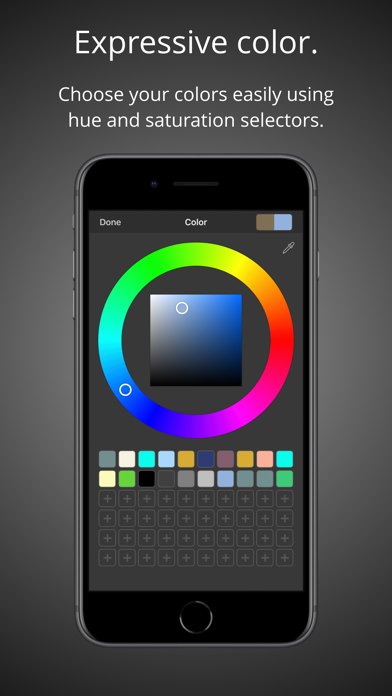
- Colour picker with hue ring and saturation square.
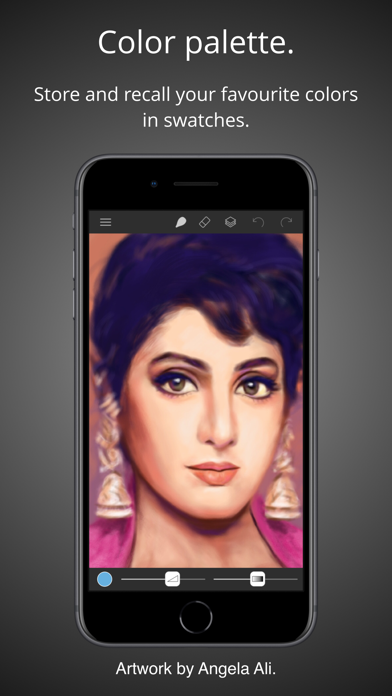
- Store and recall your favourite colors in swatches.
- Sample painting colors with the eyedropper tool.
• Apple Pencil:
- Intuitive and powerful pressure curve to match your style.
- Configurable realtime pressure based adjustment of brush size and opacity.
• Creation:
- Preset canvas sizes for paper, photographs, iPhone and iPad screens, film and television displays.
- Custom canvas size.
• Import, export and sharing:
- Import images directly from your camera roll.
- Import PNG and JPEG images from cloud services.
- Export your paintings for sharing or importing into other apps as PNG and JPEG to all cloud storage services or as photos directly to your camera roll.
- Compatible with paintings created by Brushes 3 and Brushes Redux.
• Light and dark appearances:
- Choose between light and dark monochrome appearances, or current system setting.
- Minimal use of user interface color so that tints in the user interface do not distract from or influence your artwork color choices.
Acknowledgements.
Thank you to Angela Ali, Jason M., Jeff Parker, Sandra Perez and Yoshiyuki Uchida for contributing artwork to the App Store screenshots. Please visit our website to see more of their artwork and for links to their portfolios.
History.
Brushes was originally created by Steve Sprang for iPhone in 2009 and for iPad in 2010. His last version, Brushes 3 was released in 2012, but was removed from the App Store in 2015. I took over development to modernise and support an app that has continued to be enjoyed by so many artists.
Safety and technology
Found in the app by AppBrain- Price
- $3.99
- App size
- 12.6 MB
- Content rating
- Everyone
Technologies used by Brushes
Releases
Updates seen on the App Store- Version
- 4.2.6
- Launched
- November 2018
No changelog data
Alternatives
Similar apps and more from EnvozaAlternatives to Brushes







More from Envoza


Rankings
App Store top chartsApp Store Rankings for Brushes
About the app and developer
About Brushes
Brushes is a graphics & design app developed by Envoza.
User Ratings
Brushes is rated 4.57 out of 5 stars. The rating is based on 180 ratings.
App Information
Brushes costs $3.99. The app size is 12.59 MB. The latest version available is 4.2.6. The last update was on May 22, 2025.
Technical Requirements
The app has a content rating of Everyone. The app has been available on the App Store since November 2018.
Developer information for Envoza
Address: