
Camera Scan - PDF Files Scan
Camera Scan - PDF Files Scan is made and published by Karthik Bakshi. AppBrain is an independent app data site and isn't affiliated with Karthik Bakshi. The app name, icon, screenshots and description belong to Karthik Bakshi and are shown as published on the App Store.
AppBrain's verdict
- Rating on App Store
- 4.32
- 76 ratings
- Last updated
- October 14, 2022
- Size
- 30.1 MB
It doesn't have enough ratings yet to judge what users think.
User feedback
Ratings and reviews on the App StoreComments on Camera Scan - PDF Files Scan for iOS
We don't have enough comments to show example comments. Please check back later.
Store listing
By Karthik Bakshi, from the App Store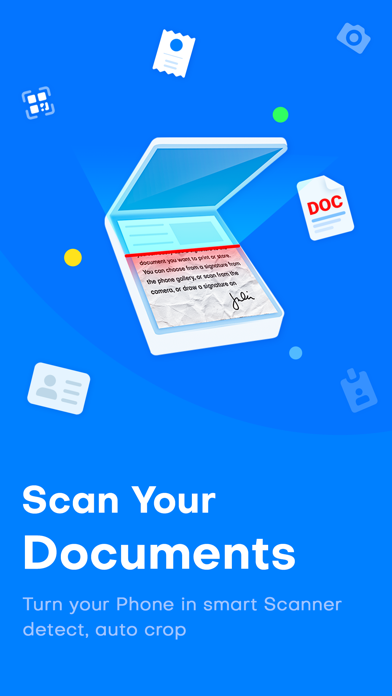
Description by Karthik Bakshi Written by the developer, not by AppBrain. Click to read.
Cam Scan - PDF Scanner, Editor is a powerful document scanning application.
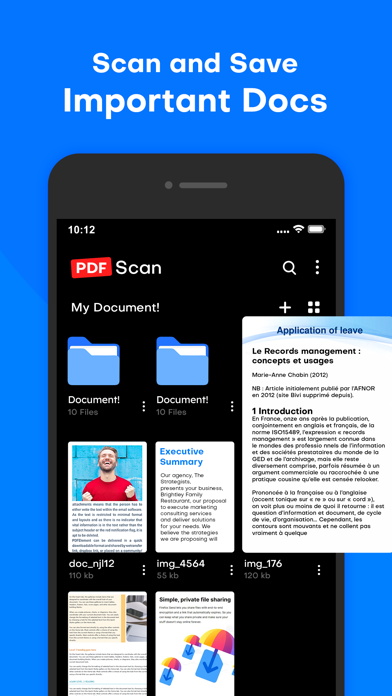
Scan, save, and archive from anywhere and at any time.
Management and searching have never been easier.
Scan, Print & Share any document to PDF.
Now you can simply scan, import and share right inside this portable scanner app. Access everything you’ve previously scanned with the Cam Scan app.
◆ HighLight Features ◆
• Dedicated multipage scanning mode
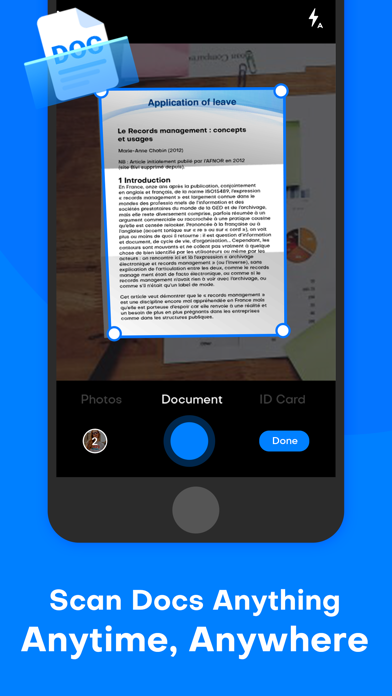
• Automatic capture of your documents
• Custom naming template saves you the hassle of naming each scan
• Ample sharing (PDF, JPEG, TXT)
• Choose documents from your gallery or scan/click photos from the camera.
• Works completely offline - no online servers.
• Convert multiple images into a single PDF.
• Open the PDF with any PDF viewer.
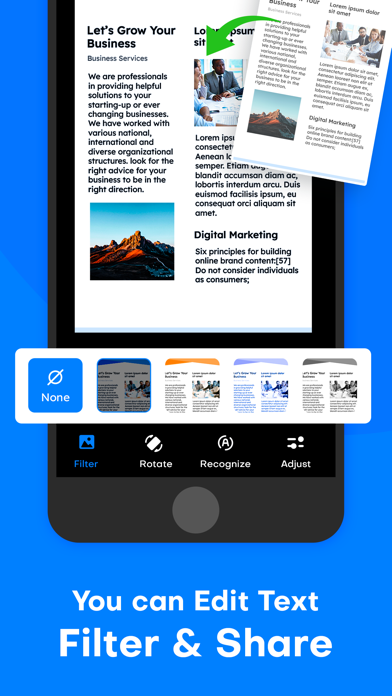
• Enhance the visibility of your documents after scanning using built-in effects
• Easily share your PDF file via email.
• Smart auto-enhancing and cropping for clear and sharp image quality
◆ Get the perfect scan - Enhance with Filters ◆
• Filters that will make your scanned documents look professional
• Remove shadows and artifacts to enhance your scans
• Clean your scans - Remove watermarks
• Port to black and white or adjust contrast and brightness
◆ Scan to PDF ◆
• Scan any document and convert it to PDF with your mobile device.
• Cam Scan - PDF Scanner, Editor has got you covered with our pdf maker and pdf reader. Receipts, documents, business cards, whiteboards, IDs, books, and photos - From image to pdf immediately
◆ We do the work for you with Auto Border detection ◆
• Scanning made easy
• Get your documents auto-cropped and sorted in the way you need them
• Save time cropping each document
◆ Finish your paperwork from anywhere ◆
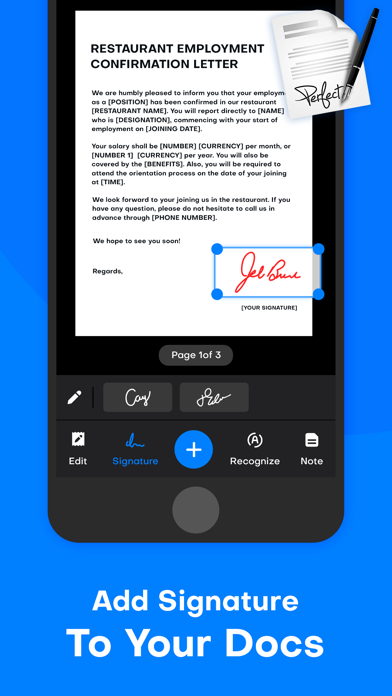
• Use this document scanner to attach an E-signature using pdf sign tools.
• Mark and edit fields to add everything you need with an intuitive pdf viewer.
◆ Edit text from your scans ◆
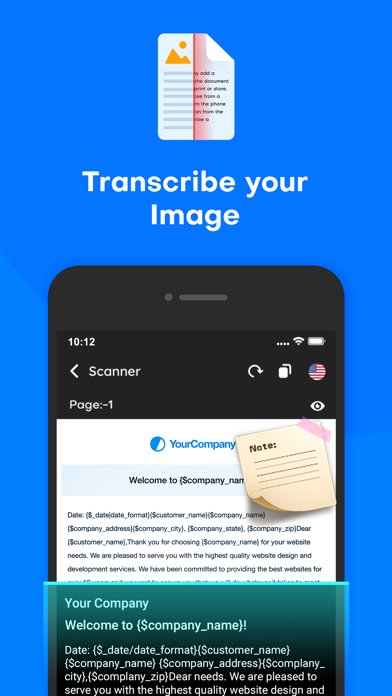
• Convert image to text - Edit your scans with OCR
• Recognize text for easy text editing
• Export accurate text straight from your docs
• Read QR codes with the built-in QR scanner which supports links, text ISBN and emails - simply access the Qr code reader in the cam scan module
◆ PDF Editor ◆
• Pdf splitter - simply import a pdf file and Cam Scan will Split PDF
• It’s never been easier to split pdf into several pdf files
◆ Convert files ◆
• Share your files in the format you need: convert jpg to pdf files or convert pdf to jpg
• Need a document in a word? Convert PDF to text for easy editing
◆ Get everyone in on the loop ◆
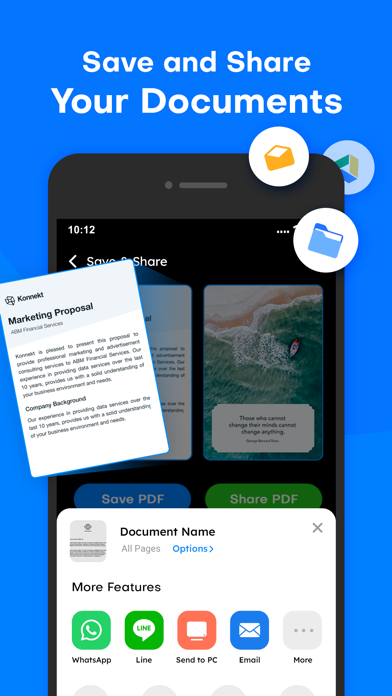
• Share documents easily and quickly
• Seamlessly share to email, social media, and instant messaging apps
◆ Sort ◆
• Create folders and tag documents to organize all your scans
• Find the important docs you need inside Cam Scan - PDF Scanner, Editor mobile pdf scanner
• Find documents in your scanned library easily by name, tag, or folder
This app includes an optional auto-renewable subscription (Premium Pass): Premium Pass beings with a free trial period, then an auto-renewable monthly subscription when the trial ends. Payment will be charged to your iTunes account at confirmation of purchase and will automatically renew (at the duration/price selected) unless auto-renew is turned off at least 24 hrs before the end of the current period. Account will be charged for renewal within 24 hours before the end of the current period. Current subscriptions may not be canceled during the active subscription period; however, you can manage your subscription and/or turn off auto-renewal by visiting your iTunes Account Settings after purchase. Any unused portion of the free one-week initial period will be forfeited when you purchase a subscription.
Privacy Policy:- https://tinyurl.com/karthik-privacy-policy
Terms Of Use:- https://tinyurl.com/karthik-terms-of-use
HIGH-QUALITY DOC PDF SCANNER - TRY IT NOW,
KEEP USING IT.
Safety and technology
Found in the app by AppBrain- Price
- Free
- App size
- 30.1 MB
- Content rating
- Everyone
Technologies used by Camera Scan - PDF Files Scan
Releases
Updates seen on the App Store- Version
- 1.0
- Launched
- October 2022
No changelog data
Alternatives
Similar apps and more from Karthik BakshiAlternatives to Camera Scan - PDF Files Scan




More from Karthik Bakshi





Rankings
App Store top chartsApp Store Rankings for Camera Scan - PDF Files Scan
About the app and developer
About Camera Scan - PDF Files Scan
Camera Scan - PDF Files Scan is a productivity app developed by Karthik Bakshi.
User Ratings
Camera Scan - PDF Files Scan is rated 4.32 out of 5 stars. The rating is based on 76 ratings.
App Information
Camera Scan - PDF Files Scan is freely available from the App Store. The app size is 30.09 MB. The latest version available is 1.0. The last update was on October 14, 2022.
Technical Requirements
The app has a content rating of Everyone. The app has been available on the App Store since October 2022.
Developer information for Karthik Bakshi
Address: