

CameraMatics Manager
CameraMatics Manager is made and published by Provision Vehicle Cameras Ltd. AppBrain is an independent app data site and isn't affiliated with Provision Vehicle Cameras Ltd. The app name, icon, screenshots and description belong to Provision Vehicle Cameras Ltd. and are shown as published on the App Store.
AppBrain's verdict
- Last updated
- December 12, 2025
Rankings
App Store top chartsApp Store Rankings for CameraMatics Manager
Competitors
Similar apps and more from Provision Vehicle Cameras Ltd.Alternatives to CameraMatics Manager


More from Provision Vehicle Cameras Ltd.


Also available on Google Play

Releases
Updates seen on the App Store- Version
- 4.8
- Launched
- May 2019
No changelog data
User feedback
Ratings and reviews on the App StoreComments on CameraMatics Manager for iOS
We don't have enough comments to show example comments. Please check back later.
Technology
Found in the app by AppBrain- Price
- Free
- App size
- 145.8 MB
- Content rating
- Everyone
Technologies used by CameraMatics Manager
About the app and developer
About CameraMatics Manager
CameraMatics Manager is a business app developed by Provision Vehicle Cameras Ltd.
User Ratings
The app has no ratings yet.
App Information
CameraMatics Manager is freely available from the App Store. The app size is 145.76 MB. The latest version available is 4.8. The last update was on December 12, 2025.
Technical Requirements
The app has a content rating of Everyone. The app has been available on the App Store since May 2019.
Developer information for Provision Vehicle Cameras Ltd.
Provision Vehicle Cameras Ltd.
Address:
Store listing
By Provision Vehicle Cameras Ltd., from the App Store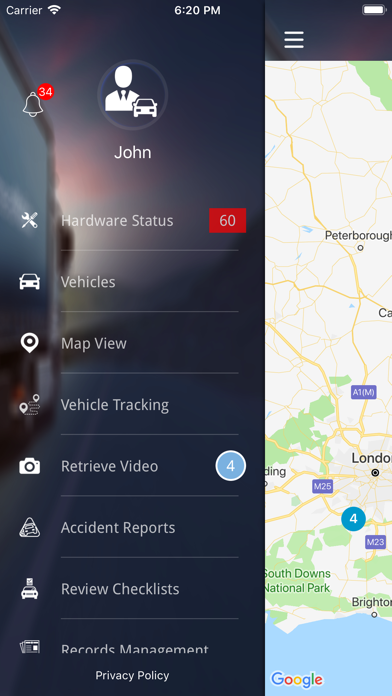

Description by Provision Vehicle Cameras Ltd. Written by the developer, not by AppBrain. Click to read.
Have a look at all the amazing features:
Ultimate Checklist Management
• Create bespoke checklists for every part of your business
• ‘Critical’ check items can be added
• Completed checks data stored in the Command Centre for instant access by fleet manager
• Fleet manager receives alerts for any failed ‘Critical’ elements
• Drivers and other staff complete the checks on their phone
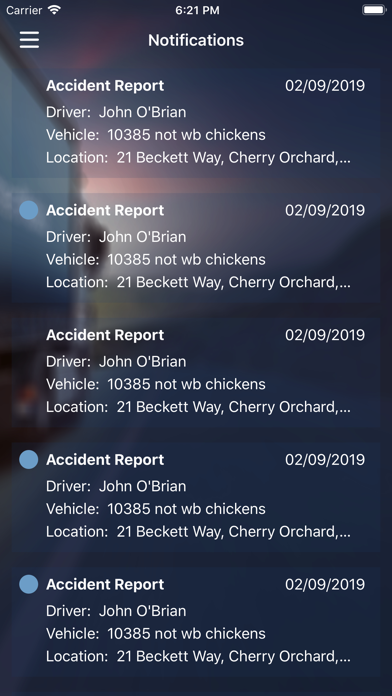
Ultimate Accident Reporting
• Simple step-by-step accident reporting
• Record all key details of an incident
• Add accident scene images and videos
• Add images of number plates, insurance details and driving licenses.
• All details stored in the Command Centre for instant access by fleet manager
Advanced Fleet Risk Management Anywhere
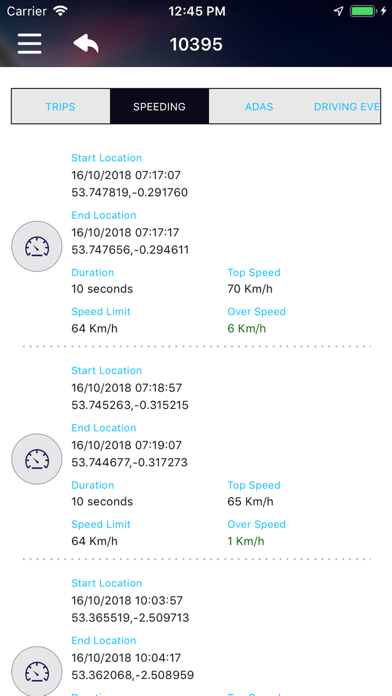
• Receive and review driving alerts
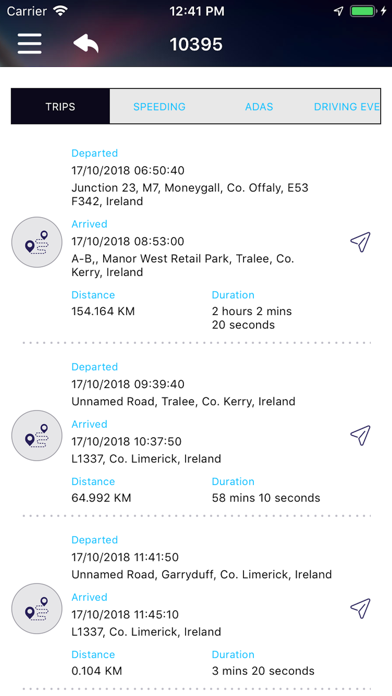
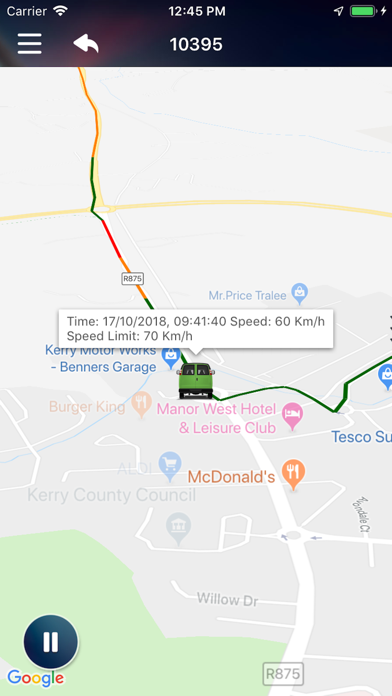
• Live & historic vehicle tracking
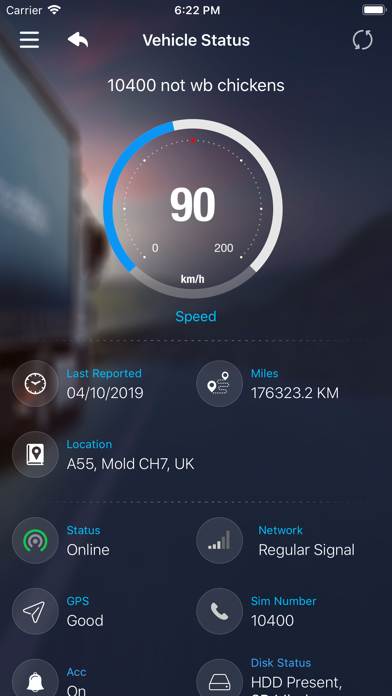
• View driving data by vehicle
• Log and review driver compliance data
• Log and review vehicle compliance data
Whether you’re just out of the office or out of the country, you can manage your entire fleet using your phone or tablet, with just this app.
*Use of this app requires a monthly subscription plan.