

CAS Patient
CAS Patient is made and published by Sonic Healthcare Limited. AppBrain is an independent app data site and isn't affiliated with Sonic Healthcare Limited. The app name, icon, screenshots and description belong to Sonic Healthcare Limited and are shown as published on the App Store.
AppBrain's verdict
- Best rank
- #66
- Top Free, Australia
- Last updated
- February 2, 2023
Rankings
App Store top charts- Highest rank
- #66
- Chart
- Top Free
- Medical
- Country
- Australia
App Store Rankings for CAS Patient
Top rankings
| Rank | Country | Category | List |
|---|---|---|---|
| 66 | Australia | Medical | Top Free |
Ranking history in Australia
Competitors
Similar apps and more from Sonic Healthcare Limited
















Releases
Updates seen on the App Store- Version
- 35.5745.3717
- Launched
- September 2019
No changelog data
User feedback
Ratings and reviews on the App StoreComments on CAS Patient for iOS
We don't have enough comments to show example comments. Please check back later.
Technology
Found in the app by AppBrain- Price
- Free
- App size
- 92.0 MB
- Content rating
- High
Technologies used by CAS Patient
About the app and developer
About CAS Patient
CAS Patient is a medical app developed by Sonic Healthcare Limited.
User Ratings
The app has no ratings yet.
App Information
CAS Patient is freely available from the App Store. The app size is 92.01 MB. The latest version available is 35.5745.3717. The last update was on February 2, 2023.
Technical Requirements
The app has a content rating of High Maturity. The app has been available on the App Store since September 2019.
Developer information for Sonic Healthcare Limited
Address:
Store listing
By Sonic Healthcare Limited, from the App Store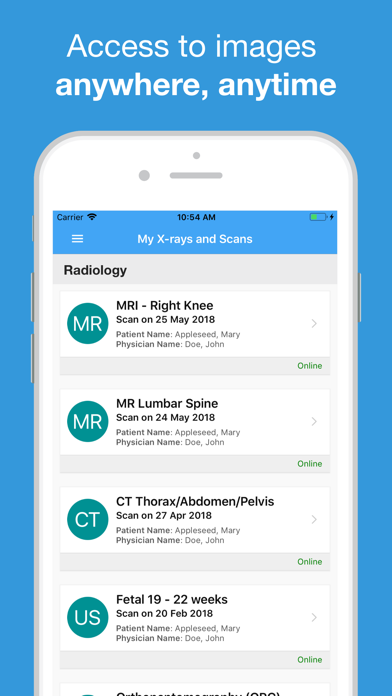
Description by Sonic Healthcare Limited Written by the developer, not by AppBrain. Click to read.
Use our App any time of the day or night to:
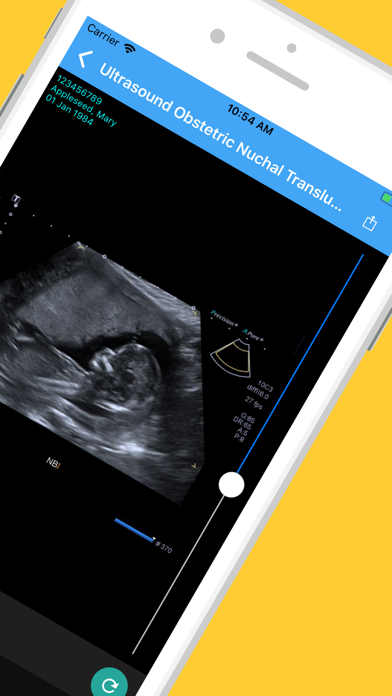
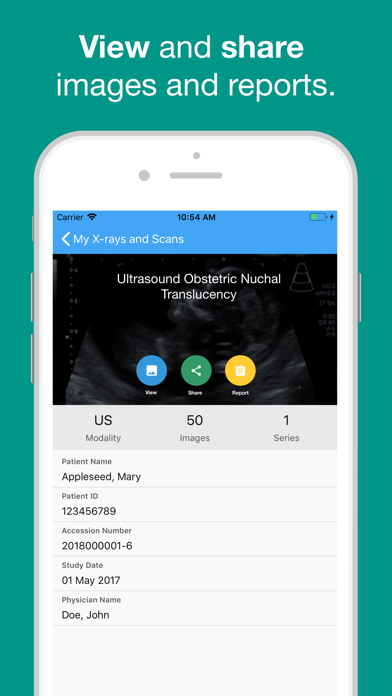
· access your images and reports (after your scan)
· share your results with family, friends or medical professionals
· Request an appointment
· update your email and password
· Manage notifications for your images and your reports
How does it work?
Already registered for the Castlereagh Imaging Patient Portal? Log in using your mobile phone number and password.
If you haven’t registered, ask one of our team members at your next appointment for instructions on how. You will be asked for your mobile number and email address, including your authorisation to receive a text to register. You will then receive an SMS message containing a link to create your account.
Once you have an account you can log in at any time to see your images and your reports. Your reports will be uploaded 14 days after we have authorised and sent the report to your referring doctor.
It’s important for you to go back to your doctor to get your results, so we won’t send them until you’ve had time to make that appointment. Our doctors will always personally call your doctor if the scans show anything unexpected.
You can also perform these functions on our website at patient.casimaging.com.au
Support for our App is available at support@casimaging.com