It doesn't have enough ratings yet to judge what users think.
Climb Designer is made and published by
nthState.
AppBrain is an independent app data site and isn't affiliated with nthState.
The app name, icon, screenshots and description belong to nthState and are shown as
published on the App Store.
About Climb Designer
Climb Designer is an entertainment app developed by nthState.
User Ratings
Climb Designer is rated 1.00 out of 5 stars. The rating is based on one rating ratings.
App Information
Climb Designer is freely available from the App Store. The app size is 74.88 MB. The latest version available is 1.0.5. The last update was on April 1, 2021.
Technical Requirements
The app has a content rating of Everyone. The app has been available on the App Store since February 2021.
Description by nthState(from the App Store)
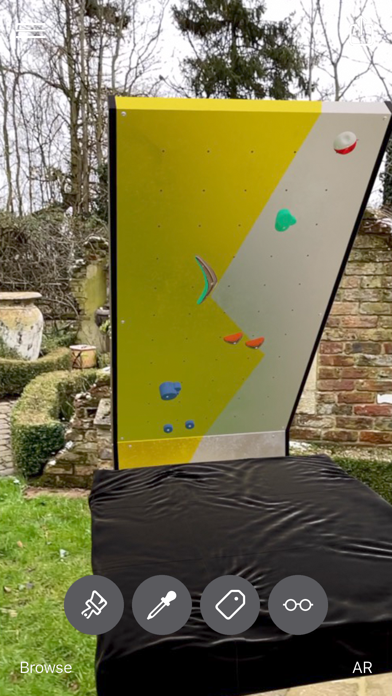
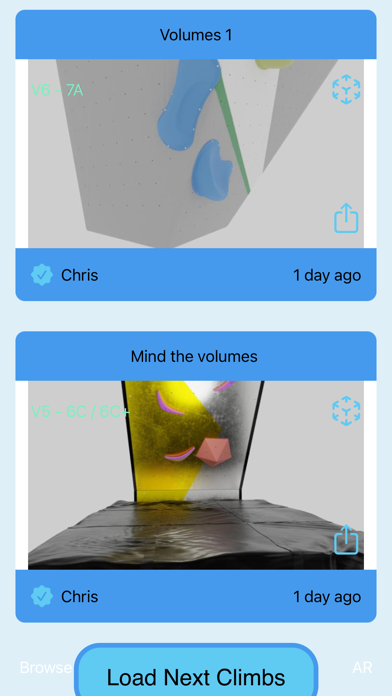
Climb Designer allows you to set climbing routes in Augmented Reality, routes can then be viewed by anyone with an iOS device, even without the app installed by visiting the climb designer website.
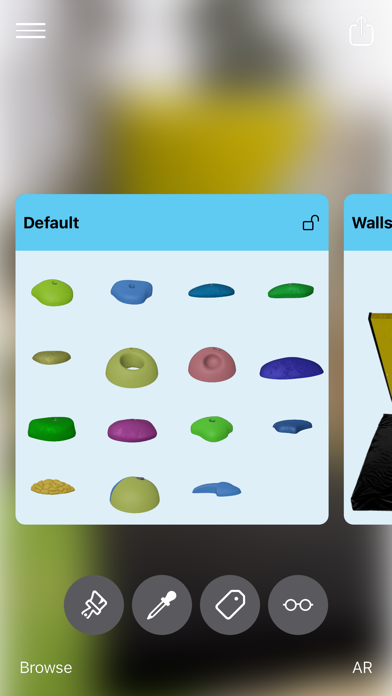
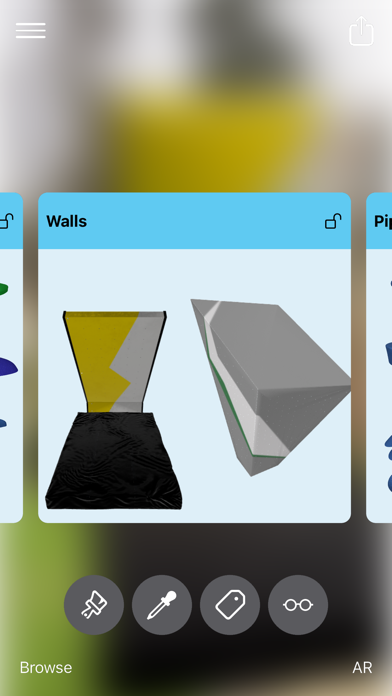
Climb Designer has lots of different types of holds and walls for you to build your creation, if you have a Lidar enabled phone, we can even create a scan of the environment to help visualise your climb.
Q: How do I add a hold
A: A `ghosted` version of a hold will be displayed on the screen, when you tap, it will be placed wherever it is
Q: How do I change to a different hold/volume/wall
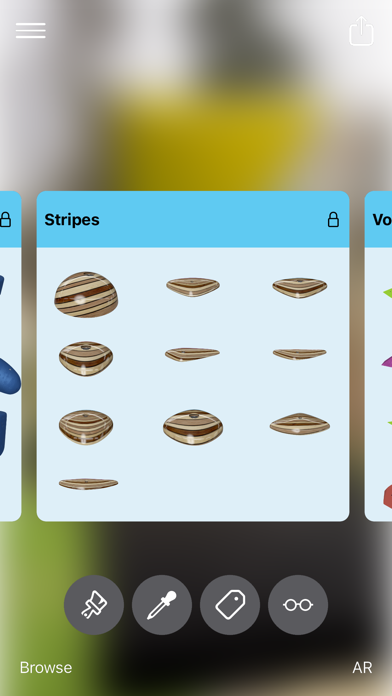
A: Tap the paintbrush icon to view all available holds/walls/volumes. Select one to set it as your active hold. Long-press a hold to see a larger version of it
Q: How do I change the color/material of a hold?
A: Tap the color dropper icon. This loads the color picker tool. Tap a material to apply it to your current hold and set it as your active color. Long-press to see a larger version
Q: How do I rotate a hold?
A: With a hold selected, Identified by a ring, use a two-finger gesture to rotate the hold
Q: How do I re-size a hold?
A: With a hold selected. use a two-finger pinch gesture to scale the hold
Q: How do I move an already placed hold?
A: Long-press on a hold, this will pick the hold up so you can move it. Tap again to place it.
Q: How do I set the start/finish tags of a route
A: Tap the tag icon to add or remove a tag from a hold
Q: How do I change the tag color?
A: Long-press on the tag icon to show the color picker for the tag. Tap a color to apply it to the tag
Q: How do I re-select a hold?
A: Double-tap a hold to select it, you can now change it's color etc
Q: How do I remove a hold?
A: With a hold selected, press the remove button
Q: How do I remove all holds?
A: With any hold selected, long-press the remove button. You will be asked if you want to remove all the holds. Tap yes to remove all holds
Q: How do I undo my last action?
A: Swiping left on the screen will undo your last action, you can swipe left until your scene is empty if you wish
Q: How do I redo my last action?
A: Swiping right on the screen will redo your last undone action.
Q: How do I go full-screen?
A: Tap the glasses icon to go into full-screen view mode. Tapping the screen again will go back to edit mode
Q: How do I upload my climb so others can view it?
A: When you're happy with your route, you can upload it for everyone to see. Tap the upload icon at the top of the screen. YOu will be prompted to login/register if you don't have an account already. Once logged in, fill in a few details about your climb, give it a name, description, estimated grade, optional location and press upload.
Q: How do I allow a friend to create a climb with me?
A: When creating a climb together, make sure that you and your friend both have the latest version of the app. Both users should open the app, The app will automatically find each other. One user can tap a banner at the top of the screen to share the scene with the other user. Your sessions will sync and you will then be sharing the same 3D-Environment to work in.
Each subscription will automatically renew 3 days before the expiration date for
the same time period. Subscriptions can be cancelled at any time before the renewal.