

Haptrix is made and published by nthState. AppBrain is an independent app data site and isn't affiliated with nthState. The app name, icon, screenshots and description belong to nthState and are shown as published on the App Store.
AppBrain's verdict
Established- Rating on App Store
- 3.40
- 5 ratings
- Last updated
- May 13, 2023
It doesn't have enough ratings yet to judge what users think.
Rankings
App Store top chartsApp Store Rankings for Haptrix
Competitors
Similar apps and more from nthStateAlternatives to Haptrix







More from nthState



Releases
Updates seen on the App Store- Version
- 2.2.0
- Launched
- December 2019
No changelog data
User feedback
Ratings and reviews on the App StoreComments on Haptrix for iOS
We don't have enough comments to show example comments. Please check back later.
Technology
Found in the app by AppBrain- Price
- Free
- App size
- 5.20 MB
- Content rating
- Everyone
Technologies used by Haptrix
About the app and developer
About Haptrix
Haptrix is an overall app developed by nthState.
User Ratings
Haptrix is rated 3.40 out of 5 stars. The rating is based on 5 ratings.
App Information
Haptrix is freely available from the App Store. The app size is 5.20 MB. The latest version available is 2.2.0. The last update was on May 13, 2023.
Technical Requirements
The app has a content rating of Everyone. The app has been available on the App Store since December 2019.
Developer information for nthState
Address:
Store listing
By nthState, from the App Store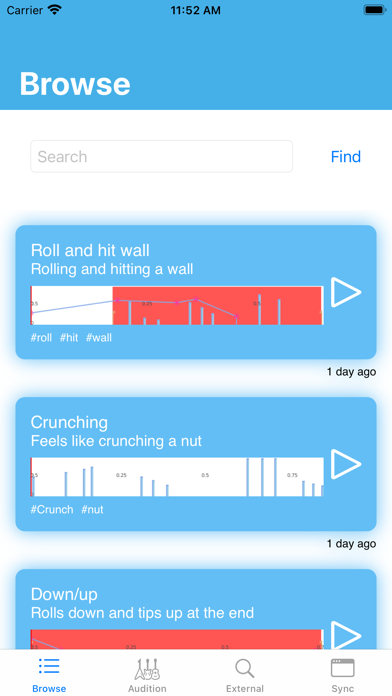

Description by nthState Written by the developer, not by AppBrain. Click to read.
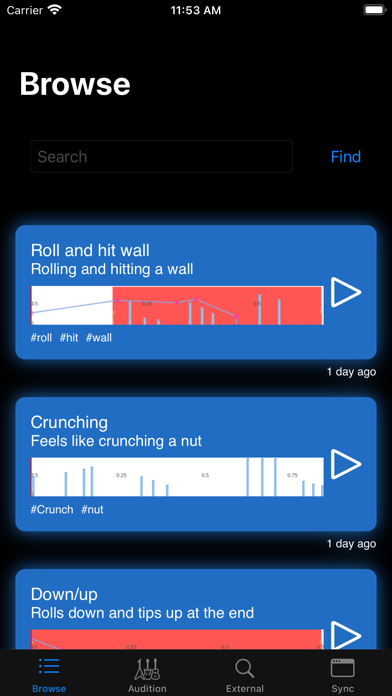
Browse:
You can browse other users creations or search for one to suit your needs.
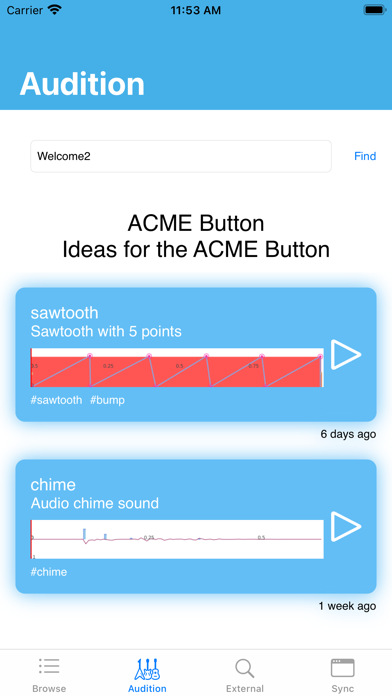
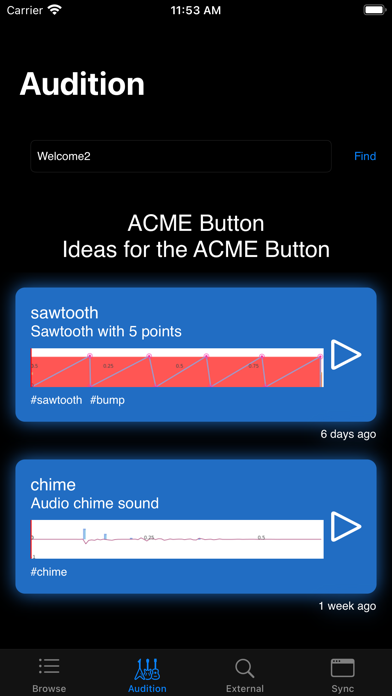
Audition:
Using the website you can add multiple Haptics to an Audition, this produces a unique code that you
can send to people.
They can use this code in the Audition screen to load a specific set of Haptics.
This is useful when you want to demo a specific set of Haptics
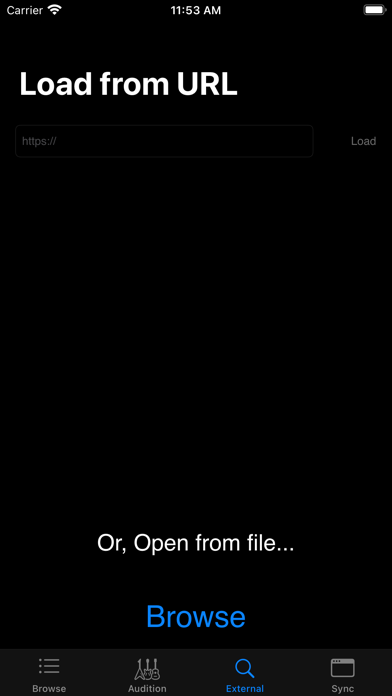
External:
Load a Haptic from either a URL or from your disk
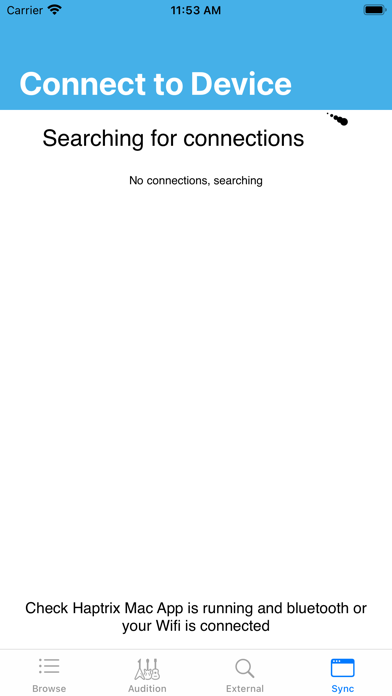
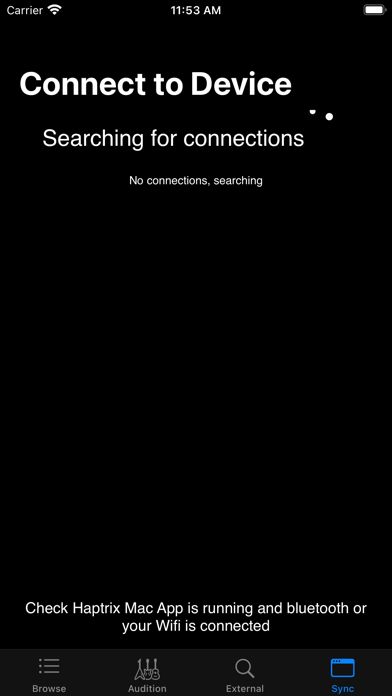
Network:
Pair this app with the macOS companion app, feel the haptic feedback and listen to the audio produced as you edit your Core Haptics file.
Simple pairing:
1. Open up the macOS app
2. On iOS, go to the Network screen and select the device you want to pair with
3. Once connected you can design on macOS and experience on iOS
Trouble shooting:
- You will need either Bluetooth or Wifi enabled to pair the apps