

Crossword Brain: Word Training
Crossword Brain: Word Training is made and published by Cool GamApp Limited. AppBrain is an independent app data site and isn't affiliated with Cool GamApp Limited. The app name, icon, screenshots and description belong to Cool GamApp Limited and are shown as published on the App Store.
AppBrain's verdict
Well rated- Rating on App Store
- 4.34
- 475 ratings
- Last updated
- November 22, 2022
Users rate it well: 4.3 stars from 475 ratings.
Rankings
App Store top chartsApp Store Rankings for Crossword Brain: Word Training
Competitors
Similar apps and more from Cool GamApp LimitedAlternatives to Crossword Brain: Word Training


More from Cool GamApp Limited


Releases
Updates seen on the App Store- Version
- 1.1
- Launched
- January 2022
No changelog data
User feedback
Ratings and reviews on the App StoreComments on Crossword Brain: Word Training for iOS
We don't have enough comments to show example comments. Please check back later.
Technology
Found in the app by AppBrain- Price
- Free
- App size
- 432.4 MB
- Content rating
- Low
Technologies used by Crossword Brain: Word Training
About the app and developer
About Crossword Brain: Word Training
Crossword Brain: Word Training is a games app developed by Cool GamApp Limited.
User Ratings
Crossword Brain: Word Training is rated 4.34 out of 5 stars. The rating is based on 480 ratings.
App Information
Crossword Brain: Word Training is freely available from the App Store. The app size is 432.39 MB. The latest version available is 1.1. The last update was on November 22, 2022.
Technical Requirements
The app has a content rating of Low Maturity. The app has been available on the App Store since January 2022.
Developer information for Cool GamApp Limited
Address:
Store listing
By Cool GamApp Limited, from the App Store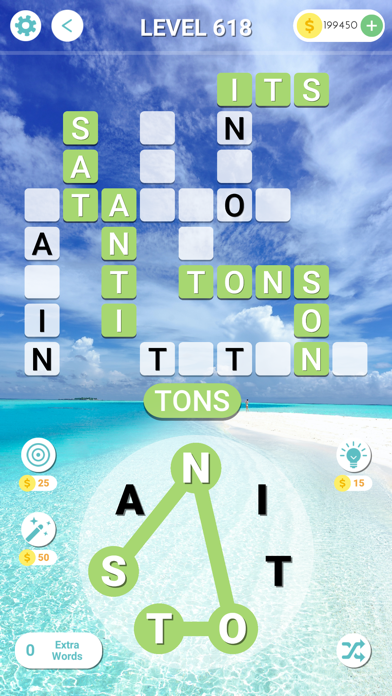

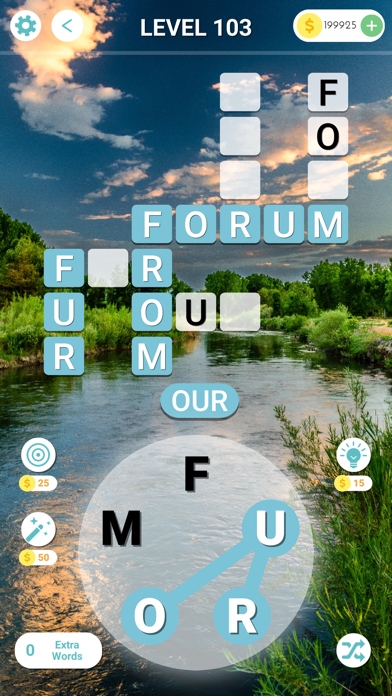
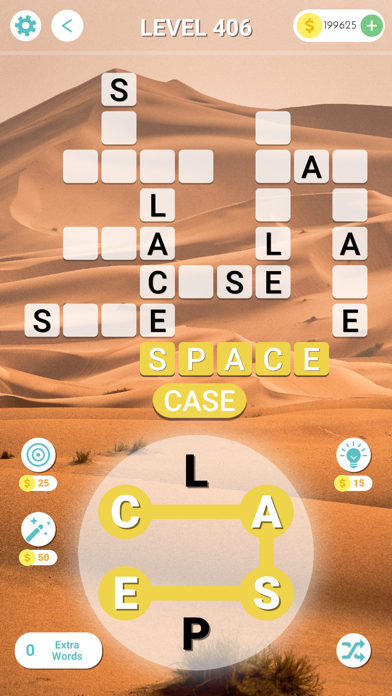
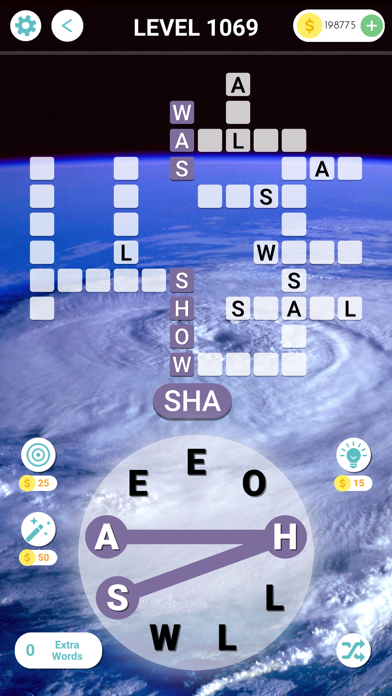

Description by Cool GamApp Limited Written by the developer, not by AppBrain. Click to read.
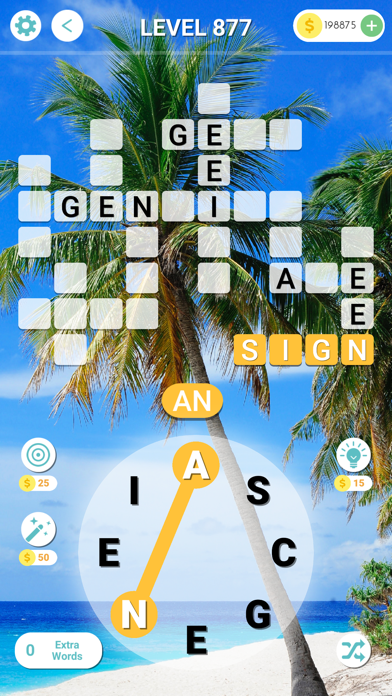
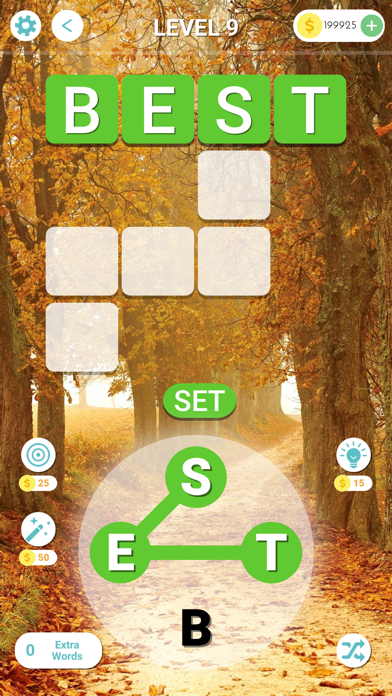
Escape and stimulate your mind by solving the word puzzles and visiting the beautiful world traveler destinations of Crossword Brain!
HOW TO PLAY:
1. Slide and drag your finger to connect the letters block to get a correct word.
2. Find all the words and fill in all the blocks in the crossword.
3. You can tap "Shuffle" button to change the position of letters
4. Tap the "Hint" button to get clues.
5. Tap the "Target" button to pick any block you want to reveal the answer.
6. Tap the "Magic" button when you get stuck.