

Crow Media Player
Crow Media Player is made and published by The Language Conservancy, Inc. AppBrain is an independent app data site and isn't affiliated with The Language Conservancy, Inc. The app name, icon, screenshots and description belong to The Language Conservancy, Inc. and are shown as published on the App Store.
AppBrain's verdict
Established- Rating on App Store
- 3.00
- 2 ratings
- Last updated
- December 9, 2024
It doesn't have enough ratings yet to judge what users think.
Rankings
App Store top chartsApp Store Rankings for Crow Media Player
Competitors
Similar apps and more from The Language Conservancy, Inc.Alternatives to Crow Media Player



More from The Language Conservancy, Inc.





Releases
Updates seen on the App Store- Version
- 2
- Launched
- April 2018
No changelog data
User feedback
Ratings and reviews on the App StoreComments on Crow Media Player for iOS
We don't have enough comments to show example comments. Please check back later.
Technology
Found in the app by AppBrain- Price
- Free
- App size
- 913.6 MB
- Content rating
- Everyone
Technologies used by Crow Media Player
About the app and developer
About Crow Media Player
Crow Media Player is an education app developed by The Language Conservancy, Inc.
User Ratings
Crow Media Player is rated 3.00 out of 5 stars. The rating is based on 2 ratings.
App Information
Crow Media Player is freely available from the App Store. The app size is 913.56 MB. The latest version available is 2. The last update was on December 9, 2024.
Technical Requirements
The app has a content rating of Everyone. The app has been available on the App Store since April 2018.
Developer information for The Language Conservancy, Inc.
The Language Conservancy, Inc.
Address:
Frequently asked questions about Crow Media Player
Is Crow Media Player free?
Yes. Crow Media Player is free on the App Store.
Is Crow Media Player still available?
Yes. Crow Media Player is on the App Store, and the last update we saw was on December 9, 2024.
How large is Crow Media Player?
Crow Media Player is 913.56 MB.
Is Crow Media Player suitable for children?
App Store rates the content of Crow Media Player as suitable for everyone.
How do people rate Crow Media Player?
Crow Media Player scores 3.00 out of 5 stars, from 2 ratings on the App Store.
Who made Crow Media Player?
Crow Media Player was developed by The Language Conservancy, Inc. It is listed in the education category on the App Store.
What are the best alternatives to Crow Media Player?
People looking at Crow Media Player also look at these education apps: Making Camp Ojibwe, Nanvarpagmiut Yugestun, Kalispel 1, Naa-ch_vlh-mvs-ne, Sauk.
Store listing
By The Language Conservancy, Inc., from the App Store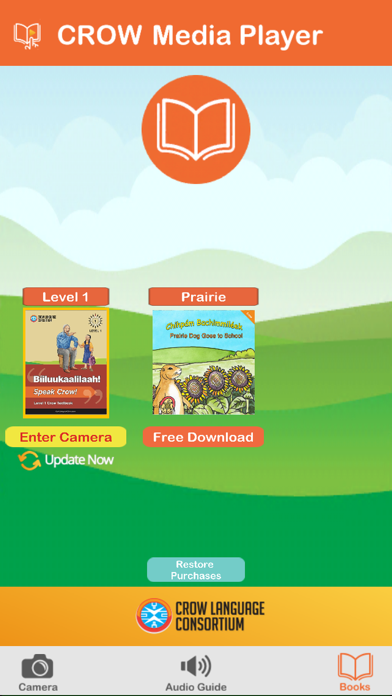
Description by The Language Conservancy, Inc. Written by the developer, not by AppBrain. Click to read.
Audio available for:
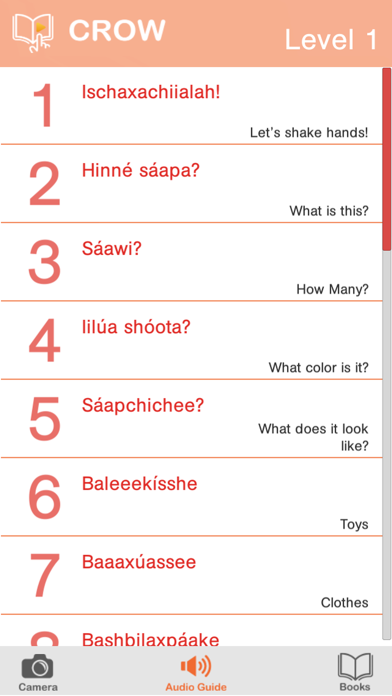
Bíiluukaalilaah! - Speak Crow! Level 1
Bíiluukaalilaah! - Speak Crow! Level 2
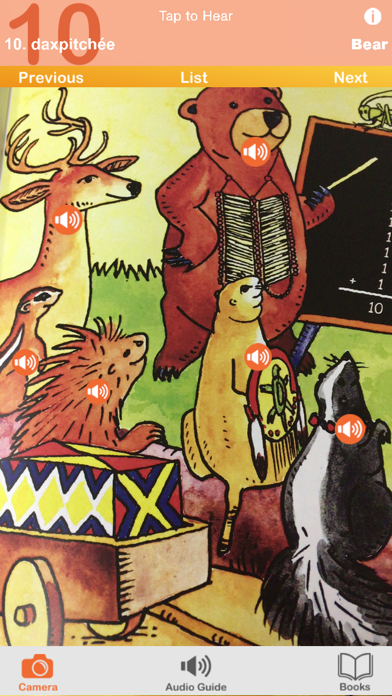
Chihpám Bachimmiléek - Prairie Dog Goes to School
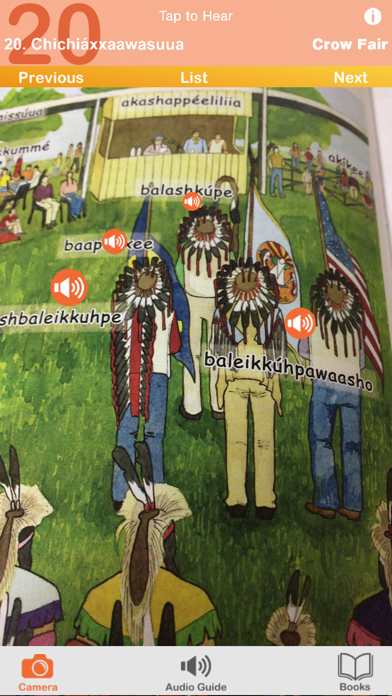
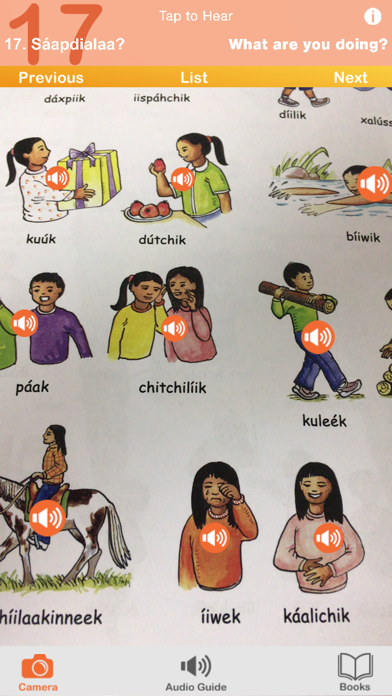
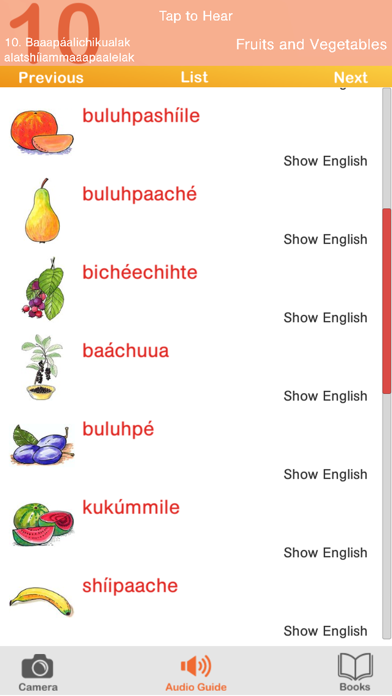
The Crow Media Player is a companion to the Crow Language Consortium series of textbooks and children's books. Just point your phone at the page and tap to hear Native speakers pronounce the words. The AR and Page Modes give you complete access to the textbook vocabulary and audio with an easy tap and swipe interface.
-Augmented reality (AR) places audio players right on the page in every unit!
-Hit the Play button in the bottom left corner to play through All Audio within the unit. Play always starts from the last played audio so you will pick up where you left off.
Instructions:
The Crow Media Player is easy to use. You’ll start out in Books, where you can select your book. Tap the book again to enter Page Mode. If you are asked to allow camera use, press agree or yes if you wish to use AR Mode. Tap the AR Mode Switch to switch to the camera view. Tap Play to start auto-playback. Tap the right or left arrows to proceed to the next or previous Section. Tap the hamburger button to select the section from a list.
Page Mode
- Pinch to zoom
- Drag to navigate between pages
- Press Play to start auto-playback of all audio in the section
- Tap buttons on page to play audio
- Tap a button on the page and then tap Play to start auto-playback from that button
AR Mode
- Tap the AR Mode Switch to enter AR Mode
- Look at the page in your book through your phone or tablet's camera
- You will see the page overlay and you may tap buttons to hear the audio
* Image recognition performance may vary depending on the device.
* Some devices are not compatible with AR mode. If your device isn’t compatible, you will see a warning that will return you to Page Mode.
About the Crow Language Consortium:
The Crow Language Consortium provides accessible language-learning tools and resources — textbooks, apps, dictionaries and more — to help preserve Crow. Get to know us at https://crowlanguage.org and check out some of our other Crow products!
Thanks to the generous support of
-St. Labre Indian School
-Santa Fe Natural Tobacco Company Foundation
-Humanities Montana