

Cut for Stories
Cut for Stories is made and published by Alessandro Graziani. AppBrain is an independent app data site and isn't affiliated with Alessandro Graziani. The app name, icon, screenshots and description belong to Alessandro Graziani and are shown as published on the App Store.
AppBrain's verdict
EstablishedLoved by users- Rating on App Store
- 4.57
- 372 ratings
- Last updated
- April 11, 2021
Users love it: 4.6 stars from 372 ratings.
Rankings
App Store top chartsApp Store Rankings for Cut for Stories
Competitors
Similar apps and more from Alessandro GrazianiAlternatives to Cut for Stories








More from Alessandro Graziani




Releases
Updates seen on the App Store- Version
- 4.5
- Launched
- January 2017
No changelog data
User feedback
Ratings and reviews on the App StoreComments on Cut for Stories for iOS
We don't have enough comments to show example comments. Please check back later.
Technology
Found in the app by AppBrain- Price
- $2.99
- App size
- 42.1 MB
- Content rating
- Everyone
Technologies used by Cut for Stories
About the app and developer
About Cut for Stories
Cut for Stories is a photo & video app developed by Alessandro Graziani.
User Ratings
Cut for Stories is rated 4.57 out of 5 stars. The rating is based on 370 ratings.
App Information
Cut for Stories costs $2.99. The app size is 42.11 MB. The latest version available is 4.5. The last update was on April 11, 2021.
Technical Requirements
The app has a content rating of Everyone. The app has been available on the App Store since January 2017.
Developer information for Alessandro Graziani
Address:
Store listing
By Alessandro Graziani, from the App Store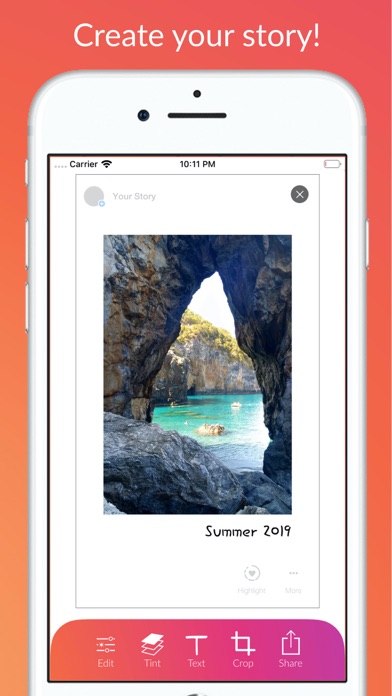
Description by Alessandro Graziani Written by the developer, not by AppBrain. Click to read.
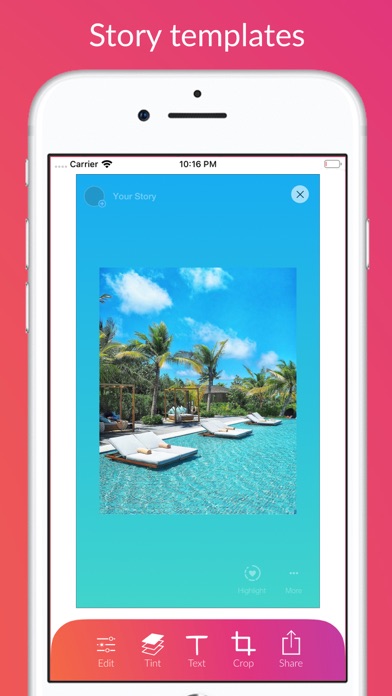
• Import an image and place it in the template of your Story as you prefer. With creativity you can create many popular effects, such as polaroid, old camera etc.
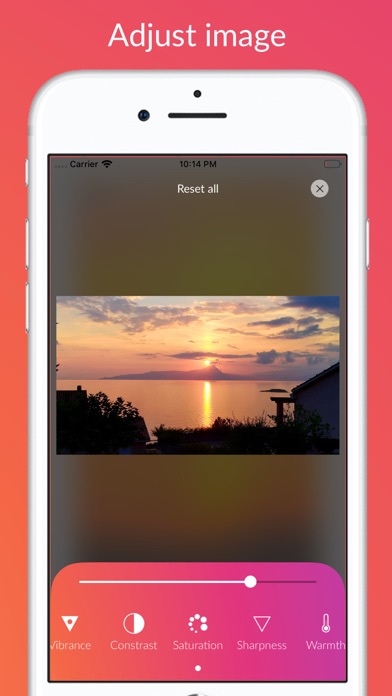
• Change brightness, contrast and other adjustments of your images quickly and easily using the editing tools
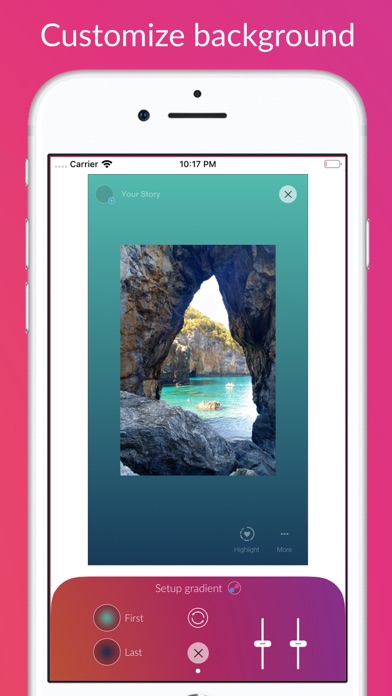
• Create special patterns by creating your own gradient for the background and use dropper to pick your photo’s colors
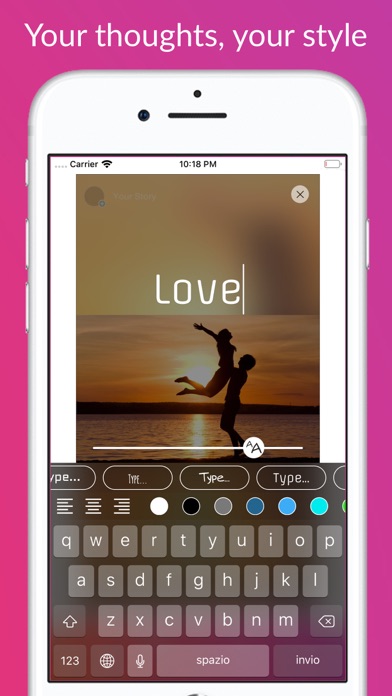
• Do you want to add a thought, a caption, a quote on your story? You can use a lot of special fonts, choose text color and from today you can insert multiple captions
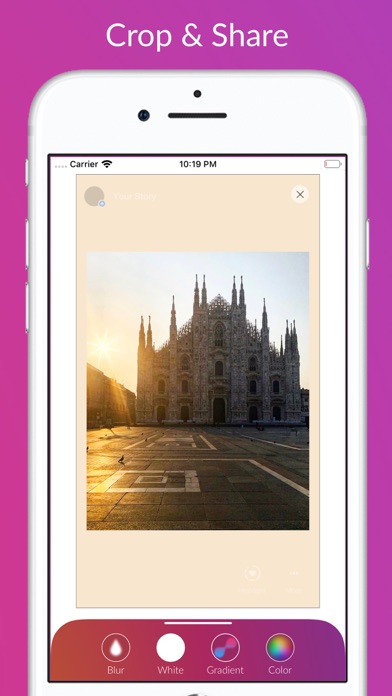
• Crop your picture and choose the background, with blur effect or coloured, with a tap. Easy!
• Share! You can choose to save your content to your library post it directly to your instagram story
Try it now! Cut for Stories