

Deploy Object
Deploy Object is made and published by shinichi tanimoto. AppBrain is an independent app data site and isn't affiliated with shinichi tanimoto. The app name, icon, screenshots and description belong to shinichi tanimoto and are shown as published on the App Store.
AppBrain's verdict
- Last updated
- September 19, 2026
Rankings
App Store top chartsApp Store Rankings for Deploy Object
Competitors
Similar apps and more from shinichi tanimotoAlternatives to Deploy Object




More from shinichi tanimoto


Releases
Updates seen on the App Store- Version
- 1.9
- Launched
- June 2020
No changelog data
User feedback
Ratings and reviews on the App StoreComments on Deploy Object for iOS
We don't have enough comments to show example comments. Please check back later.
Technology
Found in the app by AppBrain- Price
- Free
- App size
- 4.74 MB
- Content rating
- Everyone
Technologies used by Deploy Object
About the app and developer
About Deploy Object
Deploy Object is a photo & video app developed by shinichi tanimoto.
What is the rating of Deploy Object?
Deploy Object has no ratings yet.
Is Deploy Object free?
Deploy Object is free. The app size is 4.74 MB. The latest version available is 1.9. The last update was on September 19, 2026.
What are the requirements for Deploy Object?
The app has a content rating of Everyone. The app has been available on the App Store since June 2020.
Developer information for shinichi tanimoto
Address:
Frequently asked questions about Deploy Object
Is Deploy Object free?
Yes. Deploy Object is free on the App Store.
Is Deploy Object still available?
Yes. Deploy Object is on the App Store, and the last update we saw was on September 19, 2026.
How large is Deploy Object?
Deploy Object is 4.74 MB.
Is Deploy Object suitable for children?
App Store rates the content of Deploy Object as suitable for everyone.
Who made Deploy Object?
Deploy Object was developed by shinichi tanimoto. It is listed in the photo & video category on the App Store.
What are the best alternatives to Deploy Object?
People looking at Deploy Object also look at these photo & video apps: 360°パノラマツアー, CropCamera, LensAgent Pro, AR Frame - 3D photo to AR, AI-Camera.
Store listing
By shinichi tanimoto, from the App Store
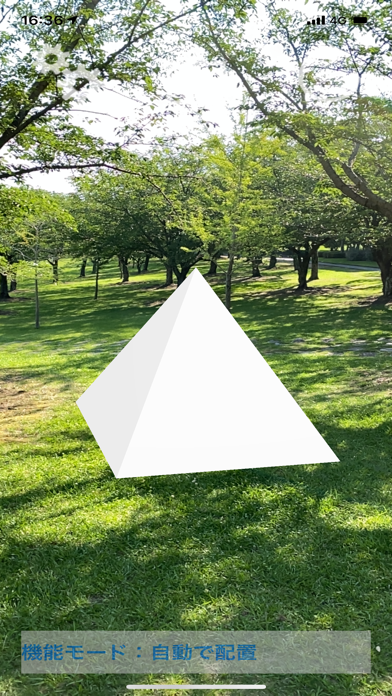
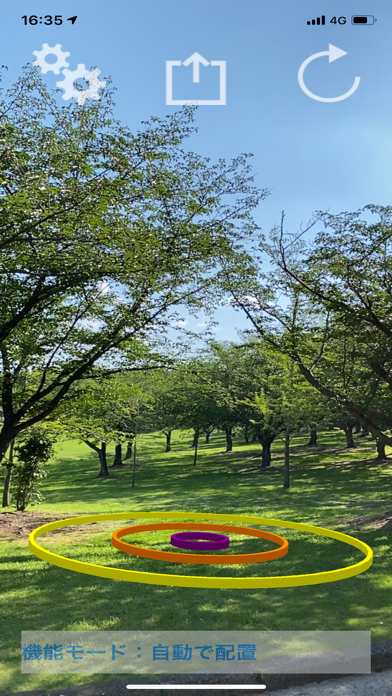
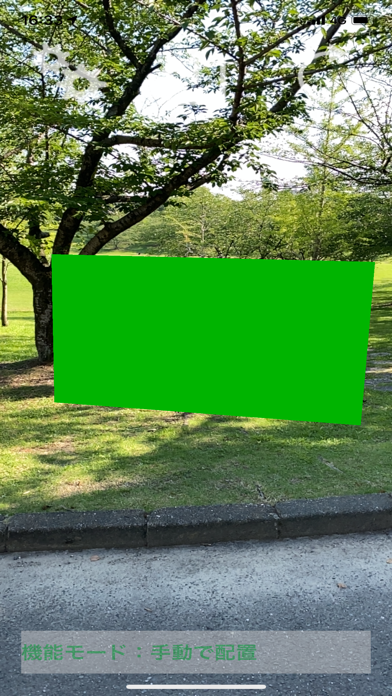
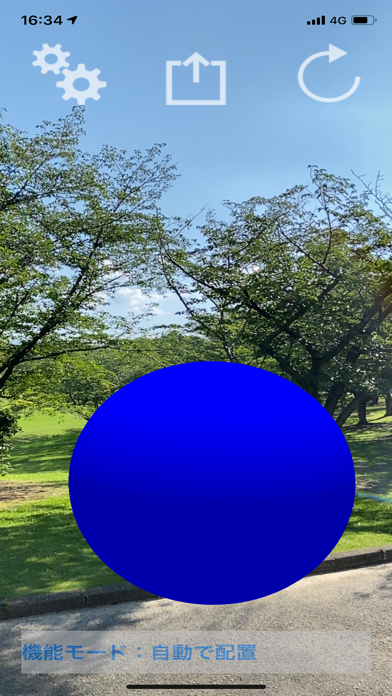


Description by shinichi tanimoto Written by the developer, not by AppBrain. Click to read.
It can be used before the installation of furniture and buildings, or you can grasp the size and distance of a place.
You can also save an AR composite image of a virtual object and camera image in an album, or post it on SNS or email to share the image.
[How to use]
1. Tap the button at the top left of the screen and select the type, size, and color of the virtual object you want to place.
2. Point the rear camera at the flat floor to view the virtual object.
3. Tap the refresh icon in the upper right corner of the screen to reset the screen and detect the flat bottom surface to display virtual objects.
4. By tapping the button at the center of the top of the screen, you can share the image by posting it on SNS such as Twitter or email, and save the image in the album. (If you want to link with other apps, you need to install apps such as Twitter in advance.)
5. Touch and hold the screen to switch the placement of virtual objects automatically or manually. To place it manually, tap the center point of the place where you want to display the virtual object, following the instructions on the screen.
The size of the virtual object selected on the setting screen may have an error depending on the state of space recognition of the place shown in the camera when it is displayed on the screen. Please use it as a guide only.
Please use in a bright place.