

Doc Scanner – PDF Creator
Doc Scanner – PDF Creator is made and published by Innovana Techlabs Limited. AppBrain is an independent app data site and isn't affiliated with Innovana Techlabs Limited. The app name, icon, screenshots and description belong to Innovana Techlabs Limited and are shown as published on the App Store.
AppBrain's verdict
- Last updated
- October 7, 2021
Rankings
App Store top chartsApp Store Rankings for Doc Scanner – PDF Creator
Competitors
Similar apps and more from Innovana Techlabs LimitedAlternatives to Doc Scanner – PDF Creator





More from Innovana Techlabs Limited

Releases
Updates seen on the App Store- Version
- 1.8
- Launched
- June 2020
No changelog data
User feedback
Ratings and reviews on the App StoreComments on Doc Scanner – PDF Creator for iOS
We don't have enough comments to show example comments. Please check back later.
Technology
Found in the app by AppBrain- Price
- Free
- App size
- 59.4 MB
- Content rating
- Everyone
Technologies used by Doc Scanner – PDF Creator
About the app and developer
About Doc Scanner – PDF Creator
Doc Scanner – PDF Creator is a productivity app developed by Innovana Techlabs Limited.
What is the rating of Doc Scanner – PDF Creator?
Doc Scanner – PDF Creator has no ratings yet.
Is Doc Scanner – PDF Creator free?
Doc Scanner – PDF Creator is free. The app size is 59.36 MB. The latest version available is 1.8. The last update was on October 7, 2021.
What are the requirements for Doc Scanner – PDF Creator?
The app has a content rating of Everyone. The app has been available on the App Store since June 2020.
Developer information for Innovana Techlabs Limited
Address:
Store listing
By Innovana Techlabs Limited, from the App Store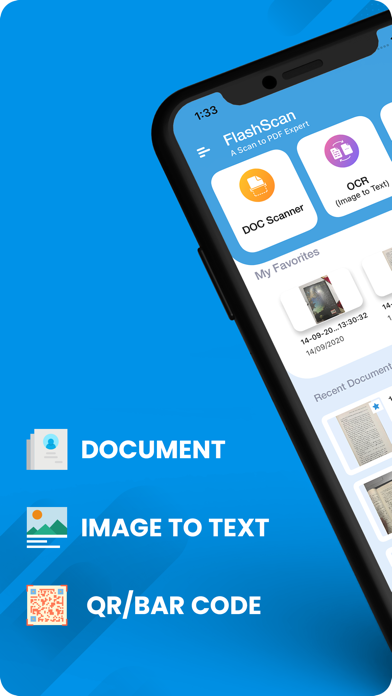
Description by Innovana Techlabs Limited Written by the developer, not by AppBrain. Click to read.
**Premium Features**
Scan, protect and watermark your professional documents like a pro with our new features :-
Doc & PDF Signature -
Scan & place your signature on any image or PDF Document with this feature.
Anti-Counterfeit -
Keep your pdf documents safe from any misuse or counterfeiting by placing a custom watermark.
PDF Password Protection -
Protect your important and confidential PDF documents with a unique password.
Other Key Features of FlashScan:
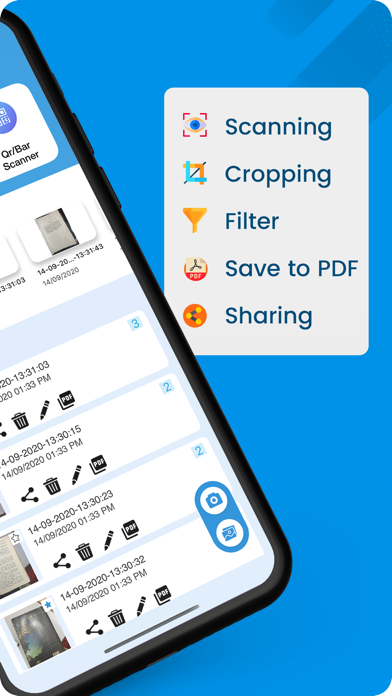
Document Scanner -
Take pictures of the document through your device camera and scan it with this mobile document scanner app.
You can scan ID cards, Office/Business invoices, important contracts, various bills, vouchers, receipts, letters and even books with FlashScan.
Get clear and sharp scans for free.
Note: Permissions Required: Storage( read-write) & Camera
Batch Scan -
Scan multiple images in one go.
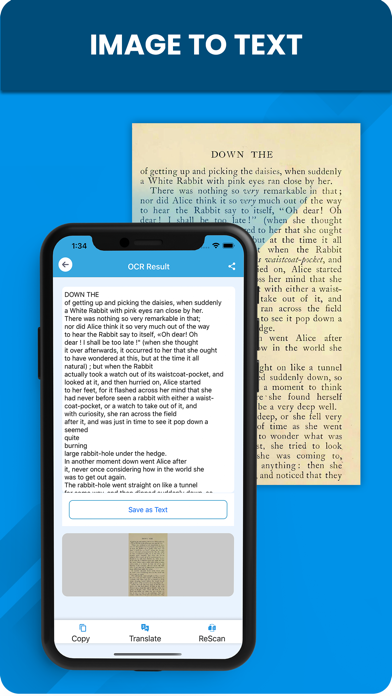
OCR Scanner-
Convert printed characters into digital text accurately.
Share the converted text as plain text or in a file. ( you can rescan for better conversion)
Quickly translate recognized text from English to other languages.
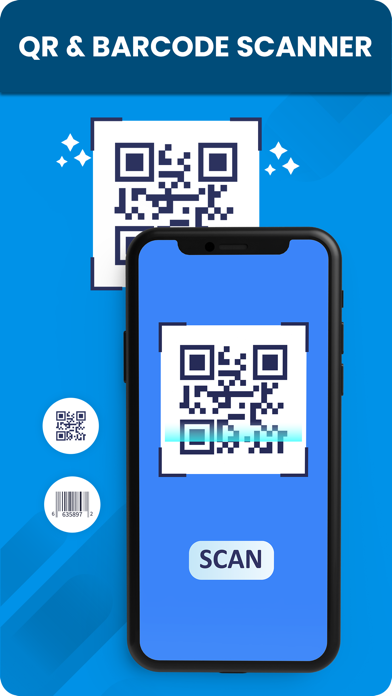
QR/Barcode Scanner -
Scan QR /Barcodes with a single tap.
Save the codes to the clipboard. (If necessary, rescan to decode again)
Share scanned results hassle free.
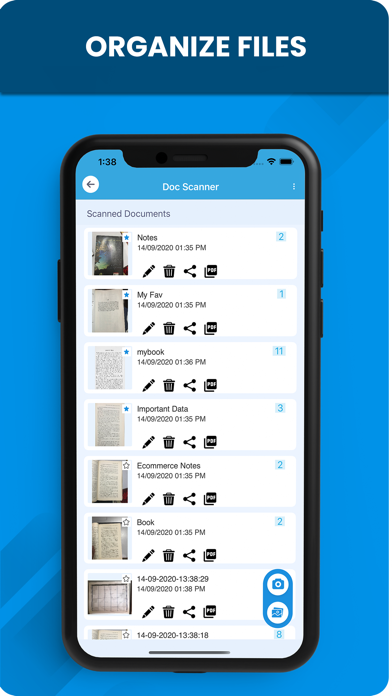
Favorite Document -
Mark any documents as your favorite.
Finding all your favorite and recent documents is no more a big fuss!
Crop Scanning Area -
Select the area you want to scan, crop, and save!
Make images scan-ready with image rotation. Both clockwise and counterclockwise options are available.
Select Picture From The Gallery
Directly pick any image/document from your gallery to apply preferred filters.
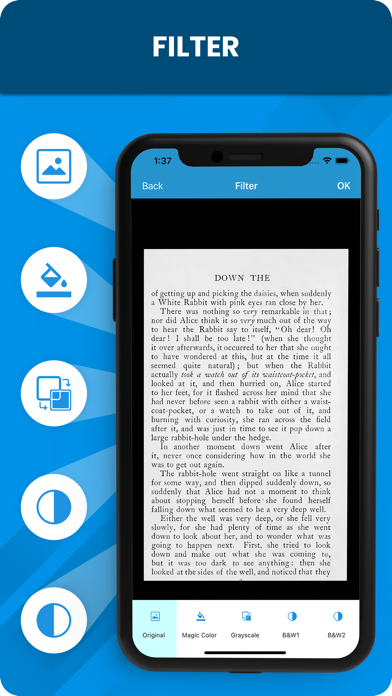
Post-scan Editing Filters -
Enhance your scanned results with professional editing filters.
Grayscale - Gives A Formal Look.
Magic Color - Adds Vibrant Color Effects.
Black &White 1- Adds Timeless impression.
Black &White 2- Clears Background Noise To Get Classic Scans.
Save As -
Save your files in PDF format with the Save as option.
Convert File Formats -
Convert saved JPG images to PDF with a single click.
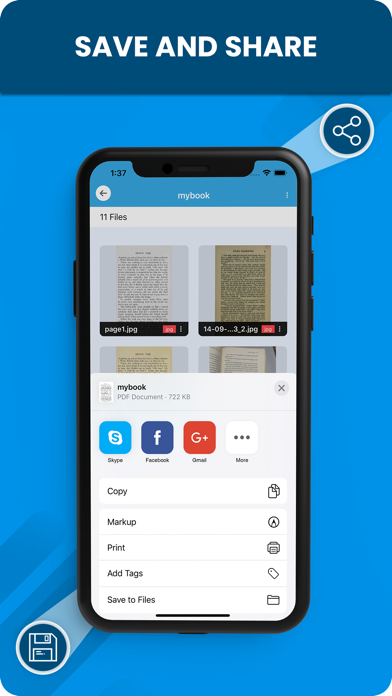
Share your documents -
Share your scanned documents as PDF, or JPG format.
Rename -
Rename a complete document or individual files.
Delete -
Delete individual files from the document or delete the complete document effortlessly!
Export -
Save your files in the gallery with Export feature.
MAJOR ADVANTAGES OF FLASHSCAN -
Scans all types of documents with professional accuracy.
Rapid image processing with a flexible interface.
An intuitive scanning app that takes care of every minute details!
Perfect edge-detection with the expert crop feature that sets the document frame precisely.
Ability to convert your saved JPG image to PDF format within seconds!
Offers a wide range of filters to enrich your document's look.
You can add many JPG files in a single PDF document.
FlashScan Subscription
Subscription to FlashScan services gives you access to all the premium tools that you need, for enhancing the quality and safety of your documents. When you subscribe, payment will be charged to iTunes Account at the confirmation of purchase. The subscription automatically renews unless auto-renewal is cancelled at least 24-hours before end of the current subscription period. The account will be charged for renewal within 24 hours prior to the end of the current period. You may manage or turn off auto-renewal from the user’s iTunes Account Settings after purchase.
Privacy Policy - https://www.theflashscan.com/privacy-policy/
Terms of Use - https://www.theflashscan.com/terms-of-use/