

Dr.Web Light
Dr.Web Light is made and published by Doctor Web, Ltd. AppBrain is an independent app data site and isn't affiliated with Doctor Web, Ltd. The app name, icon, screenshots and description belong to Doctor Web, Ltd and are shown as published on the App Store.
AppBrain's verdict
- Last updated
- July 8, 2025
Rankings
App Store top chartsApp Store Rankings for Dr.Web Light
Competitors
Similar apps and more from Doctor Web, LtdMore from Doctor Web, Ltd


Releases
Updates seen on the App Store- Version
- 11.1.4
- Launched
- January 2012
No changelog data
User feedback
Ratings and reviews on the App StoreComments on Dr.Web Light for iOS
We don't have enough comments to show example comments. Please check back later.
Technology
Found in the app by AppBrain- Price
- $16.99
- App size
- 218.1 MB
- Content rating
- Everyone
Technologies used by Dr.Web Light
About the app and developer
About Dr.Web Light
Dr.Web Light is an utilities app developed by Doctor Web, Ltd.
User Ratings
The app has no ratings yet.
App Information
Dr.Web Light costs $16.99. The app size is 218.09 MB. The latest version available is 11.1.4. The last update was on July 8, 2025.
Technical Requirements
The app has a content rating of Everyone. The app has been available on the App Store since January 2012.
Developer information for Doctor Web, Ltd
Address:
Store listing
By Doctor Web, Ltd, from the App Store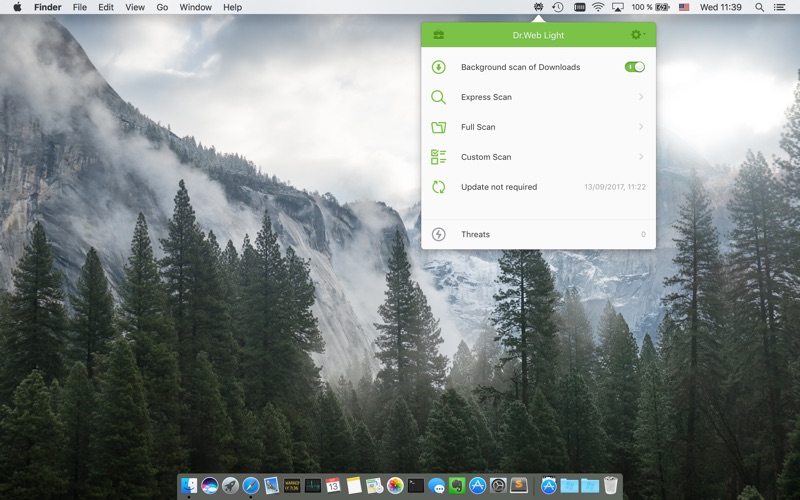
Description by Doctor Web, Ltd Written by the developer, not by AppBrain. Click to read.
Features
- Easy and resource-efficient background scanning of the Downloads directory, where every file downloaded is scanned.
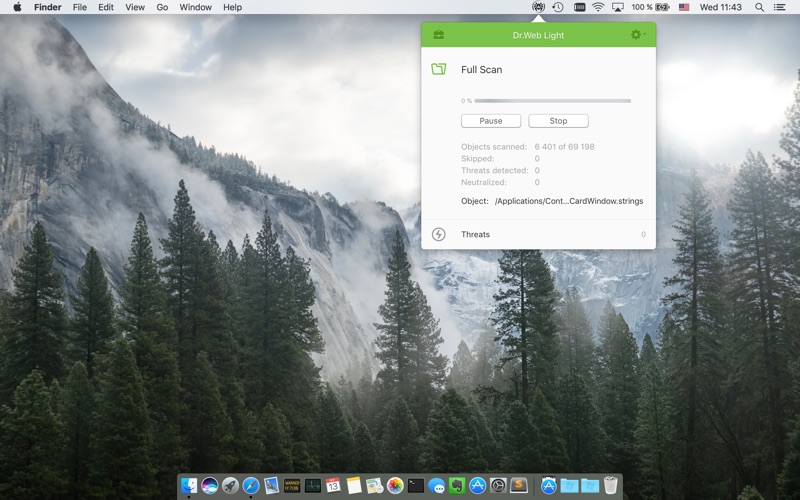
- Perform express or full system scans.
- Customize lists of files and folders to be excluded from scanning.
- Check suspicious files and folders by simply dragging and dropping them into the anti-virus application window;
- Use the pause function to suspend scanning and save on the battery life of your Mac; then continue scanning at any convenient time.
- Configure automatic responses for the anti-virus to various types of threats, or manually choose what actions are to be applied to each threat.
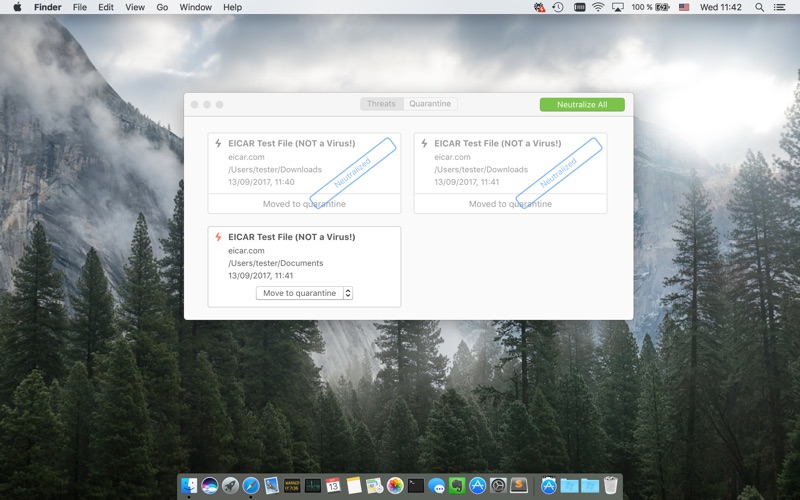
- Get detailed information about the infected files found by the anti-virus (viewable in the Threats and Quarantine windows).
- Log for working in automatic threat neutralization mode. The log displays scanning results and shows what files have been cured, skipped and quarantined.
- Quarantine for suspicious objects.
Alarms sound whenever threats are detected, deleted and moved to the quarantine;
- Choose how you want to be notified about detected threats: via OS X Mountain Lion (10.8.2), or the Dr.Web alert service.
- Customizable scheduling of virus database and scanner updates.
- Use all Dr.Web features from the Desk’s main window.
- Get the latest news about viruses and other threats as well as Doctor Web products directly in the application window.
Differences between Dr.Web Light and Dr.Web Anti-virus:
Dr.Web Light has limited features compared with the full version of the product. It doesn't have a full-scale file monitor and can't cure a large number of threats, because it can't work as root.