

Dr.Web Mobile Control Center
Dr.Web Mobile Control Center is made and published by Doctor Web, Ltd. AppBrain is an independent app data site and isn't affiliated with Doctor Web, Ltd. The app name, icon, screenshots and description belong to Doctor Web, Ltd and are shown as published on the App Store.
AppBrain's verdict
Established- Rating on App Store
- 4.50
- 2 ratings
- Last updated
- March 11, 2021
It doesn't have enough ratings yet to judge what users think.
Rankings
App Store top chartsApp Store Rankings for Dr.Web Mobile Control Center
Competitors
Similar apps and more from Doctor Web, LtdAlternatives to Dr.Web Mobile Control Center






More from Doctor Web, Ltd


Releases
Updates seen on the App Store- Version
- 13.0.0
- Launched
- July 2014
No changelog data
User feedback
Ratings and reviews on the App StoreComments on Dr.Web Mobile Control Center for iOS
We don't have enough comments to show example comments. Please check back later.
Technology
Found in the app by AppBrain- Price
- Free
- App size
- 6.95 MB
- Content rating
- Everyone
Technologies used by Dr.Web Mobile Control Center
About the app and developer
About Dr.Web Mobile Control Center
Dr.Web Mobile Control Center is an utilities app developed by Doctor Web, Ltd.
User Ratings
Dr.Web Mobile Control Center is rated 4.50 out of 5 stars. The rating is based on 2 ratings.
App Information
Dr.Web Mobile Control Center is freely available from the App Store. The app size is 6.95 MB. The latest version available is 13.0.0. The last update was on March 11, 2021.
Technical Requirements
The app has a content rating of Everyone. The app has been available on the App Store since July 2014.
Developer information for Doctor Web, Ltd
Address:
Store listing
By Doctor Web, Ltd, from the App Store

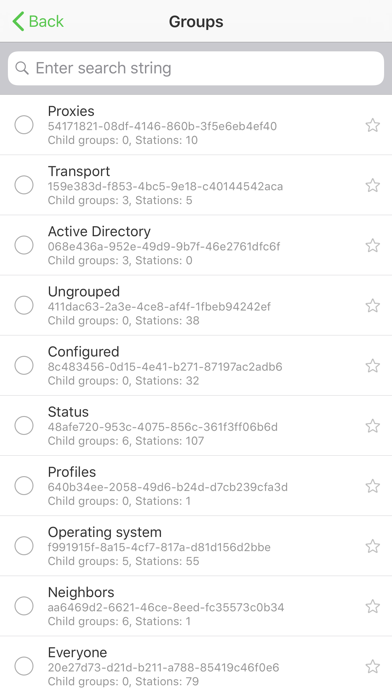
Description by Doctor Web, Ltd Written by the developer, not by AppBrain. Click to read.
Dr.Web Mobile Control Center connects to Dr.Web Server according to the anti-virus network administrator credentials including via an encrypted protocol.
General functions
1. Manage Dr.Web Server repository:
• view the products state in the repository;
• launch repository update from Dr.Web Global Update System.
2. Manage stations on which an update of anti-virus software is failed:
• display failed stations;
• update components on failed stations.
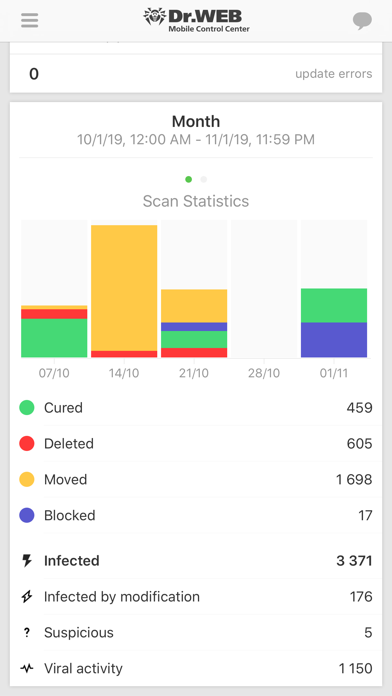
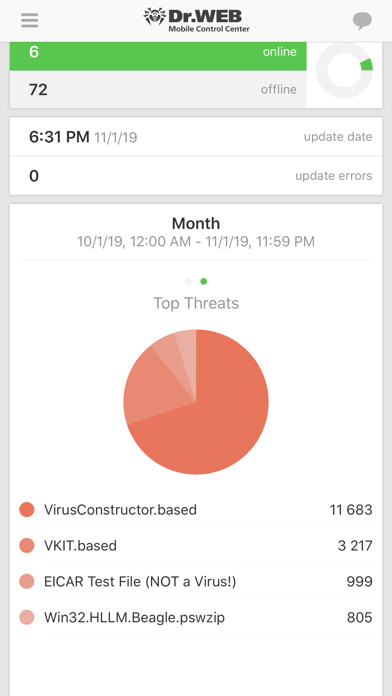
3. Display statistics information on anti-virus network state:
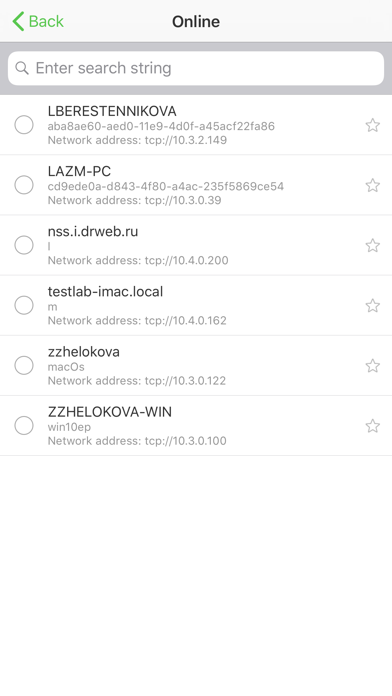
• number of stations registered at Dr.Web Server and their current state (online/offline);
• viral statistics for protected stations.
4. Manage new stations waiting for connection to Dr.Web Server:
• approve access;
• reject stations.
5. Manage anti-virus components installed on anti-virus network stations:
• launch the fast or full scan either for selected stations or for all stations of selected groups;
• setup Dr.Web Scanner reaction on malware detection;
• view and manage files in the Quarantine either for selected stations or for all stations in the selected group.
6. Manage stations and groups:
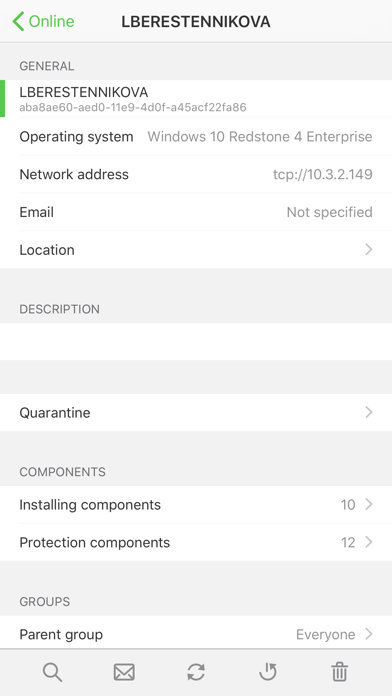
• view properties;
• view and manage components composition of anti-virus package;
• delete;
• send custom messages to stations;
• reboot stations under Windows OS;
• add to favorites list for the quick assess.
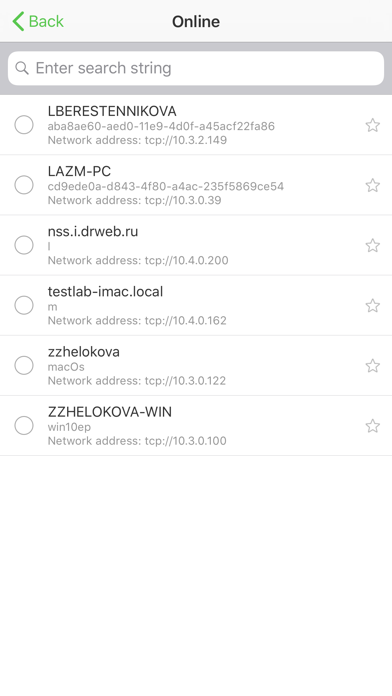
7. Search for stations and groups in an anti-virus network by different parameters: name, address, ID.
8. View and manage messages on major events in an anti-virus network via the interactive Push notifications:
• display all notifications at Dr.Web Server;
• set reactions on notification events;
• search notification by specified filter parameters;
• delete notifications;
• exclude notifications from automatic deletion.
Dr.Web Enterprise Security Suite home page: http://products.drweb.com/enterprise_security_suite/control_center
Dr.Web AV-Desk home page: http://av-desk.com/