

DU Recorder - Screen Recorder
DU Recorder - Screen Recorder is made and published by Beijing Xiaoxiong Bowang Technology Co., Ltd. AppBrain is an independent app data site and isn't affiliated with Beijing Xiaoxiong Bowang Technology Co., Ltd. The app name, icon, screenshots and description belong to Beijing Xiaoxiong Bowang Technology Co., Ltd. and are shown as published on the App Store.
AppBrain's verdict
EstablishedWell rated- Best rank
- #87
- Top Free, Indonesia
- Rating on App Store
- 4.43
- 56,369 ratings
- Last updated
- August 7, 2025
Users rate it well: 4.4 stars from 56,369 ratings. Its best ranking is #87 in Top Free, Photo & Video in Indonesia.
Rankings
App Store top charts- Highest rank
- #87
- Chart
- Top Free
- Photo & Video
- Country
- Indonesia
App Store Rankings for DU Recorder - Screen Recorder
Top rankings
| Rank | Country | Category | List |
|---|---|---|---|
| 87 | Indonesia | Photo & Video | Top Free |
Ranking history in Indonesia
Competitors
Similar apps and more from Beijing Xiaoxiong Bowang Technology Co., Ltd.Alternatives to DU Recorder - Screen Recorder








Releases
Updates seen on the App Store- Version
- 1.8.0
- Launched
- December 2017
No changelog data
User feedback
Ratings and reviews on the App StoreComments on DU Recorder - Screen Recorder for iOS
We don't have enough comments to show example comments. Please check back later.
Technology
Found in the app by AppBrain- Price
- Free
- App size
- 119.7 MB
- Content rating
- Everyone
Technologies used by DU Recorder - Screen Recorder
About the app and developer
About DU Recorder - Screen Recorder
DU Recorder - Screen Recorder is a photo & video app developed by Beijing Xiaoxiong Bowang Technology Co., Ltd.
User Ratings
DU Recorder - Screen Recorder is rated 4.43 out of 5 stars. The rating is based on 56 thousand ratings.
App Information
DU Recorder - Screen Recorder is freely available from the App Store. The app size is 119.75 MB. The latest version available is 1.8.0. The last update was on August 7, 2025.
Technical Requirements
The app has a content rating of Everyone. The app has been available on the App Store since December 2017.
Developer information for Beijing Xiaoxiong Bowang Technology Co., Ltd.
Store listing
By Beijing Xiaoxiong Bowang Technology Co., Ltd., from the App Store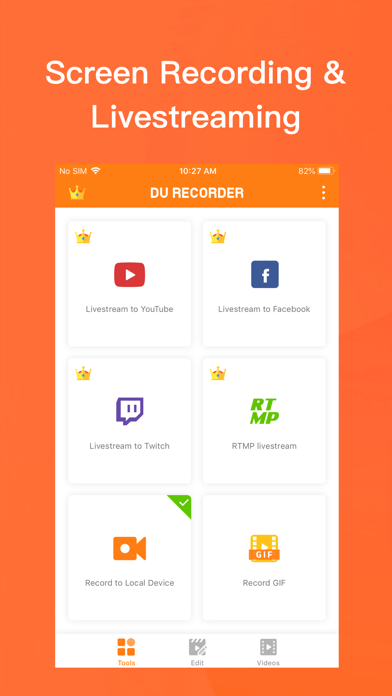
Description by Beijing Xiaoxiong Bowang Technology Co., Ltd. Written by the developer, not by AppBrain. Click to read.
Advantages:
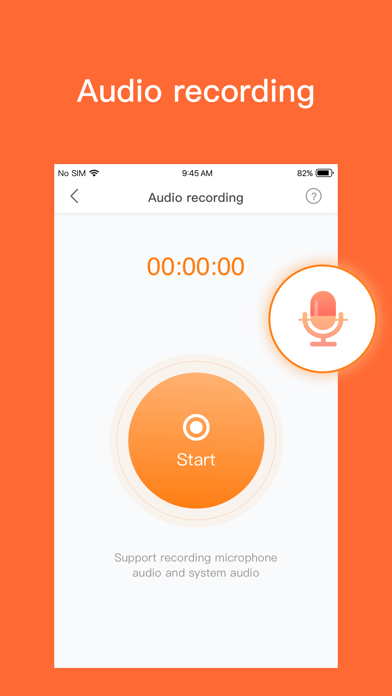
- Support audio recording
- Livestream your screen to different platforms
- High-quality screen recording
- Powerful video editing features
Features:
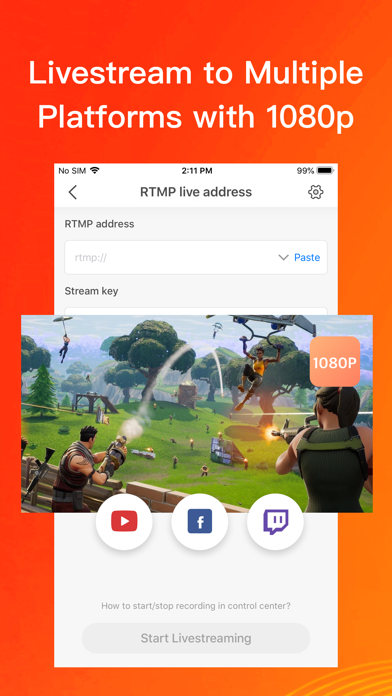
Livestream to YouTube, Facebook and Twitch
Add the screen recording feature to your control center. Simply log in to your YouTube, Facebook and Twitch account, choose the settings as you want, and start livestreaming to YouTube, Facebook and Twitch via the screen recording feature! These handy options give you a better livestreaming experience:
- Support simultaneous recording of microphone and internal audio
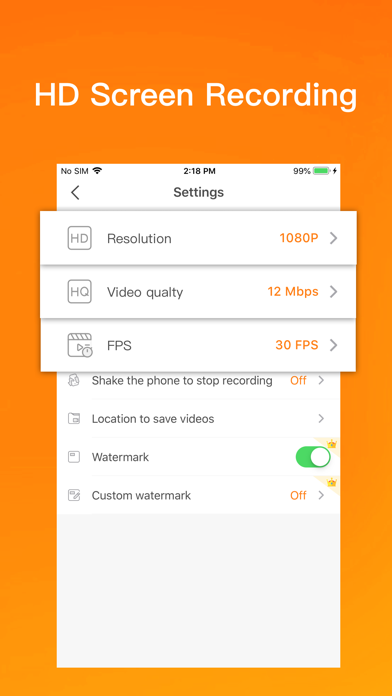
- High-quality livestreaming, with various resolution options
- Set your livestream to public, unlisted, or private to protect privacy
- Supports RTMP address
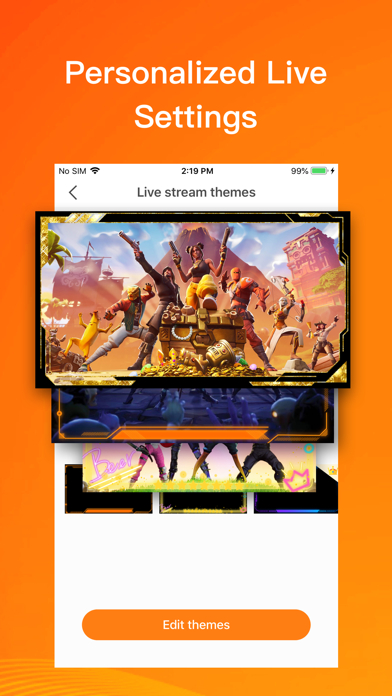
- A variety of live tools: Custom watermark, live themes, live pause settings and more
- Supports Replaykit, for livestreaming directly from Replaykit-compatible games
Screen Recording
Add the screen recording feature to your control center, tap the Record button, and choose DU Recorder to record your screen and save videos to your device. DU Recorder provides stable and fluid screen recording. With this screen recording feature, you can easily record popular mobile game videos, video calls with family and friends, and even popular live shows!
Video Editing
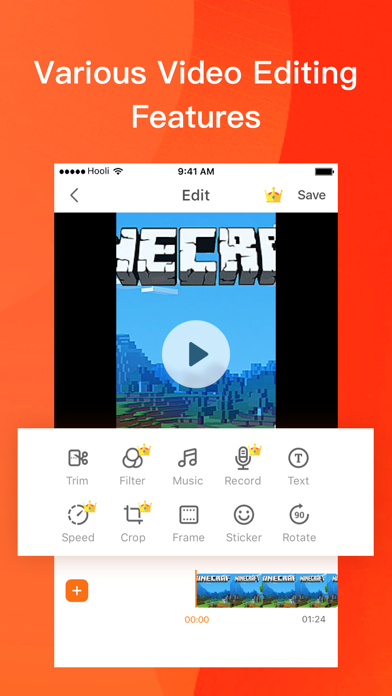
You can easily perform the following video editing operations with the screen recorder:
- Trim video/Remove the middle part of the video
- Add music, choose from a huge variety of music
- Add text, custom video subtitles
- Add frames and stickers, also support adding local images and custom watermark to your videos
- Change speed, adjust video speed of different sections
- Voice recording, help you make a commentary video
- Filters, add a variety of filter effects to your video
- Crop video, crop videos to any ratio you want
- Merge multiple videos and choose from various transition effects
- Video to GIF, convert video formats to GIF
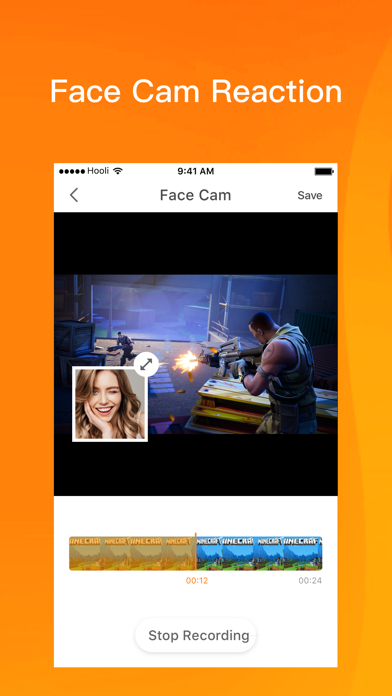
- Supports facecam, you can record reaction videos with the facecam feature
DU Recorder Premium
- Join now and enjoy all the features!
- Included features:Remove watermark, Custom watermark, Custom pause picture, Speed, Crop, RTMP broadcast, VIP feedback channel and more wonderful content.
- When you purchase DU Recorder Premium, you will use all paid features and materials.
- DU Recorder Premium is billed monthly or annually at the rate corresponding to the selected plan.
- Payment will be charged to your iTunes account at confirmation of purchase.
- According to the Apple Store policy, your subscription will be automatically renewed after the free trial ends.
- Subscriptions will automatically renew unless auto-renew is turned off at least 24 hours before the end of current period.
- Your account will be charged according to your plan for renewal within 24 hours prior to the end of the current period. You can manage or turn off auto-renew in your Apple ID account settings at any time after purchase.
- Privacy policy: http://durecorder.do-global.com/privacy/privacyPolicy.html
- Terms of use: http://durecorder.do-global.com/privacy/UserAgreement.html
If you have any comments or suggestions about DU Recorder, please contact us at durecorderlive@gmail.com. Your feedback is appreciated!
Follow us on Facebook: https://www.facebook.com/DURecorderOfficial
Subscribe to our YouTube channel: https://www.youtube.com/channel/UCtvNkr4kV3GAEHAFqe5UocQ