

ES File Explorer
ES File Explorer is made and published by Beijing Xiaoxiong Bowang Technology Co., Ltd. AppBrain is an independent app data site and isn't affiliated with Beijing Xiaoxiong Bowang Technology Co., Ltd. The app name, icon, screenshots and description belong to Beijing Xiaoxiong Bowang Technology Co., Ltd. and are shown as published on the App Store.
AppBrain's verdict
EstablishedLoved by users- Best rank
- #89
- Top Free, Mexico
- Rating on App Store
- 4.60
- 15,317 ratings
- Last updated
- March 24, 2026
Users love it: 4.6 stars from 15,317 ratings. Its best ranking is #89 in Top Free, Productivity in Mexico.
Rankings
App Store top charts- Highest rank
- #89
- Chart
- Top Free
- Productivity
- Country
- Mexico
App Store Rankings for ES File Explorer
Top rankings
| Rank | Country | Category | List |
|---|---|---|---|
| 89 | Mexico | Productivity | Top Free |
Ranking history in Mexico
Competitors
Similar apps and more from Beijing Xiaoxiong Bowang Technology Co., Ltd.Alternatives to ES File Explorer






Releases
Updates seen on the App Store- Version
- 2.8.6
- Launched
- March 2019
No changelog data
User feedback
Ratings and reviews on the App StoreComments on ES File Explorer for iOS
We don't have enough comments to show example comments. Please check back later.
Technology
Found in the app by AppBrain- Price
- Free
- App size
- 263.2 MB
- Content rating
- High
Technologies used by ES File Explorer
About the app and developer
About ES File Explorer
ES File Explorer is a productivity app developed by Beijing Xiaoxiong Bowang Technology Co., Ltd.
User Ratings
ES File Explorer is rated 4.60 out of 5 stars. The rating is based on 15 thousand ratings.
App Information
ES File Explorer is freely available from the App Store. The app size is 263.20 MB. The latest version available is 2.8.6. The last update was on March 24, 2026.
Technical Requirements
The app has a content rating of High Maturity. The app has been available on the App Store since March 2019.
Developer information for Beijing Xiaoxiong Bowang Technology Co., Ltd.
Store listing
By Beijing Xiaoxiong Bowang Technology Co., Ltd., from the App Store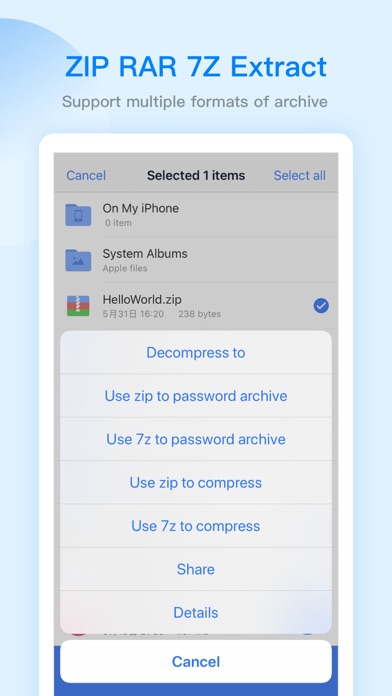
Description by Beijing Xiaoxiong Bowang Technology Co., Ltd. Written by the developer, not by AppBrain. Click to read.
【The main function】
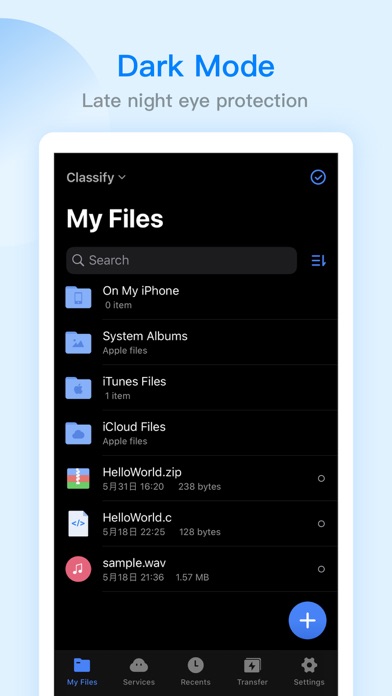
-File management
You can create new directories, rename, move, delete files, etc.
Support file sorting by name, date, size
The iPad version supports features such as split screen, picture-in-picture, and drag-and-drop operations between apps
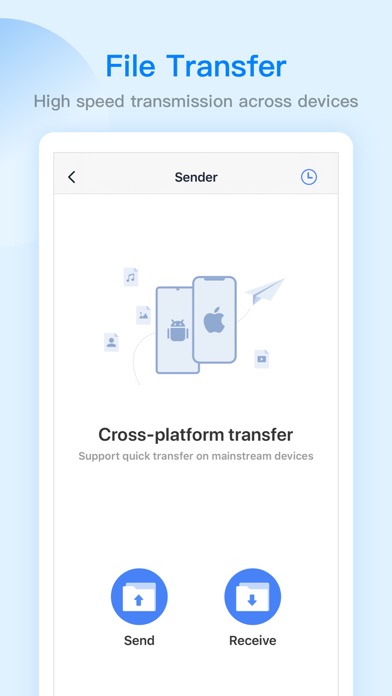
- file transfer
WiFi transmission function: support the transfer of files between the mobile terminal and the computer terminal
Face-to-face fast transfer function: support for transferring files between mobile phones
-Compress and decompress
Support the compression and decompression of ZIP, RAR, 7Z format files
Support Chinese password
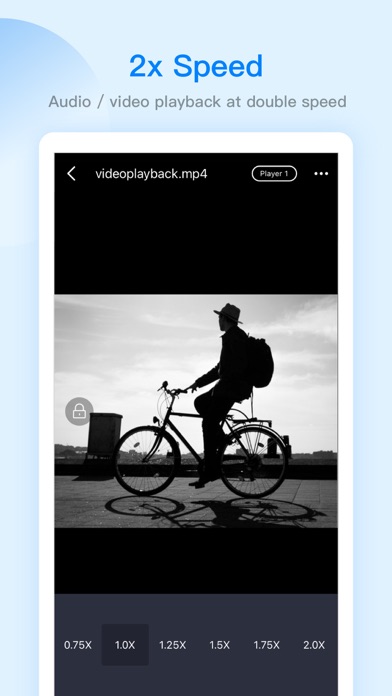
-Built-in audio and video player
Support functions: double-speed playback (0.5~2.0), background playback, small window playback, etc.
Can directly play audio and video resources in the network disk, local area, and local area network
-Netdisk aggregation
No need to download, you can access and use the files in the network disk
Support simultaneous login with multiple accounts on the same network disk
Support mainstream network disks such as Baidu network disk, google drive, OneDrive, dropbox, etc.
-Remote service access:
SMB, FTP, WebDAV
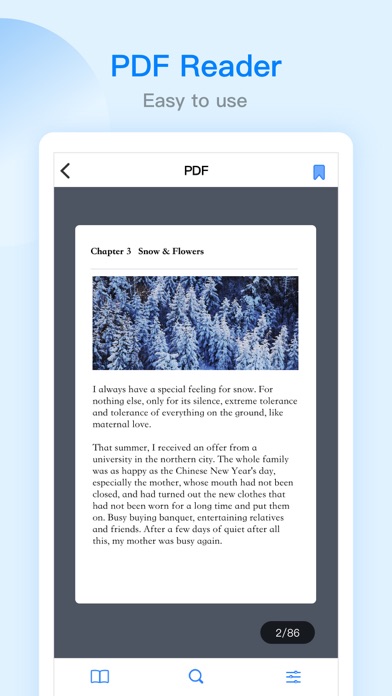
-Built-in PDF editor
Support PDF file browsing
PDF file editing: supports highlight, underline, strikethrough, pen and other functions
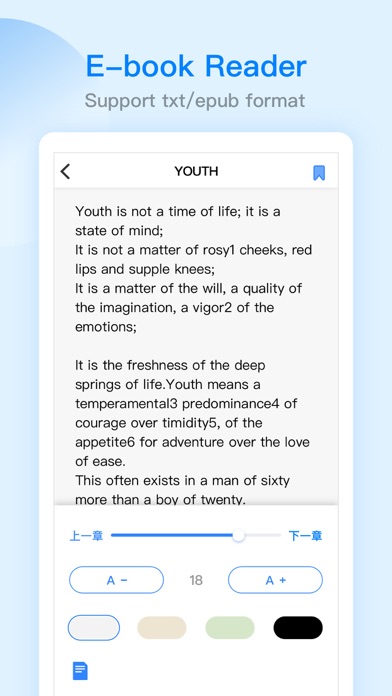
-Built-in novel reader
Support TXT, EPUB format, continuous optimization
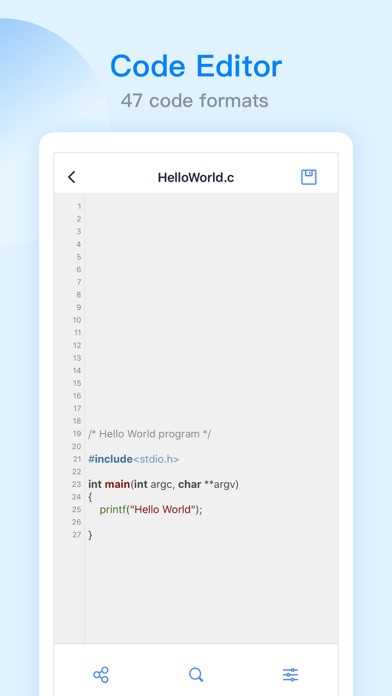
-Built-in code editor
Supports browsing and editing of 47 code formats such as json, js, log, java, php, swift, xml, net, etc.
Support code theme switching, font size adjustment, encoding format adjustment
-Other functions
Automatic backup function: support incremental backup of system albums and ES local files to Baidu network disk, SMB, FTP, WebDAV
Recycle bin function: support ES local files to be temporarily stored in the ES recycle bin after deletion to prevent file loss
Browser: Support web browsing
Application lock: protect user privacy and safety
ES PRO
- When you purchase ES PRO, you will Unlock all premium features.
- ES PRO is billed monthly or annually at the rate corresponding to the selected plan.
- Payment will be charged to your iTunes account at confirmation of purchase.
- According to the Apple Store policy, your subscription will be automatically renewed after the free trial ends.
- Subscriptions will automatically renew unless auto-renew is turned off at least 24 hours before the end of current period.
- Your account will be charged according to your plan for renewal within 24 hours prior to the end of the current period. You can manage or turn off auto-renew in your Apple ID account settings at any time after purchase.
Terms of Service: http://esfile.do-global.com/h5/user_manual.html
Privacy Policy: http://www.estrongs.com/privacyStatement/en/index.htm
Email: esfileexplorerfeedback@outlook.com
Facebook: https://www.facebook.com/OfficialESFileExplorer/
YouTube: https://goo.gl/YVXXV3