

eReader™ is made and published by 世木 林. AppBrain is an independent app data site and isn't affiliated with 世木 林. The app name, icon, screenshots and description belong to 世木 林 and are shown as published on the App Store.
AppBrain's verdict
Established- Rating on App Store
- 2.28
- 29 ratings
- Last updated
- March 23, 2019
It doesn't have enough ratings yet to judge what users think.
Rankings
App Store top chartsApp Store Rankings for eReader™
Competitors
Similar apps and more from 世木 林Alternatives to eReader™





More from 世木 林







Releases
Updates seen on the App Store- Version
- 4.2
- Launched
- May 2012
No changelog data
User feedback
Ratings and reviews on the App StoreComments on eReader™ for iOS
We don't have enough comments to show example comments. Please check back later.
Technology
Found in the app by AppBrain- Price
- Free
- App size
- 87.3 MB
- Content rating
- High
Technologies used by eReader™
About the app and developer
About eReader™
eReader™ is a books app developed by 世木 林.
What is the rating of eReader™?
eReader™ is rated 2.28 out of 5 stars, based on 29 ratings.
Is eReader™ free?
eReader™ is free. The app size is 87.32 MB. The latest version available is 4.2. The last update was on March 23, 2019.
What are the requirements for eReader™?
The app has a content rating of High Maturity. The app has been available on the App Store since May 2012.
Developer information for 世木 林
Address:
Store listing
By 世木 林, from the App Store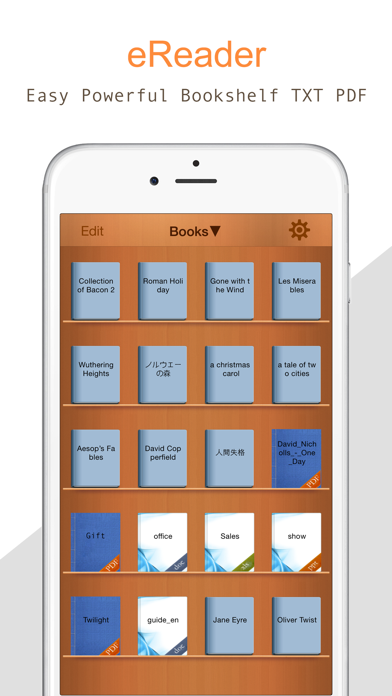
Description by 世木 林 Written by the developer, not by AppBrain. Click to read.
1. Supports multiple file formats
eReader not only supports massive PDF and TXT files, but also handles the most popular file types:
• MS Office - .doc, .ppt., .xls
• iWork ’08/’09
• HTML and Safari web archives
• High resolution images
• Rar Zip file Decompression
• Even audio and video!
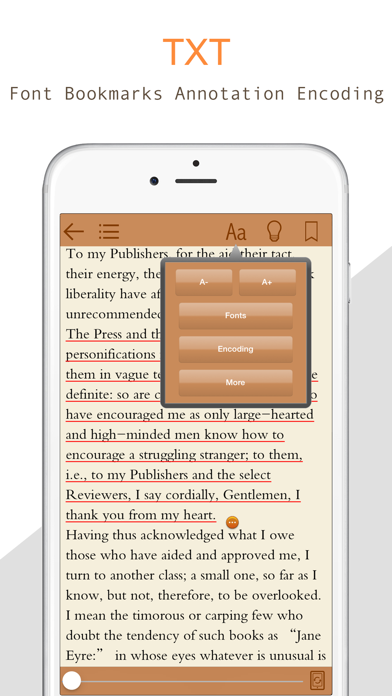
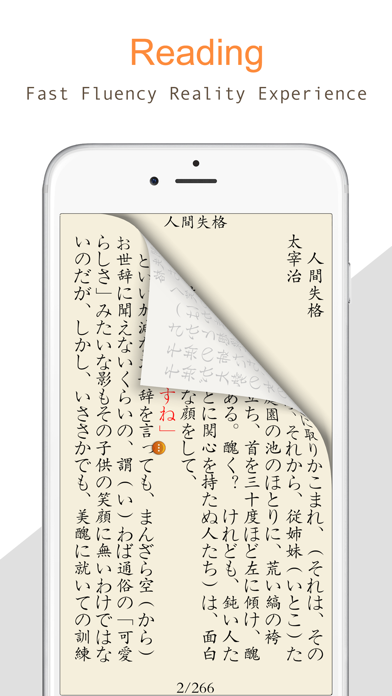
2. The best TXT text reading experience
Provide a simple, elegant flip.
You can change Font size and Font type.
Brightness,Background selection.
Bookmark to add, delete, edit, fast-forward text, TXT text Chapter cut and save;
3.PDF Support
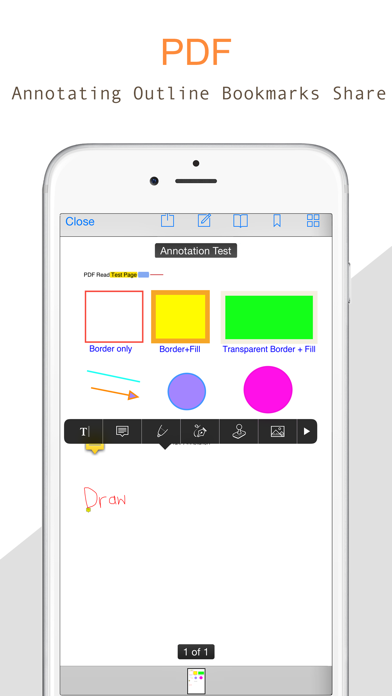
PDF catalog, bookmarks, preview, fast forward, zoom!
4. Supports WiFi upload.
Not only support add file to the iOS devices through itunes,But also through the Browser on PC.
5. The Powerful Bookshelf Management
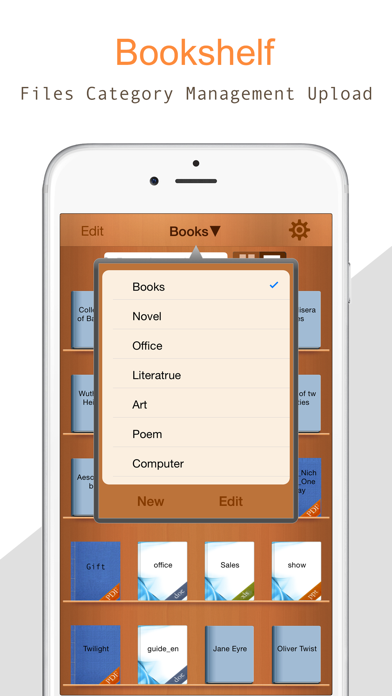
In the bookshelf, you can find any local files and manage it(delete,move,category)
Note: users of older versions, please do not upgrade directly backup your books, remove the old version and reinstall!