Esri Support is made and published by ESRI. AppBrain is an independent app data site and isn't affiliated with ESRI. The app name, icon, screenshots and description belong to ESRI and are shown as published on the App Store.
AppBrain's verdict
Established- Rating on App Store
- 4.45
- 33 ratings
- Last updated
- September 23, 2026
It doesn't have enough ratings yet to judge what users think.
Rankings
App Store top chartsApp Store Rankings for Esri Support
Competitors
Similar apps and more from ESRIReleases
Updates seen on the App Store- Version
- 7.38
- Launched
- May 2019
No changelog data
User feedback
Ratings and reviews on the App StoreComments on Esri Support for iOS
We don't have enough comments to show example comments. Please check back later.
Technology
Found in the app by AppBrain- Price
- Free
- App size
- 89.4 MB
- Content rating
- Everyone
Technologies used by Esri Support
About the app and developer
About Esri Support
Esri Support is a productivity app developed by ESRI.
What is the rating of Esri Support?
Esri Support is rated 4.45 out of 5 stars, based on 33 ratings.
Is Esri Support free?
Esri Support is free. The app size is 89.37 MB. The latest version available is 7.38. The last update was on September 23, 2026.
What are the requirements for Esri Support?
The app has a content rating of Everyone. The app has been available on the App Store since May 2019.
Developer information for ESRI
Address:
Store listing
By ESRI, from the App StoreDescription by ESRI Written by the developer, not by AppBrain. Click to read.
With the Esri Support app you can:
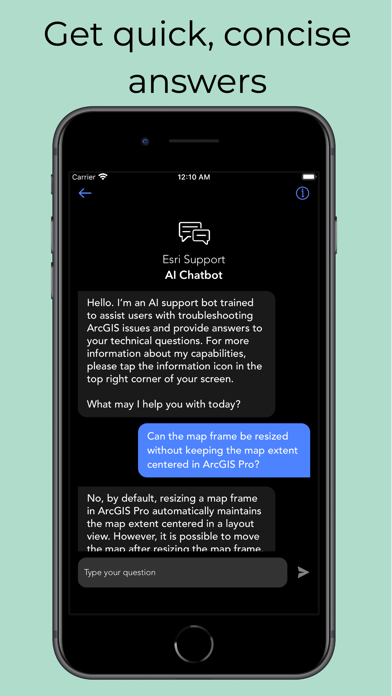
1. Find answers to your questions and solutions to technical issues using our generative AI chatbot.
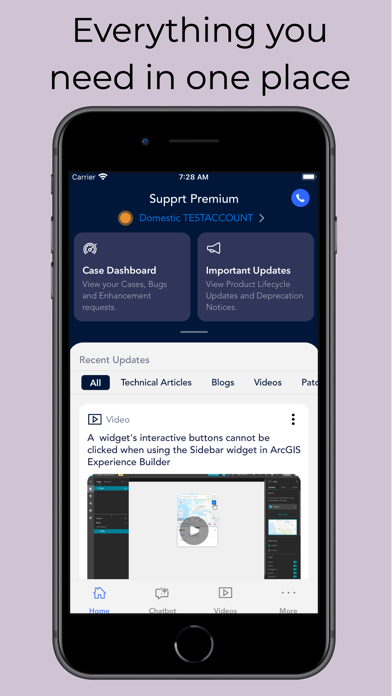
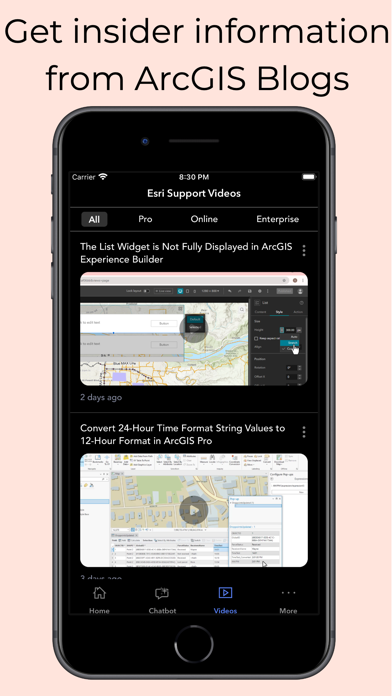
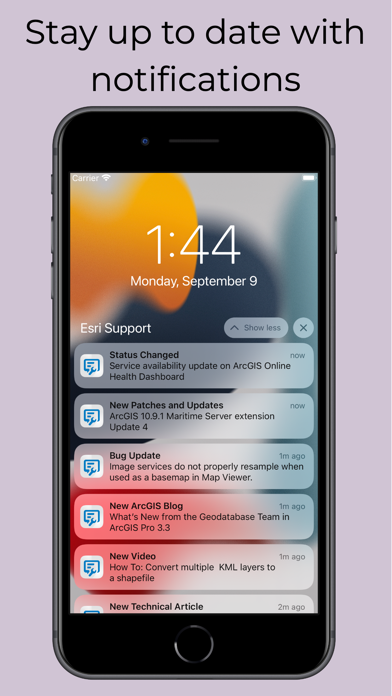
2. Get notified instantly about new technical articles, videos, patches, bug status updates, case updates, ArcGIS Blogs, and more.
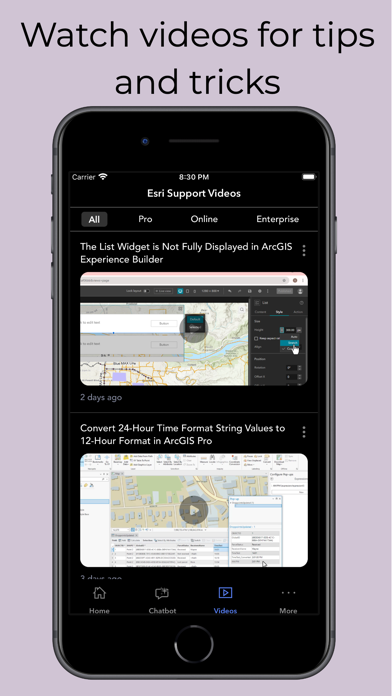
3. Explore video tutorials for Esri technologies.
4. Contact Esri Support by phone, chat, or case submission form.
5. Request a call back to get help on your schedule.
6. Manage your support cases, bugs, and enhancements.
7. Check the status of ArcGIS Online services with the ArcGIS Online Dashboard and get notified when a service is interrupted.
8. Subscribe to bugs and receive notifications whenever new information becomes available.