

Eyeye: Eyesight Trainer
Eyeye: Eyesight Trainer is made and published by 6X Studio LLC. AppBrain is an independent app data site and isn't affiliated with 6X Studio LLC. The app name, icon, screenshots and description belong to 6X Studio LLC and are shown as published on the App Store.
AppBrain's verdict
EstablishedLoved by users- Rating on App Store
- 4.74
- 200 ratings
- Last updated
- April 18, 2022
Users love it: 4.7 stars from 200 ratings.
Rankings
App Store top chartsApp Store Rankings for Eyeye: Eyesight Trainer
Competitors
Similar apps and more from 6X Studio LLCAlternatives to Eyeye: Eyesight Trainer


More from 6X Studio LLC







Releases
Updates seen on the App Store- Version
- 1.4
- Launched
- April 2020
No changelog data
User feedback
Ratings and reviews on the App StoreComments on Eyeye: Eyesight Trainer for iOS
We don't have enough comments to show example comments. Please check back later.
Technology
Found in the app by AppBrain- Price
- Free
- App size
- 18.5 MB
- Content rating
- Everyone
Technologies used by Eyeye: Eyesight Trainer
About the app and developer
About Eyeye: Eyesight Trainer
Eyeye: Eyesight Trainer is a health & fitness app developed by 6X Studio LLC.
User Ratings
Eyeye: Eyesight Trainer is rated 4.74 out of 5 stars. The rating is based on 200 ratings.
App Information
Eyeye: Eyesight Trainer is freely available from the App Store. The app size is 18.47 MB. The latest version available is 1.4. The last update was on April 18, 2022.
Technical Requirements
The app has a content rating of Everyone. The app has been available on the App Store since April 2020.
Developer information for 6X Studio LLC
Address:
Frequently asked questions about Eyeye: Eyesight Trainer
Is Eyeye: Eyesight Trainer free?
Yes. Eyeye: Eyesight Trainer is free on the App Store.
Is Eyeye: Eyesight Trainer still available?
Yes. Eyeye: Eyesight Trainer is on the App Store, and the last update we saw was on April 18, 2022.
How large is Eyeye: Eyesight Trainer?
Eyeye: Eyesight Trainer is 18.47 MB.
Is Eyeye: Eyesight Trainer suitable for children?
App Store rates the content of Eyeye: Eyesight Trainer as suitable for everyone.
How do people rate Eyeye: Eyesight Trainer?
Eyeye: Eyesight Trainer scores 4.74 out of 5 stars, from 200 ratings on the App Store.
Who made Eyeye: Eyesight Trainer?
Eyeye: Eyesight Trainer was developed by 6X Studio LLC. It is listed in the health & fitness category on the App Store.
What are the best alternatives to Eyeye: Eyesight Trainer?
People looking at Eyeye: Eyesight Trainer also look at these health & fitness apps: Eye Recovery Training, Vision Workout : Eye Training, Eyes + Vision: training & care, Optics Trainer: Vision & Brain, Eye Workout.
Store listing
By 6X Studio LLC, from the App Store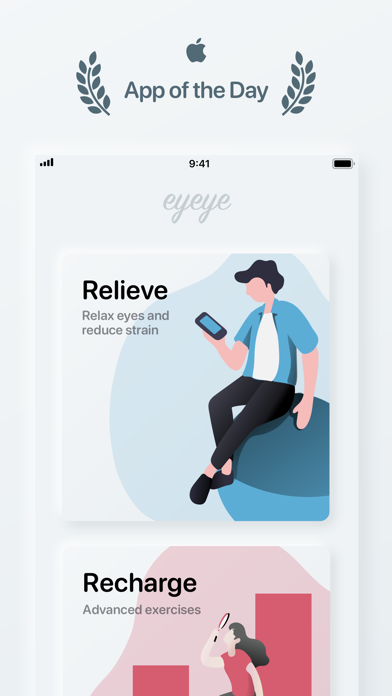
Description by 6X Studio LLC Written by the developer, not by AppBrain. Click to read.
Featured by Apple as the App of the Day on the App Store across multiple regions, this app is perfect for people who spend hours focusing on books or screens every day.
HOW DOES IT WORK
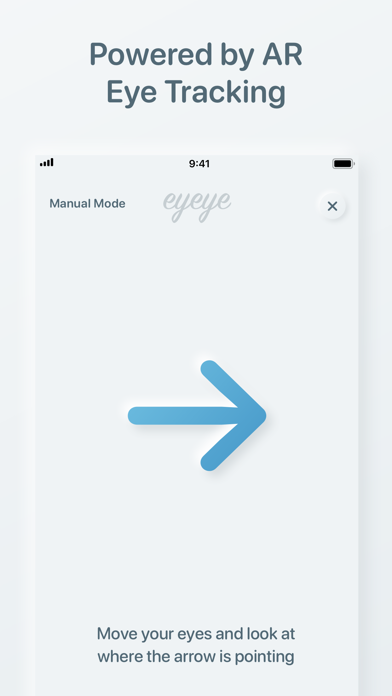
Eyeye integrates the principles of eye gymnastics into a series of exercises. It uses the TrueDepth camera and sensors on your device to track your eye movements and make sure you’re doing it right.
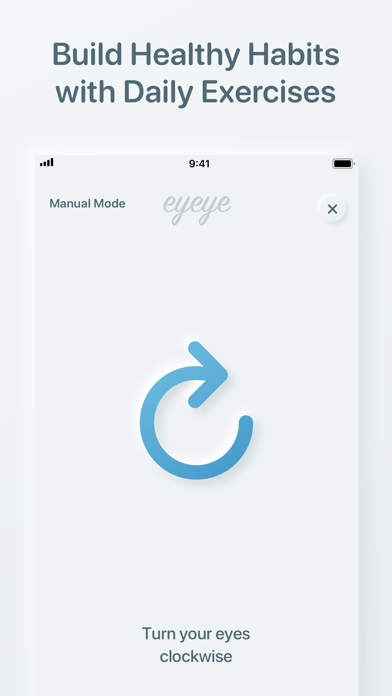
BUILD HEALTHY HABITS
Start building eye-caring habits with customizable training schedule and daily reminders to keep your eyes healthy and resilient to stress.
MADE WITH YOUR PRIVACY IN MIND
The app collects only the bare minimum amount of anonymous usage data to improve your experience. Everything captured by the camera is processed locally and never leaves your device.
SUPPORTED DEVICES
The eye-tracking feature is only available for devices with Face ID:
iPhone 13 Pro Max
iPhone 13 Pro
iPhone 13 mini
iPhone 13
iPhone 12 Pro Max
iPhone 12 Pro
iPhone 12 mini
iPhone 12
iPhone 11 Pro Max
iPhone 11 Pro
iPhone 11
iPhone XS Max
iPhone XS
iPhone XR
iPhone X
iPad Pro 12.9-inch (4th generation)
iPad Pro 12.9-inch (3rd generation)
iPad Pro 11-inch (2nd generation)
iPad Pro 11-inch
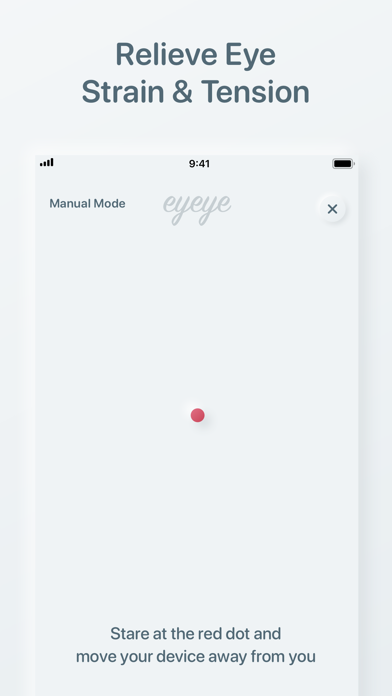
While the app is designed for devices with Face ID, there’s a Manual Mode available if you’re using a device that is not equipped with the necessary hardware to enable eye-tracking features, or if you decide not to give the app permission to access your camera.
You can still learn how to do eye exercises in Manual Mode, but it’s up to you to make sure you’re doing it right. Follow the instructions as they appear, and tap anywhere on the screen for the next one when you’ve done it.
CONTACT
Please email the developer directly at dandyweng@dandyweng.com or reach out to @dandyweng on social media.