

EZCast Pro
EZCast Pro is made and published by NimbleTech Digital Inc. AppBrain is an independent app data site and isn't affiliated with NimbleTech Digital Inc. The app name, icon, screenshots and description belong to NimbleTech Digital Inc. and are shown as published on the App Store.
AppBrain's verdict
Established- Rating on App Store
- 2.15
- 55 ratings
- Last updated
- February 3, 2026
It doesn't have enough ratings yet to judge what users think.
Rankings
App Store top chartsApp Store Rankings for EZCast Pro
Competitors
Similar apps and more from NimbleTech Digital Inc.Alternatives to EZCast Pro




More from NimbleTech Digital Inc.

Releases
Updates seen on the App Store- Version
- 3.2.6
- Launched
- July 2014
No changelog data
User feedback
Ratings and reviews on the App StoreComments on EZCast Pro for iOS
We don't have enough comments to show example comments. Please check back later.
Technology
Found in the app by AppBrain- Price
- Free
- App size
- 38.3 MB
- Content rating
- High
Technologies used by EZCast Pro
About the app and developer
About EZCast Pro
EZCast Pro is a productivity app developed by NimbleTech Digital Inc.
User Ratings
EZCast Pro is rated 2.15 out of 5 stars. The rating is based on 55 ratings.
App Information
EZCast Pro is freely available from the App Store. The app size is 38.30 MB. The latest version available is 3.2.6. The last update was on February 3, 2026.
Technical Requirements
The app has a content rating of High Maturity. The app has been available on the App Store since July 2014.
Developer information for NimbleTech Digital Inc.
Address:
Store listing
By NimbleTech Digital Inc., from the App Store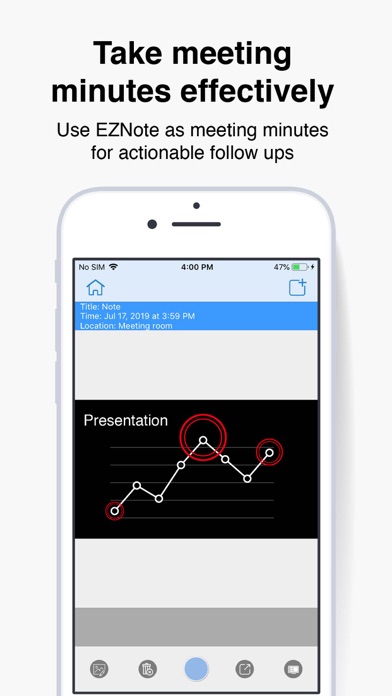
Description by NimbleTech Digital Inc. Written by the developer, not by AppBrain. Click to read.
EZCast Pro app is designed to work with EZCast Pro, a leading innovator of wireless display and smart office solutions.
#Features:
1. Wireless presentations - Make wireless presentations for more efficient meetings.
2. 4 screen split - Display up to 4 presentations simultaneously in a 4 screen split.
3. Take meeting minutes effectively – Use EZNote to save, annotate and edit presentation slides in real-time as meeting minutes for actionable follow-ups.
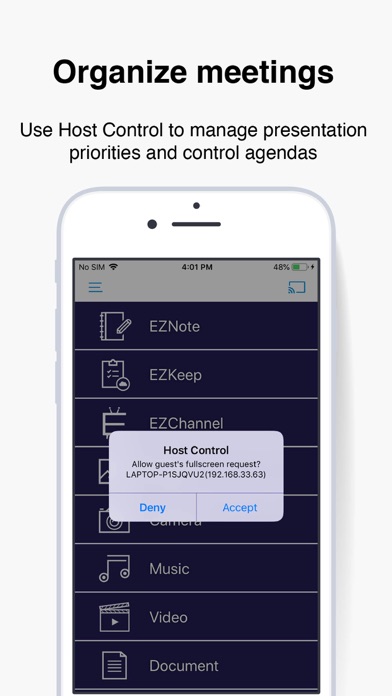
4. Organize meetings - Use Host Control to manage presentation priorities and control agendas.
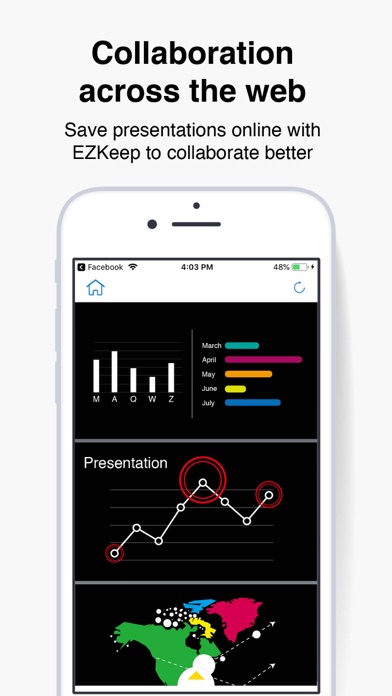
5. Collaboration across the web - Save presentations online with EZKeep to collaborate better.
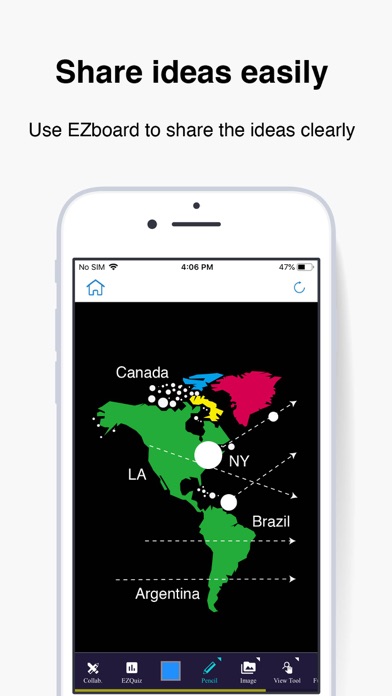
6. Share ideas easily – Use EZBoard to share ideas clearly to students or colleagues and give them a quiz.
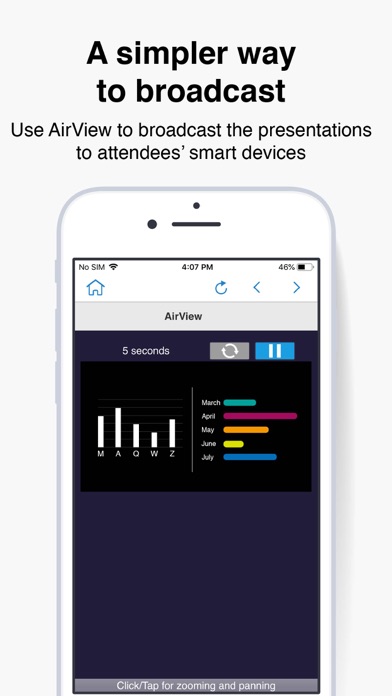
7. A simpler way to broadcast – Use AirView to broadcast the presentations to attendees’ smart devices.
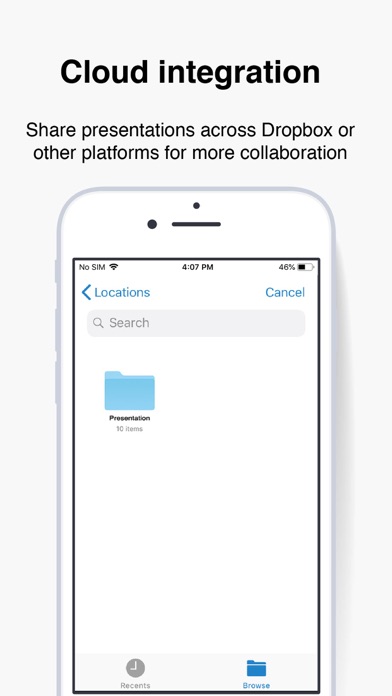
8. Cloud integration – Share presentations across Dropbox or other online storage service platforms for more flexible collaboration.
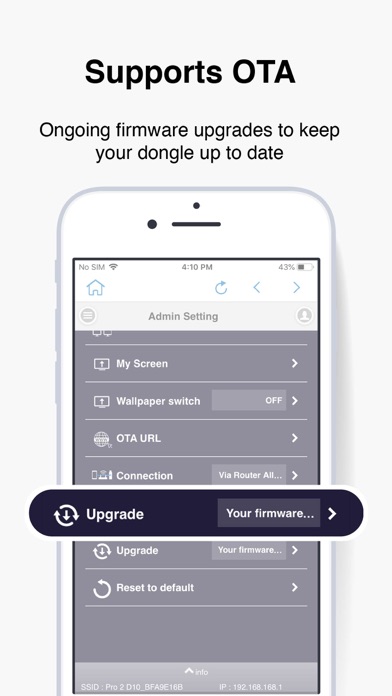
9. Supports OTA – Ongoing firmware upgrades to keep your dongle up to date.
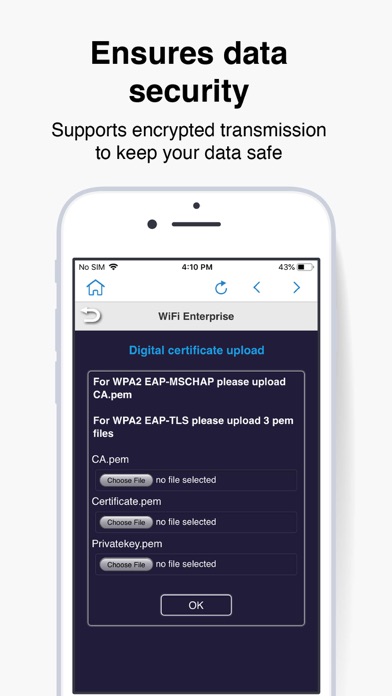
10. Ensures data security – Supports encrypted transmission to keep your data safe.