

Family Tree Painter
Family Tree Painter is made and published by Janek Soomets. AppBrain is an independent app data site and isn't affiliated with Janek Soomets. The app name, icon, screenshots and description belong to Janek Soomets and are shown as published on the App Store.
AppBrain's verdict
- Last updated
- December 15, 2025
- Size
- 1.13 MB
User feedback
Ratings and reviews on the App StoreComments on Family Tree Painter for iOS
We don't have enough comments to show example comments. Please check back later.
Store listing
By Janek Soomets, from the App Store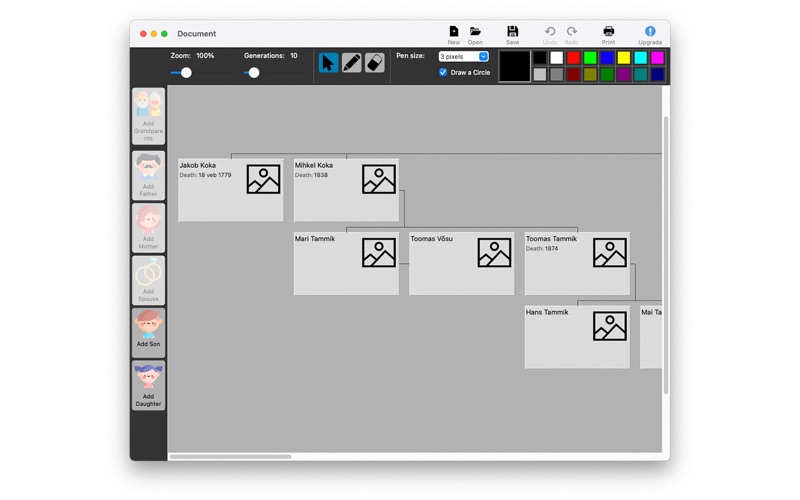
Description by Janek Soomets Written by the developer, not by AppBrain. Click to read.
You can add up to 30 people to a family tree without upgrading. If there are more than thirty people, you will need to make an in-app purchase. The upgrade costs 9.99 euros. You save the family tree data created with the application to a computer storage medium. And this information is only visible to the person who has the file saved with the application. You can share this file with people who have the Family Tree Painter app.
Create, open, and save a document
These commands can be found at the top of the toolbar or in the "File" menu. Click the "New" button if you want to create a new document. Click the "Open" button if you want to open an existing document. Alternatively, the "Save" button if you want to save the document. The document will not be saved automatically, but the program will ask you if you want to save the document when you want to close it.
Adding people to a family tree
To add people, there are 6 buttons on the left toolbar or you can use the same commands under the "Add" button in the "People" menu.
When you start a document, you will first need to add grandparents to start adding children and spouses, or fathers and mothers if a child is added.
To add a person, select the person to whom you want to add a family tree element and press the button on the left. The Add Person dialog box will then appear. There you can add the person's name, birth and death records, and a photo of the person if available. When you are finished press the "OK" button.
Illustration of family tree elements
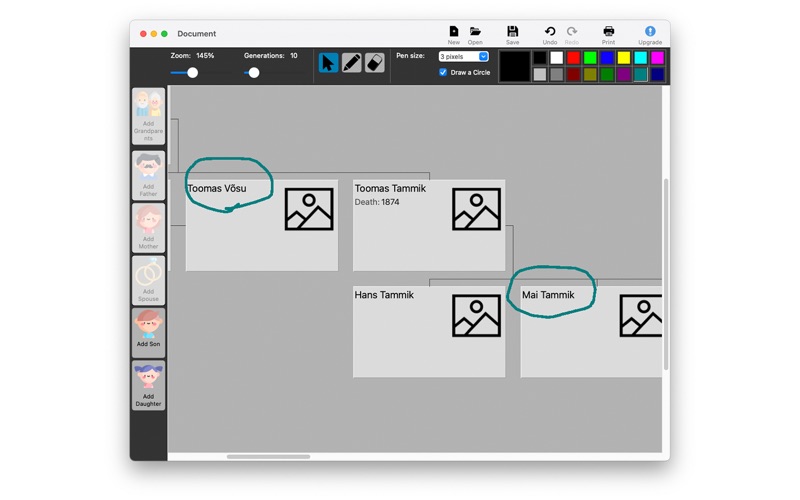
To draw, you have 2 buttons at the top of the toolbar: pencil and eraser. If you do not want to paint any more, press the first arrow button.
To draw, press the pen or eraser button and press down the left mouse button and drag the mouse.
You can choose the pencil thickness from 1 to 11. You can change the contour of the drawing, whether to a circle or square. There is a colour box on the top right where you can change the colour of the line. You can change the colour of the largest colour element by double-clicking on the box.
If you do not want to save that line in your family tree, you can erase it with an eraser. If you want to delete all the graphical lines, click on "Edit" and then on "Clean Graphics".
Displaying people
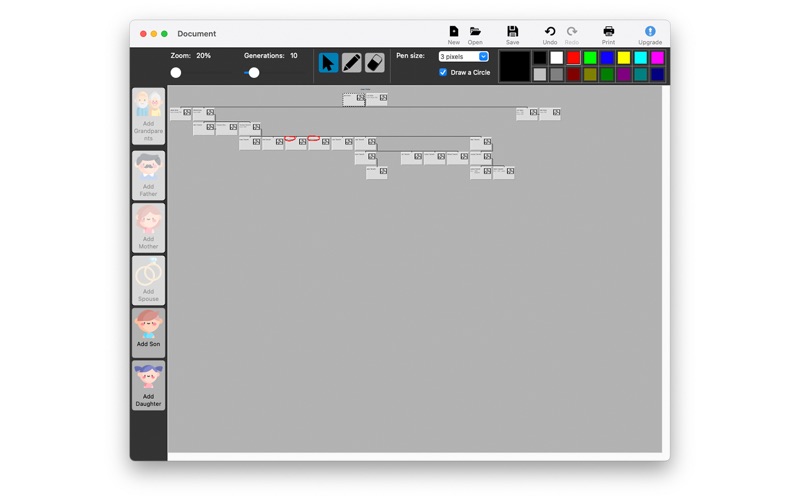
To display all people, press the "People" menu command and the "Show People" button. In that dialogue box you can select the person in the family tree by clicking on the "Show in the Tree" button.
GEDCOM
You can open and save an international file type document. To do this, click on "Import GEDCOM" or "Export GEDCOM" in the "File" menu.
The "Import GEDCOM" button opens the GEDCOM document in the application. "Export GEDCOM" saves the document in GEDCOM format to a storage medium.
Other commands
You can edit the added person by clicking the "Edit details" button in the menu under "People".
If you have added more than one spouse to a person, you can select them by clicking on "Choose a Spouse" in the "People" menu.
Safety and technology
Found in the app by AppBrain- Price
- Free
- App size
- 1.13 MB
- Content rating
- Everyone
Technologies used by Family Tree Painter
Releases
Updates seen on the App Store- Version
- 1.3
- Launched
- November 2021
No changelog data
Alternatives
Similar apps and more from Janek SoometsMore from Janek Soomets


Rankings
App Store top chartsApp Store Rankings for Family Tree Painter
About the app and developer
About Family Tree Painter
Family Tree Painter is a reference app developed by Janek Soomets.
User Ratings
The app has no ratings yet.
App Information
Family Tree Painter is freely available from the App Store. The app size is 1.14 MB. The latest version available is 1.3. The last update was on December 15, 2025.
Technical Requirements
The app has a content rating of Everyone. The app has been available on the App Store since November 2021.
Developer information for Janek Soomets
Address: