

Fat Cat Emojis is made and published by Jai Parkash. AppBrain is an independent app data site and isn't affiliated with Jai Parkash. The app name, icon, screenshots and description belong to Jai Parkash and are shown as published on the App Store.
AppBrain's verdict
- Last updated
- August 25, 2023
Rankings
App Store top chartsApp Store Rankings for Fat Cat Emojis
Competitors
Similar apps and more from Jai ParkashAlternatives to Fat Cat Emojis







More from Jai Parkash



Releases
Updates seen on the App Store- Version
- 1.2
- Launched
- July 2018
No changelog data
User feedback
Ratings and reviews on the App StoreComments on Fat Cat Emojis for iOS
We don't have enough comments to show example comments. Please check back later.
Technology
Found in the app by AppBrain- Price
- $1.99
- App size
- 4.85 MB
- Content rating
- Everyone
Technologies used by Fat Cat Emojis
About the app and developer
About Fat Cat Emojis
Fat Cat Emojis is a stickers app developed by Jai Parkash.
What is the rating of Fat Cat Emojis?
Fat Cat Emojis has no ratings yet.
Is Fat Cat Emojis free?
Fat Cat Emojis costs $1.99. The app size is 4.85 MB. The latest version available is 1.2. The last update was on August 25, 2023.
What are the requirements for Fat Cat Emojis?
The app has a content rating of Everyone. The app has been available on the App Store since July 2018.
Developer information for Jai Parkash
Address:
Frequently asked questions about Fat Cat Emojis
Is Fat Cat Emojis free?
No. Fat Cat Emojis costs $1.99 on the App Store.
Is Fat Cat Emojis still available?
Yes. Fat Cat Emojis is on the App Store, and the last update we saw was on August 25, 2023.
How large is Fat Cat Emojis?
Fat Cat Emojis is 4.85 MB.
Is Fat Cat Emojis suitable for children?
App Store rates the content of Fat Cat Emojis as suitable for everyone.
Who made Fat Cat Emojis?
Fat Cat Emojis was developed by Jai Parkash. It is listed in the stickers category on the App Store.
What are the best alternatives to Fat Cat Emojis?
People looking at Fat Cat Emojis also look at these stickers apps: Fat Cat 2, CatNap 2: Fat Cat Sticker Pack, goth stuff, Mina & Suji Two, Cute Chubby Kitten Stickers.
Store listing
By Jai Parkash, from the App Store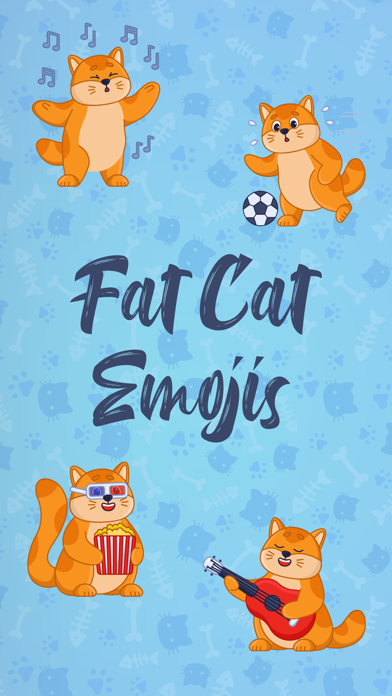
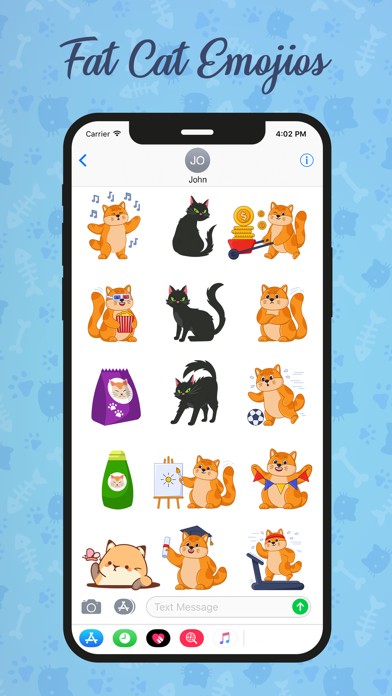
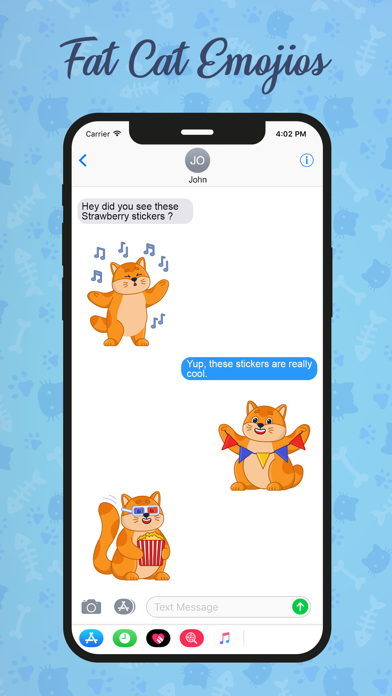
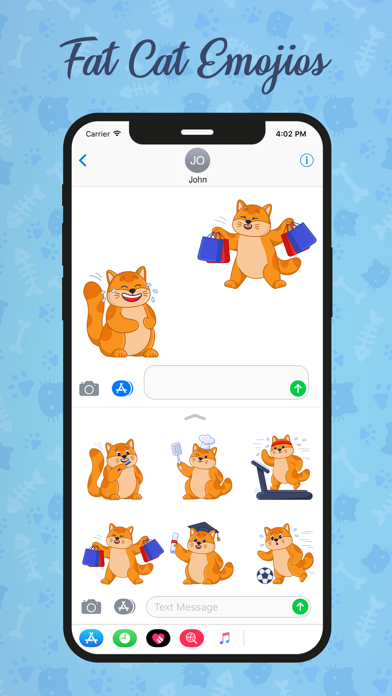
Description by Jai Parkash Written by the developer, not by AppBrain. Click to read.
How to use stickers:
- Open iMessage from your iPhone.
- Tap on App Store icon.
- Tap on four oval icon to see app drawer.
- Tap on + button icon to access message app store, then manage app.
- Select the your app's sticker
- Just with a single tap send stickers.
- Peel and Place stickers on top of message bubbles or photos, just tap, hold and drop!.
- Add stickers over each other in conversations in iMessage.
- Scale & Rotate stickers by using a another finger before you place it on a bubble.