

FGB Banking
FGB Banking is made and published by Freie Gemeinschaftsbank Genossenschaft. AppBrain is an independent app data site and isn't affiliated with Freie Gemeinschaftsbank Genossenschaft. The app name, icon, screenshots and description belong to Freie Gemeinschaftsbank Genossenschaft and are shown as published on the App Store.
AppBrain's verdict
- Last updated
- August 4, 2026
Rankings
App Store top chartsApp Store Rankings for FGB Banking
Competitors
Similar apps and more from Freie Gemeinschaftsbank GenossenschaftAlternatives to FGB Banking


Releases
Updates seen on the App Store- Version
- 3.58.3
- Launched
- June 2020
No changelog data
User feedback
Ratings and reviews on the App StoreComments on FGB Banking for iOS
We don't have enough comments to show example comments. Please check back later.
Technology
Found in the app by AppBrain- Price
- Free
- App size
- 25.5 MB
- Content rating
- Everyone
Technologies used by FGB Banking
About the app and developer
About FGB Banking
FGB Banking is a finance app developed by Freie Gemeinschaftsbank Genossenschaft.
User Ratings
The app has no ratings yet.
App Information
FGB Banking is freely available from the App Store. The app size is 25.54 MB. The latest version available is 3.58.3. The last update was on August 4, 2026.
Technical Requirements
The app has a content rating of Everyone. The app has been available on the App Store since June 2020.
Developer information for Freie Gemeinschaftsbank Genossenschaft
Store listing
By Freie Gemeinschaftsbank Genossenschaft, from the App Store

Description by Freie Gemeinschaftsbank Genossenschaft Written by the developer, not by AppBrain. Click to read.
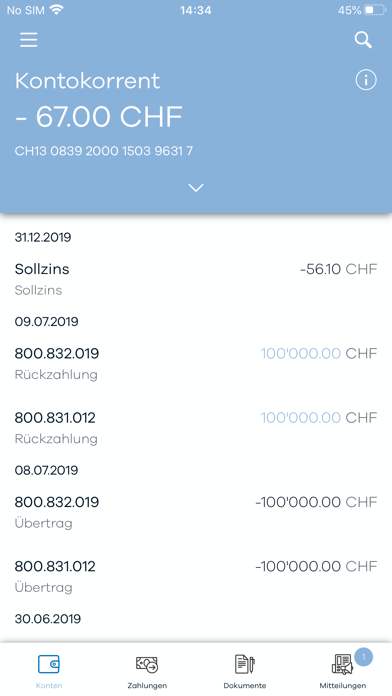
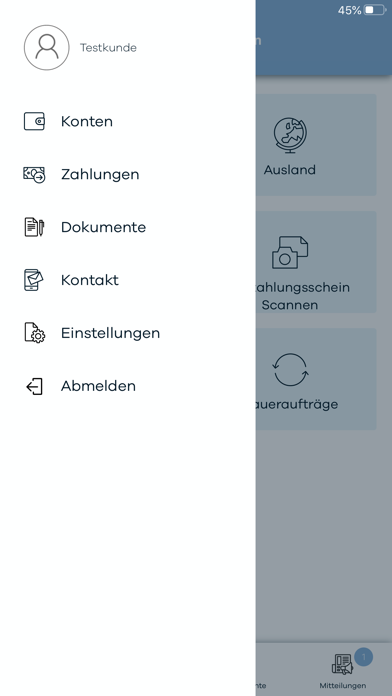
– Übersicht über Ihre Konten
– Kontoauszug und Details zu den Buchungen
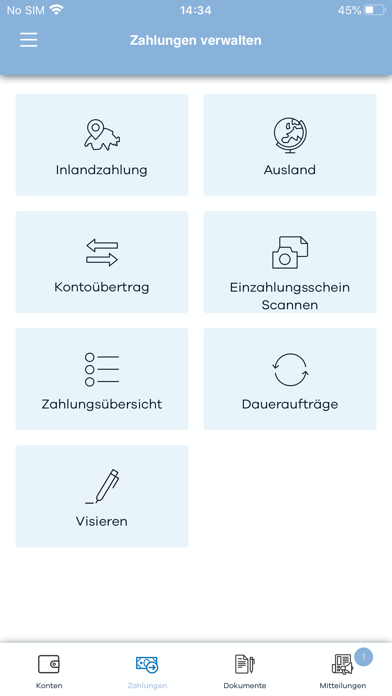
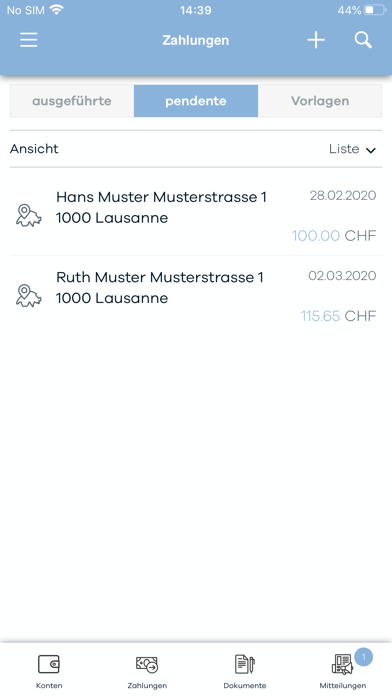
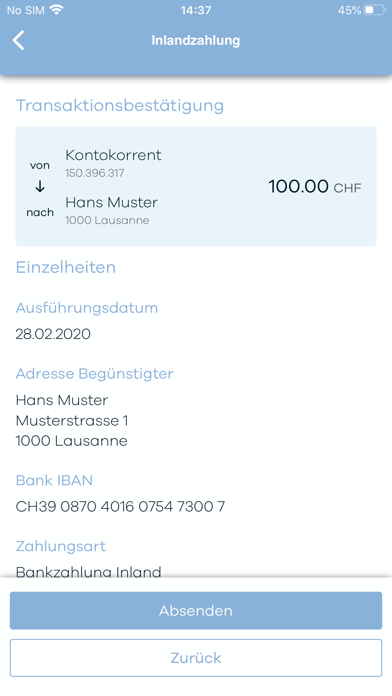
– Zahlungsverkehr mit integriertem QR-Rechnung-Scanner
– News und Mitteilungen
– Kontaktformular
– Kontaktinformationen und Notfall-Nummern
– Direkte Anzeige Ihrer Dokumente in FGB Banking
Sicherheit
– FGB Banking verschlüsselt automatisch die Übertragung aller angezeigten Daten
– Sicheres Login Verfahren mit Zweifaktorauthentisierung
– Schützen Sie Ihr Mobilgerät mit einem PIN Code.
– Verwenden Sie die automatische Sperre und die Code-Sperre Ihres Mobilgerätes um es vor einem Zugriff durch Unberechtigte zu schützen.
– Lassen Sie Ihr Mobilgerät nicht unbeaufsichtigt
– Geben Sie die PIN nie an Dritte weiter, auch nicht, wenn Sie von jemandem via E-Mail aufgefordert werden sollten.