File Cabinet Lite is an utilities app developed by App Tyrant Corp.
What is the rating of File Cabinet Lite?
File Cabinet Lite has no ratings yet.
Is File Cabinet Lite free?
File Cabinet Lite is free. The app size is 9.76 MB. The latest version available is 8.8.3. The last update was on May 13, 2026.
What are the requirements for File Cabinet Lite?
The app has a content rating of Everyone. The app has been available on the App Store since November 2016.
Description by App Tyrant Corp(from the App Store)
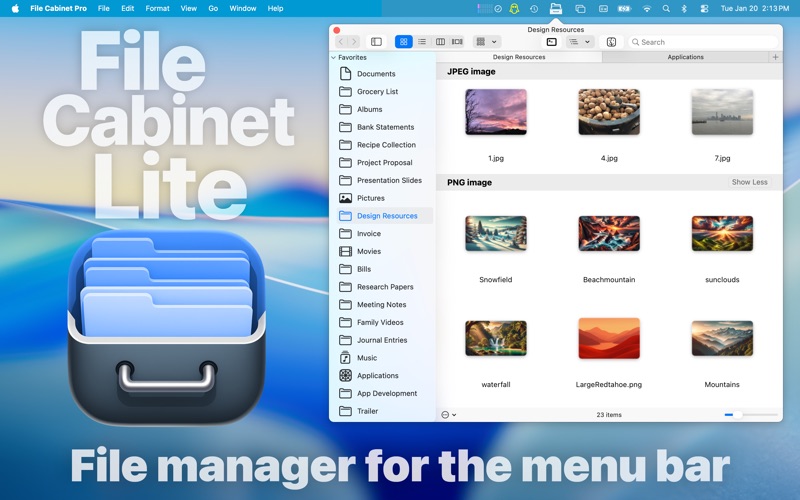
File Cabinet Lite is the lite version of File Cabinet Pro, the file manager for the macOS menu bar. With File Cabinet Lite you can view files directly from the menu bar. File Cabinet Lite is also a document-based application that ships with a built-in text editor, image viewer, pdf viewer, and media player.
After downloading File Cabinet Lite, you will be able to use all features available in File Cabinet Pro without limitation for 30 days. After 30 days has passed, you can use the app in "Viewer Mode." You can get all pro features for an unlimited period of time via a single In-App Purchase.
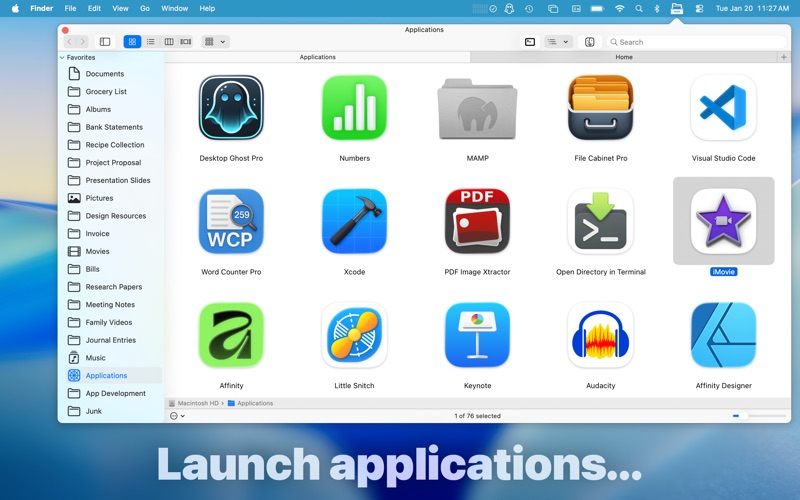
***Pro Features In-App Purchase*** Open, move, rename, compress, tag, trash, copy and paste files, all from the menu bar. You can open many file types natively within the app or open files by launching other applications. It's easy to click into directories in icon view, drill through directories in list view, or navigate the file tree in column view.
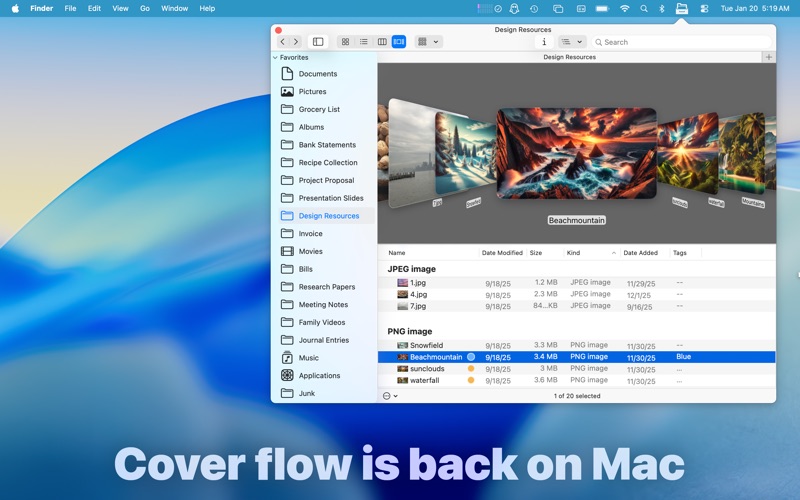
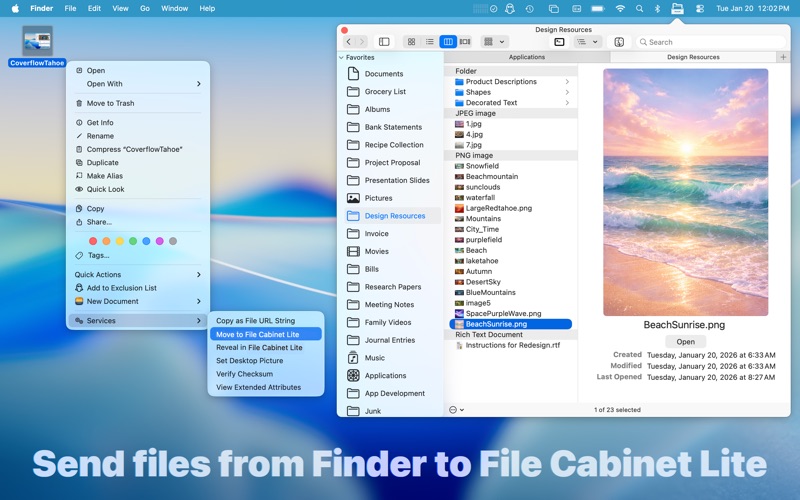
***Pro Features List*** ∙Create subdirectories. ∙Click into subdirectories and open documents. ∙Open directories in new tabs. ∙Tag files easily. Select files in the app, right click, and then simply add or remove file tags from the control in the context menu. ∙Show selected files in Finder. ∙Rename files. ∙Copy and paste files. ∙Compress files. ∙Trash files. ∙View items as icons, in a list, or in columns. ∙Launch the application at login. You can have the app automatically launch when you login to your Mac (optional feature, disabled by default). ∙Create a list of all your favorite directories in the sidebar. ∙Create and edit txt, rtf, and rtfd files using the built in lightweight text editor. ∙Create audio recordings. ∙Rotate images, crop images, and apply filters to images using the built in lightweight image editor. ∙Watch video and play audio files using the built in media player. ∙View pdf files using the built in pdf viewer. ∙Revert document versions for supported editable document types. ∙Set a Global Hotkey for showing and closing the app's window (optional feature, disabled by default). ∙Preview selected files in Quicklook by pressing the spacebar. ∙Share files in apps that support Sharing extensions like Mail and Messages. ∙Create text documents from Finder using File Cabinet Lite's Document Creator Finder Extension (Note: To use this feature, you have to enable the Finder extension in System Preferences under the "Extensions" tab). ∙Verify the SHA256, SHA1, or MD5 checksum of files using the "View Checksum in File Cabinet Lite" Service. ∙Save .webarchive files in File Cabinet Lit via the "Save Web Archive in File Cabinet Lite" Service. ∙Save website shortcuts (.webloc files) in File Cabinet Lite via the "Save Web Location in File Cabinet Lite" Service. ∙Save emails as RTF files directly in File Cabinet Lite from the Mail app via the "Save Email Contents in File Cabinet Lite" Service. ∙Save screenshots directly to File Cabinet Pro via the "Take screenshot to File Cabinet Lite" Service. ————————————
File Cabinet Lite supported document editors and viewer include:
TEXT DOCUMENTS: -Plain text files (txt) -Rich Text Format (rtf) -Rich Text Format Directory (rtfd) -Markdown (md) -Portable Document Format (pdf)
IMAGE DOCUMENTS: -Portable Network Graphics (png) -Joint Photographic Experts Group (jpeg) -Tagged Image File Format (tiff, tif) -Bitmap image file (bmp) -Photoshop File Format (psd) Import only -Scalable Vector Graphics (svg) Import only
Each subscription will automatically renew 3 days before the expiration date for
the same time period. Subscriptions can be cancelled at any time before the renewal.