

Find Missing Number Addition
Find Missing Number Addition is made and published by Blooming Kids Software LLC. AppBrain is an independent app data site and isn't affiliated with Blooming Kids Software LLC. The app name, icon, screenshots and description belong to Blooming Kids Software LLC and are shown as published on the App Store.
AppBrain's verdict
- Last updated
- January 7, 2026
Rankings
App Store top chartsApp Store Rankings for Find Missing Number Addition
Competitors
Similar apps and more from Blooming Kids Software LLCAlternatives to Find Missing Number Addition




 Learning games for toddler.s



More from Blooming Kids Software LLC


Releases
Updates seen on the App Store- Version
- 1.4
- Launched
- February 2019
No changelog data
User feedback
Ratings and reviews on the App StoreComments on Find Missing Number Addition for iOS
We don't have enough comments to show example comments. Please check back later.
Technology
Found in the app by AppBrain- Price
- $2.99
- App size
- 75.7 MB
- Content rating
- Everyone
Technologies used by Find Missing Number Addition
About the app and developer
About Find Missing Number Addition
Find Missing Number Addition is an education app developed by Blooming Kids Software LLC.
User Ratings
The app has no ratings yet.
App Information
Find Missing Number Addition costs $2.99. The app size is 75.65 MB. The latest version available is 1.4. The last update was on January 7, 2026.
Technical Requirements
The app has a content rating of Everyone. The app has been available on the App Store since February 2019.
Developer information for Blooming Kids Software LLC
Address:
Store listing
By Blooming Kids Software LLC, from the App Store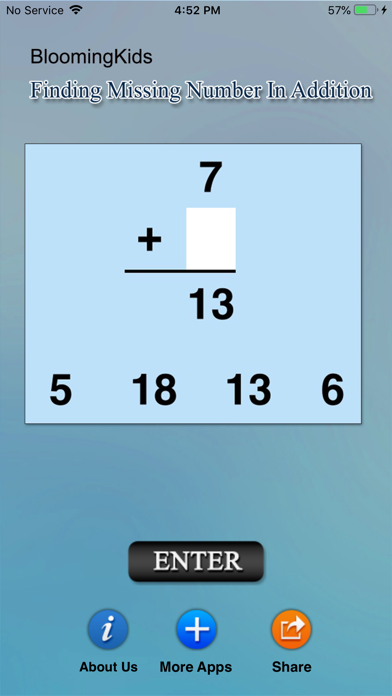
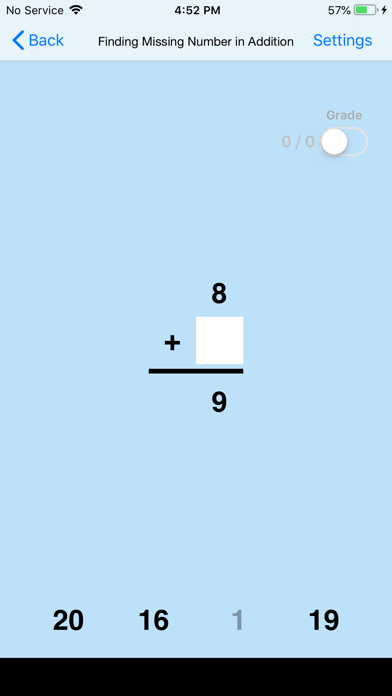
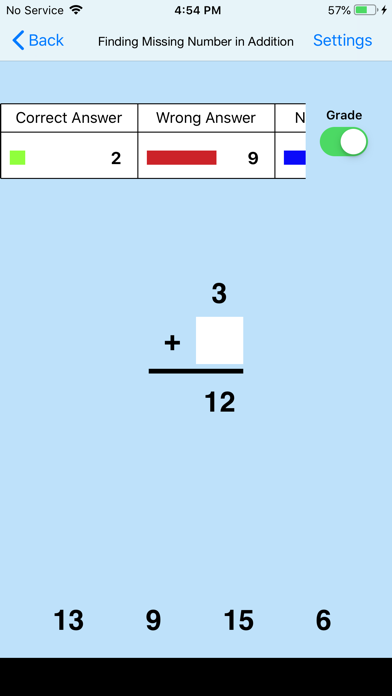

Description by Blooming Kids Software LLC Written by the developer, not by AppBrain. Click to read.
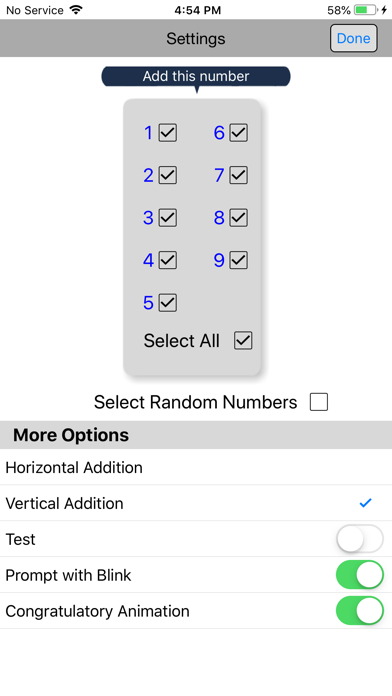
Setting
Training
This option is selected by default. When this is selected, the program can be used to train the student.
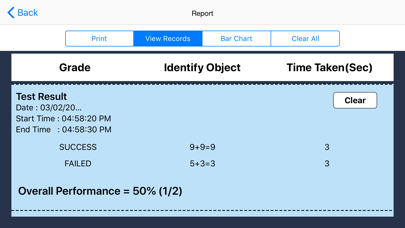
Test
Select this option to measure the student's progress. The “Report" button is in the Setting. The prompts are disabled for "Test” mode.
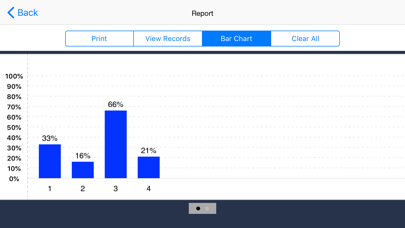
Report
This displays results of the Test.
Vertical Addition
If this is selected then the number statement at the top of the screen will be arranged vertically.
Horizontal Addition
If this is selected then the number statement at the top of the screen will be arranged horizontally.
Prompt(Blink)
This is checked by default. If the student fails to find the correct answer within ten seconds, the program guides him/her to the correct choice by making the correct choice blink. This is available for “Training" mode but disabled for “Test" mode.
Uncheck this box if the prompt is not needed in “Training" mode.
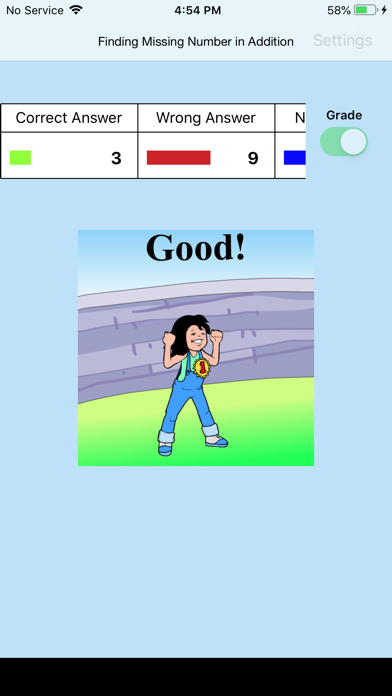
Congratulatory Animation
If this is selected, then any and all of the numbers in this box will be used. To deselect this choice, click it again and selection will be ended.
Select Random Numbers
If this is selected, then the program will choose the numbers to be used in the problems.