

FineReader: PDF Scanner & OCR
FineReader: PDF Scanner & OCR is made and published by ABBYY USA Software House Inc. AppBrain is an independent app data site and isn't affiliated with ABBYY USA Software House Inc. The app name, icon, screenshots and description belong to ABBYY USA Software House Inc and are shown as published on the App Store.
AppBrain's verdict
EstablishedLoved by users- Best rank
- #46
- Top Grossing, Poland
- Rating on App Store
- 4.75
- 19,359 ratings
- Last updated
- September 1, 2026
Users love it: 4.7 stars from 19,359 ratings. Its best ranking is #46 in Top Grossing, Business in Poland.
Rankings
App Store top charts- Highest rank
- #46
- Chart
- Top Grossing
- Business
- Country
- Poland
App Store Rankings for FineReader: PDF Scanner & OCR
Top rankings
| Rank | Country | Category | List |
|---|---|---|---|
| 80 | Germany | Business | Top Grossing |
| 46 | Poland | Business | Top Grossing |
| 54 | Czech Republic | Business | Top Grossing |
Ranking history in Germany
Competitors
Similar apps and more from ABBYY USA Software House IncAlternatives to FineReader: PDF Scanner & OCR


 Text Capture: Image to Text


More from ABBYY USA Software House Inc



Releases
Updates seen on the App Store- Version
- 16.0.3
- Launched
- July 2012
No changelog data
User feedback
Ratings and reviews on the App StoreComments on FineReader: PDF Scanner & OCR for iOS
We don't have enough comments to show example comments. Please check back later.
Technology
Found in the app by AppBrain- Price
- Free
- App size
- 129.5 MB
- Content rating
- Everyone
Technologies used by FineReader: PDF Scanner & OCR
About the app and developer
About FineReader: PDF Scanner & OCR
FineReader: PDF Scanner & OCR is a business app developed by ABBYY USA Software House Inc.
What is the rating of FineReader: PDF Scanner & OCR?
FineReader: PDF Scanner & OCR is rated 4.75 out of 5 stars, based on 19 thousand ratings.
Is FineReader: PDF Scanner & OCR free?
FineReader: PDF Scanner & OCR is free. The app size is 129.54 MB. The latest version available is 16.0.3. The last update was on September 1, 2026.
What are the requirements for FineReader: PDF Scanner & OCR?
The app has a content rating of Everyone. The app has been available on the App Store since July 2012.
Developer information for ABBYY USA Software House Inc
Address:
Frequently asked questions about FineReader: PDF Scanner & OCR
Is FineReader: PDF Scanner & OCR free?
Yes. FineReader: PDF Scanner & OCR is free on the App Store.
Is FineReader: PDF Scanner & OCR still available?
Yes. FineReader: PDF Scanner & OCR is on the App Store, and the last update we saw was on September 1, 2026.
How large is FineReader: PDF Scanner & OCR?
FineReader: PDF Scanner & OCR is 129.54 MB.
Is FineReader: PDF Scanner & OCR suitable for children?
App Store rates the content of FineReader: PDF Scanner & OCR as suitable for everyone.
How do people rate FineReader: PDF Scanner & OCR?
FineReader: PDF Scanner & OCR scores 4.75 out of 5 stars, from 19,359 ratings on the App Store.
Who made FineReader: PDF Scanner & OCR?
FineReader: PDF Scanner & OCR was developed by ABBYY USA Software House Inc. It is listed in the business category on the App Store.
What are the best alternatives to FineReader: PDF Scanner & OCR?
People looking at FineReader: PDF Scanner & OCR also look at these business apps: Scanner App: Fast PDF Doc Scan, Scanner PDF – scan document, Scanner Mini – Scan PDF & Fax, PDF Pro - Reader Editor Forms, Document Scanner · Scan to PDF.
Store listing
By ABBYY USA Software House Inc, from the App Store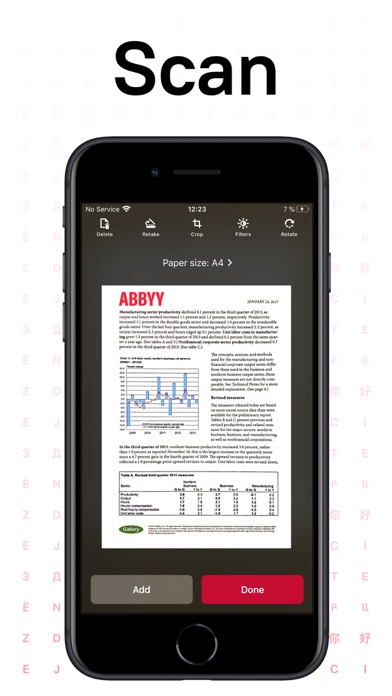
Description by ABBYY USA Software House Inc Written by the developer, not by AppBrain. Click to read.
FineReader PDF - the top mobile scanner for iPhone or iPad from ABBYY, a Digital Intelligence company.
*** Ranked #1 Business application in 98 countries ***
*** Winner of SUPERSTAR Award in the "Document Capture" category in the Mobile Star Awards ***
Use FineReader PDF to scan paper documents, books, agreements, receipts, magazine articles, notes, recipes, charts, tables, slides, whiteboards, or even billboards on the street and get perfect digital copies.
KEY FEATURES
• PDF & JPEG. Scan any text and save scans to JPEG images or cross-platform PDF documents.
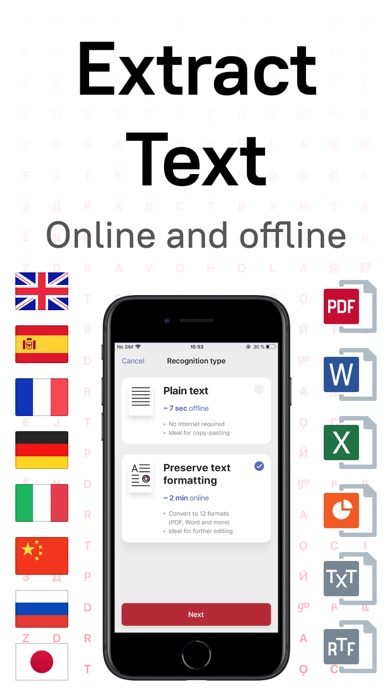
• OFFLINE OCR. Quickly extract text from scans into TXT format on your device without an internet connection.
• ONLINE OCR. Recognize text (OCR) on scans in 183 languages (including Latin, Cyrillic, Chinese, Japanese, and Korean alphabets) and choose from among 4 output formats.
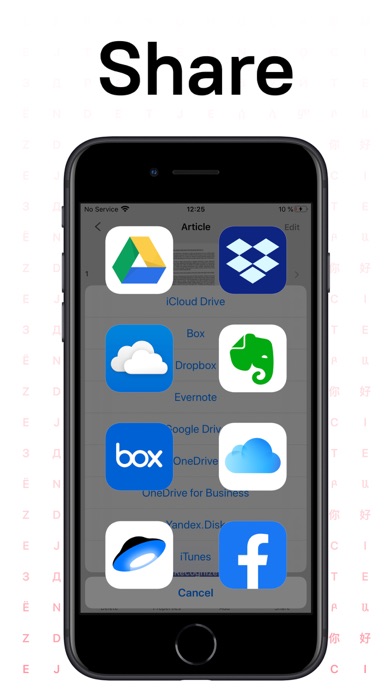
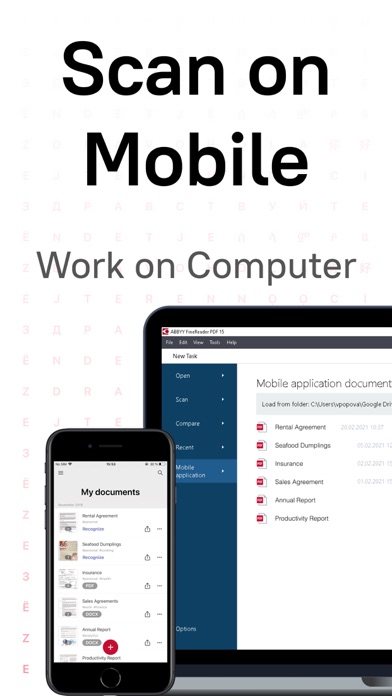
• SHARE & EXPORT. Send results by email, to FineReader PDF for Windows, save in cloud storages - iCloud Drive, Dropbox, Google Drive, Yandex.Disk, Evernote, OneDrive for Business, and more.
• LIVE TEXT. Make phone calls, send emails, follow the links, and more from scanned docs.
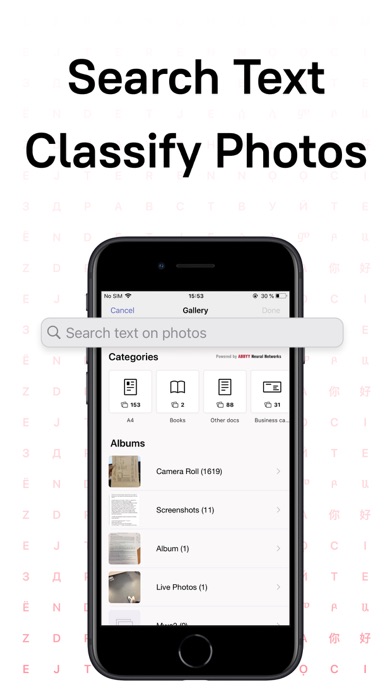
• ABBYY NEURAL NETWORK. The smart gallery will automatically classify documents into 7 types: A4, books, business cards, handwritten, IDs, other docs, and receipts.
• SEARCH TEXT ON PHOTOS. Type the text from a photo into a Search field in the gallery. FineReader PDF will find photos that have this text.
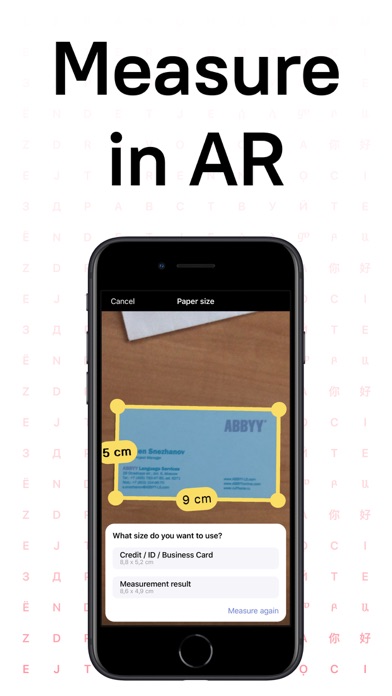
• AR RULER. Define doc size in AR. It will be useful for non-standard documents and further printing them out in proper proportions.
• SIRI SHORTCUTS. Open scans with Siri and set the flow of actions with scans using Shortcuts app.
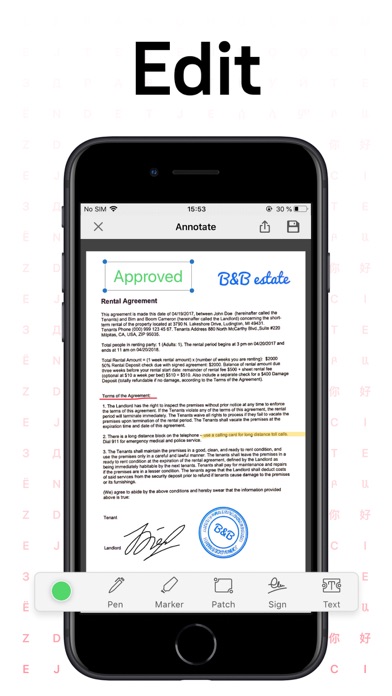
• ANNOTATE SCANS. Discover a set of easy-to-use tools to modify your PDFs: add your signature or a text box, use a highlighter, write with a pen, or conceal content with the redaction tool.
• 3D TOUCH & SPOTLIGHT SEARCH SUPPORT.
• PASSWORD ON PDF. Add a password for the image-only PDF files while exporting and sending via email.
• MULTIPAGE DOCS. Create, edit, and enhance separate images or large multi-page documents without any additional selection on the viewfinder.
• AUTO-CAPTURE AND FILTERS. Excellent visual quality with auto-capture of page boundaries and advanced image filters, which process scans in color, greyscale, or black-and-white versions.
• BUILT-IN FILE STORAGE. Save scans inside the app with tags and search capabilities.
• Transfer docs to your Mac or PC using Home Sharing.
• AIRPRINT. Print out scans directly from your iPhone or iPad.
Read us:
abbyy.com/blog/mobile
Facebook.com/ABBYYsoft
Twitter @ABBYY_Software
YouTube.com/ABBYYvideos
Do you like FineReader PDF? Please leave a review!