

Fire AI Cast TV
Fire AI Cast TV is made and published by TVSMART.APP. AppBrain is an independent app data site and isn't affiliated with TVSMART.APP. The app name, icon, screenshots and description belong to TVSMART.APP and are shown as published on the App Store.
AppBrain's verdict
- Rating on App Store
- 3.56
- 9 ratings
- Last updated
- March 11, 2024
It doesn't have enough ratings yet to judge what users think.
Rankings
App Store top chartsApp Store Rankings for Fire AI Cast TV
Competitors
Similar apps and more from TVSMART.APPAlternatives to Fire AI Cast TV





More from TVSMART.APP


Releases
Updates seen on the App Store- Version
- 1.0
- Launched
- March 2024
No changelog data
User feedback
Ratings and reviews on the App StoreComments on Fire AI Cast TV for iOS
We don't have enough comments to show example comments. Please check back later.
Technology
Found in the app by AppBrain- Price
- Free
- App size
- 123.4 MB
- Content rating
- High
Technologies used by Fire AI Cast TV
About the app and developer
About Fire AI Cast TV
Fire AI Cast TV is a productivity app developed by TVSMART.APP.
What is the rating of Fire AI Cast TV?
Fire AI Cast TV is rated 3.56 out of 5 stars, based on 9 ratings.
Is Fire AI Cast TV free?
Fire AI Cast TV is free. The app size is 123.42 MB. The latest version available is 1.0. The last update was on March 11, 2024.
What are the requirements for Fire AI Cast TV?
The app has a content rating of High Maturity. The app has been available on the App Store since March 2024.
Developer information for TVSMART.APP
Address:
Frequently asked questions about Fire AI Cast TV
Is Fire AI Cast TV free?
Yes. Fire AI Cast TV is free on the App Store.
Is Fire AI Cast TV still available?
Yes. Fire AI Cast TV is on the App Store, and the last update we saw was on March 11, 2024.
How large is Fire AI Cast TV?
Fire AI Cast TV is 123.42 MB.
Is Fire AI Cast TV suitable for children?
App Store gives Fire AI Cast TV a high maturity rating. It is meant for adults.
How do people rate Fire AI Cast TV?
Fire AI Cast TV scores 3.56 out of 5 stars, from 9 ratings on the App Store.
Who made Fire AI Cast TV?
Fire AI Cast TV was developed by TVSMART.APP. It is listed in the productivity category on the App Store.
What are the best alternatives to Fire AI Cast TV?
People looking at Fire AI Cast TV also look at these productivity apps: Authenticator ® App, Plantex 360, Carbridge - Car Remote & Play, GMA RehearsalBuddy, AndaCloud.
Store listing
By TVSMART.APP, from the App Store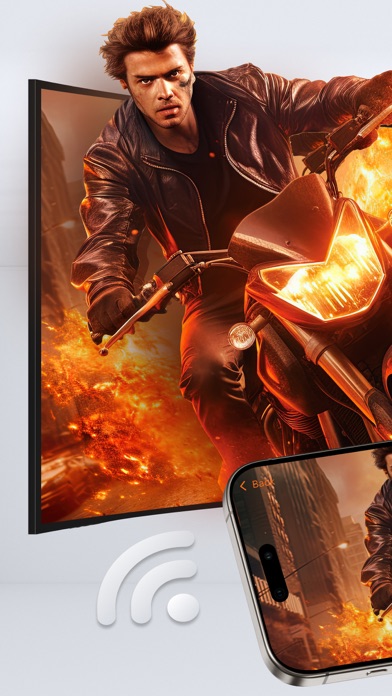
Description by TVSMART.APP Written by the developer, not by AppBrain. Click to read.
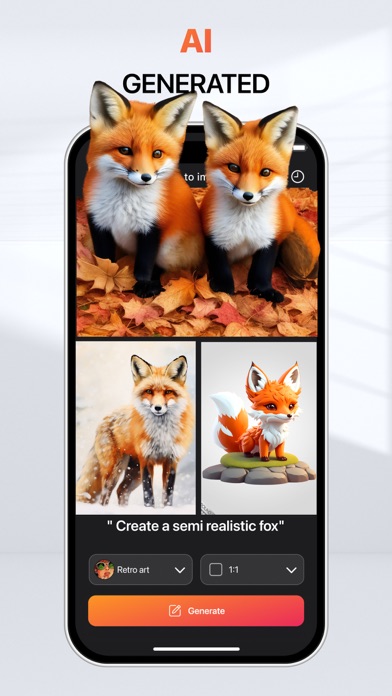
Just type in a text prompt and in just a few seconds you’ll have a beautiful, unique photos that the world has never seen before and then mirror them to Smart TV!
Image AI Generated - Cast to TV
AI generated feature utilizes artificial intelligence to transform text descriptions into corresponding images swiftly and accurately. This feature streamlines content creation processes, saving time and enhancing visual communication across various applications, from storytelling to design projects. Once AI has created your photographs, you can instantly cast them on a large screen TV to share with your friends.
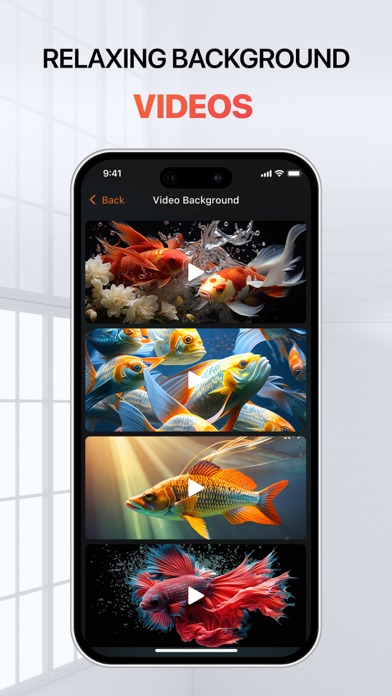
Relaxing Background Videos - TV Cast
You can easily search and choose from millions of ASMR videos. High quality backgrounds - you can pick a calm garden scene, a relaxing indoor fountain or a goldfish aquarium. And above all you can enjoy it in the big screen TV through the screen mirroring feature.
Fire AI Cast Apps to TV
With the Fire AI Apps feature, you will find a variety of application. You can access to your favorite apps and channels with one click.
KEY FEATURES of Fire AI Cast TV:
• Image AI Generated Cast to TV
• Relaxing Background Videos - TV Cast
• Screen Mirroring - Smart View TV
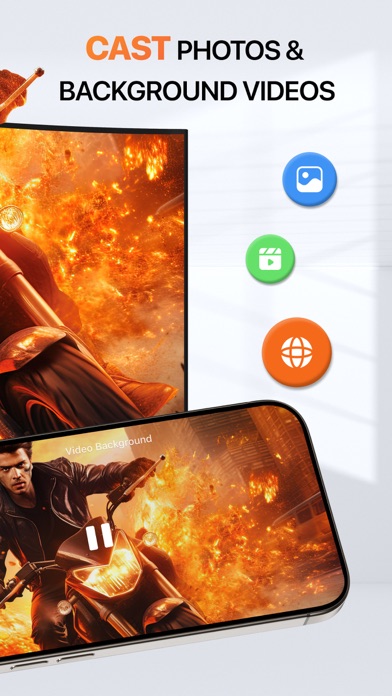
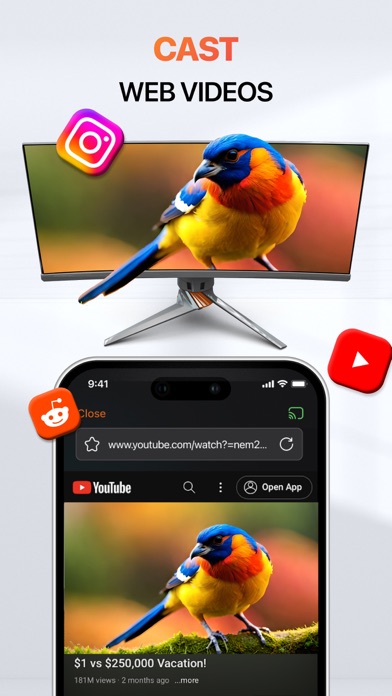
• Cast Web Videos & Photos
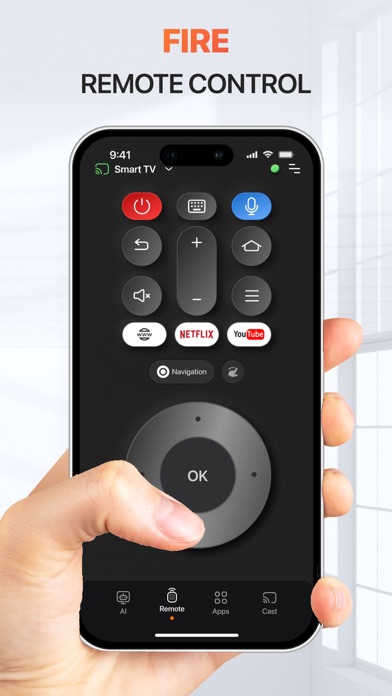
• TV Remote Control by Fire AI
• Fire AI Cast Apps to TV
Download Fire AI Cast TV now and discover fantastic features!
How to use Fire AI Cast TV:
1. Allow connection to the device on your local network
2. Ensure that your devices are on the same Wi-Fi network. Notice that you have to make sure to turn off all VPN and Proxy.
3. Open "Fire AI Cast TV " and connect to TV-compatible devices. Remember to give permission to connect your TV device to your phone.
4. After connecting successfully with Smart TV, the app is now ready to use: image AI generator, screen mirroring photos & background videos, Fire AI remote control and more.
SUBSCRIPTION PRICING & TERMS
- Payment will be charged to your iTunes Account as soon as you confirm your purchase.
- You can manage your subscriptions and turn off auto-renewal from your Account Settings after the purchase.
- Subscriptions will renew automatically unless you turn off auto-renew at least 24 hours before the end of the current period. The renewal cost will be charged to your account 24 hours before the end of the current period.
- When canceling a subscription, your subscription will stay active until the end of the period. Auto-renewal will be disabled, but the current subscription will not be refunded.
If offered, any unused portion of a free trial period will be forfeited when purchasing a subscription.
DISCLAIMER: This application is not affiliated with nor endorsed by any aforementioned brand, and it is not an official product of it or of its affiliates.
Privacy Policy: https://smarttvcast-screenmirroring.web.app/policy.html
Terms of Service: https://smarttvcast-screenmirroring.web.app/term.html