FireApp - TV Remote Control
FireApp - TV Remote Control is made and published by ZipoApps. AppBrain is an independent app data site and isn't affiliated with ZipoApps. The app name, icon, screenshots and description belong to ZipoApps and are shown as published on the App Store.
AppBrain's verdict
Well rated- Rating on App Store
- 4.31
- 418 ratings
- Last updated
- August 22, 2026
Users rate it well: 4.3 stars from 418 ratings.
Rankings
App Store top chartsApp Store Rankings for FireApp - TV Remote Control
Competitors
Similar apps and more from ZipoAppsAlternatives to FireApp - TV Remote Control
More from ZipoApps
Releases
Updates seen on the App Store- Version
- 1.2.2
- Launched
- October 2023
No changelog data
User feedback
Ratings and reviews on the App StoreComments on FireApp - TV Remote Control for iOS
We don't have enough comments to show example comments. Please check back later.
Technology
Found in the app by AppBrain- Price
- Free
- App size
- 192.3 MB
- Content rating
- Everyone
Technologies used by FireApp - TV Remote Control
About the app and developer
About FireApp - TV Remote Control
FireApp - TV Remote Control is an utilities app developed by ZipoApps.
What is the rating of FireApp - TV Remote Control?
FireApp - TV Remote Control is rated 4.31 out of 5 stars, based on 420 ratings.
Is FireApp - TV Remote Control free?
FireApp - TV Remote Control is free. The app size is 192.30 MB. The latest version available is 1.2.2. The last update was on August 22, 2026.
What are the requirements for FireApp - TV Remote Control?
The app has a content rating of Everyone. The app has been available on the App Store since October 2023.
Developer information for ZipoApps
Address:
Store listing
By ZipoApps, from the App StoreDescription by ZipoApps Written by the developer, not by AppBrain. Click to read.
Functionality:
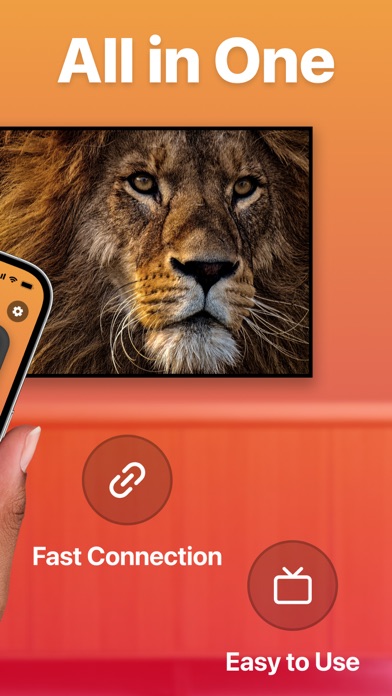
— Enjoy a fully functional remote control at your fingertips.
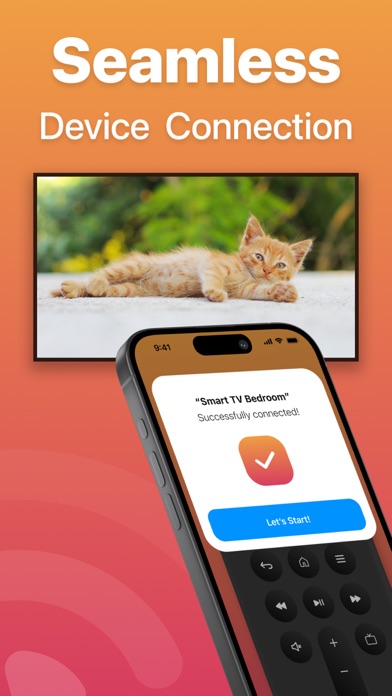
— Experience automatic device connection for hassle-free setup.
— Navigate with ease using the touchpad for menu exploration and quick typing on web apps.
— Adjust the volume up or down effortlessly.
— Simplify your searches with the built-in keyboard.
— Power off your TV with a single tap.
— Stay up-to-date with regular updates to support a wide range of new TV models.
To utilize this remote control, ensure that your iOS device and TV are connected to the same Wi-Fi network.
— If the connection encounters any issues, try restarting your iPhone, Smart TV, and Wi-Fi router for a smoother experience.
Subscription Details:
— Payment will be charged to your iTunes Account upon confirmation of purchase.
— Subscriptions will automatically renew unless you turn off auto-renew at least 24 hours before the current period ends.
— Your account will be charged for renewal within 24 hours before the current subscription period concludes, specifying the renewal cost.
— Manage your subscriptions and disable auto-renewal by accessing your Account Settings after purchase.
— Any remaining time from a free trial period, if offered, will be forfeited upon purchasing a subscription to the respective publication, where applicable.
Terms of Use: https://zipoapps.com/fireappcontrolios/terms/
Privacy Policy: https://zipoapps.com/fireappcontrolios/privacy/