

GameGlass is made and published by GameGlass. AppBrain is an independent app data site and isn't affiliated with GameGlass. The app name, icon, screenshots and description belong to GameGlass and are shown as published on the App Store.
AppBrain's verdict
Established- Rating on App Store
- 4.04
- 50 ratings
- Last updated
- February 13, 2026
It doesn't have enough ratings yet to judge what users think.
Rankings
App Store top chartsApp Store Rankings for GameGlass
Competitors
Similar apps and more from GameGlassAlternatives to GameGlass



Releases
Updates seen on the App Store- Version
- 5.1.2
- Launched
- April 2019
No changelog data
User feedback
Ratings and reviews on the App StoreComments on GameGlass for iOS
We don't have enough comments to show example comments. Please check back later.
Technology
Found in the app by AppBrain- Price
- Free
- App size
- 29.3 MB
- Content rating
- Everyone
Technologies used by GameGlass
About the app and developer
About GameGlass
GameGlass is an utilities app developed by GameGlass.
User Ratings
GameGlass is rated 4.04 out of 5 stars. The rating is based on 50 ratings.
App Information
GameGlass is freely available from the App Store. The app size is 29.29 MB. The latest version available is 5.1.2. The last update was on February 13, 2026.
Technical Requirements
The app has a content rating of Everyone. The app has been available on the App Store since April 2019.
Developer information for GameGlass
Address:
Store listing
By GameGlass, from the App Store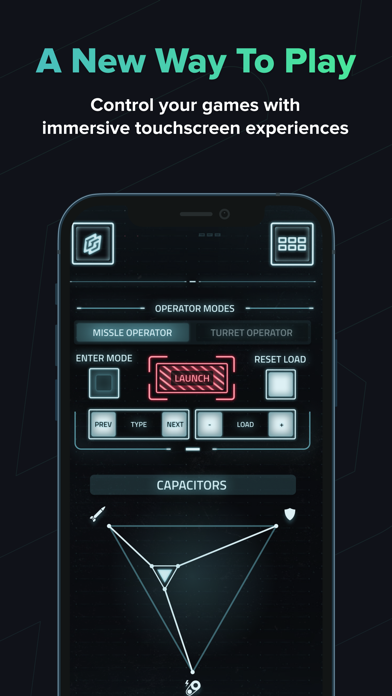


Description by GameGlass Written by the developer, not by AppBrain. Click to read.
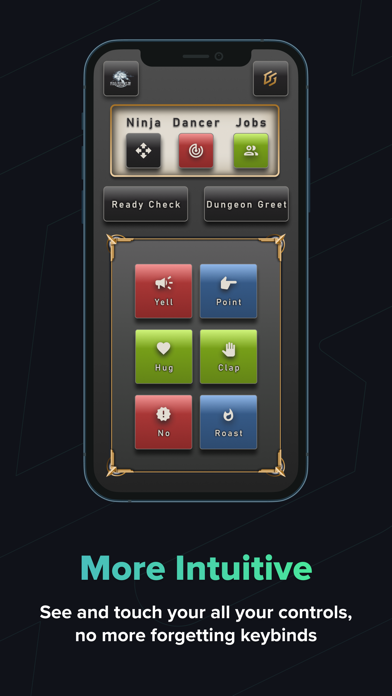
Shards let you use intuitive touch controls that include dynamic interactions and animations. Switches, buttons, toggles, sliders and more allow you to see your controls laid out clearly. Beautiful designs for a wide variety of game genres make them feel immersive.
Once you download the host application and create an account on our website, you will be able to access our "Forge" editor which allows you to create, modify, and download other users shards.
Every Shard is customizable. With our flexible Action Manager you can assign keybinds, mouse clicks, delays, sound effects and more. You can even combine actions to create powerful macros and automations. Want a different layout, or more buttons - you can move, delete and add parts to create the perfect Shard for any game.
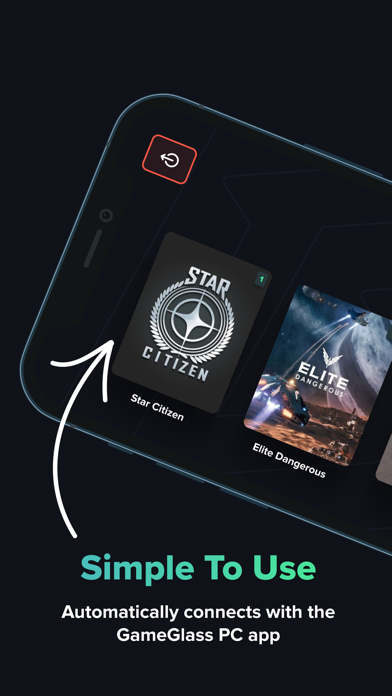
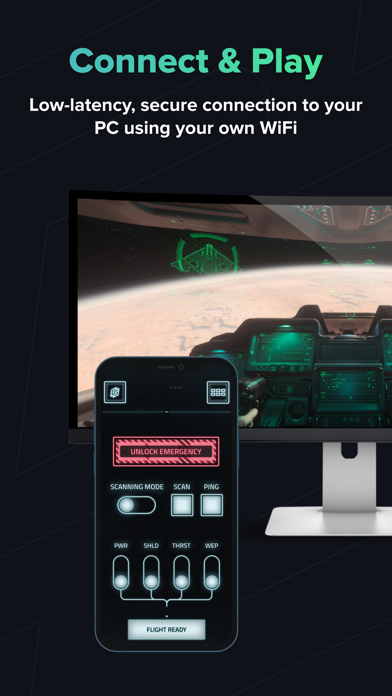
Setup is super easy - simply download Shards or create your own, then connect to the GameGlass desktop app. Commands are sent directly to your game via a secure, ultra low-latency connection using your own WiFi.